GNOME Terminal
The default terminal emulator for the GNOME desktop environment.

Platform:
linuxLanguage:
Source Code Availability:
Open Source (GPL-3)
Development State:
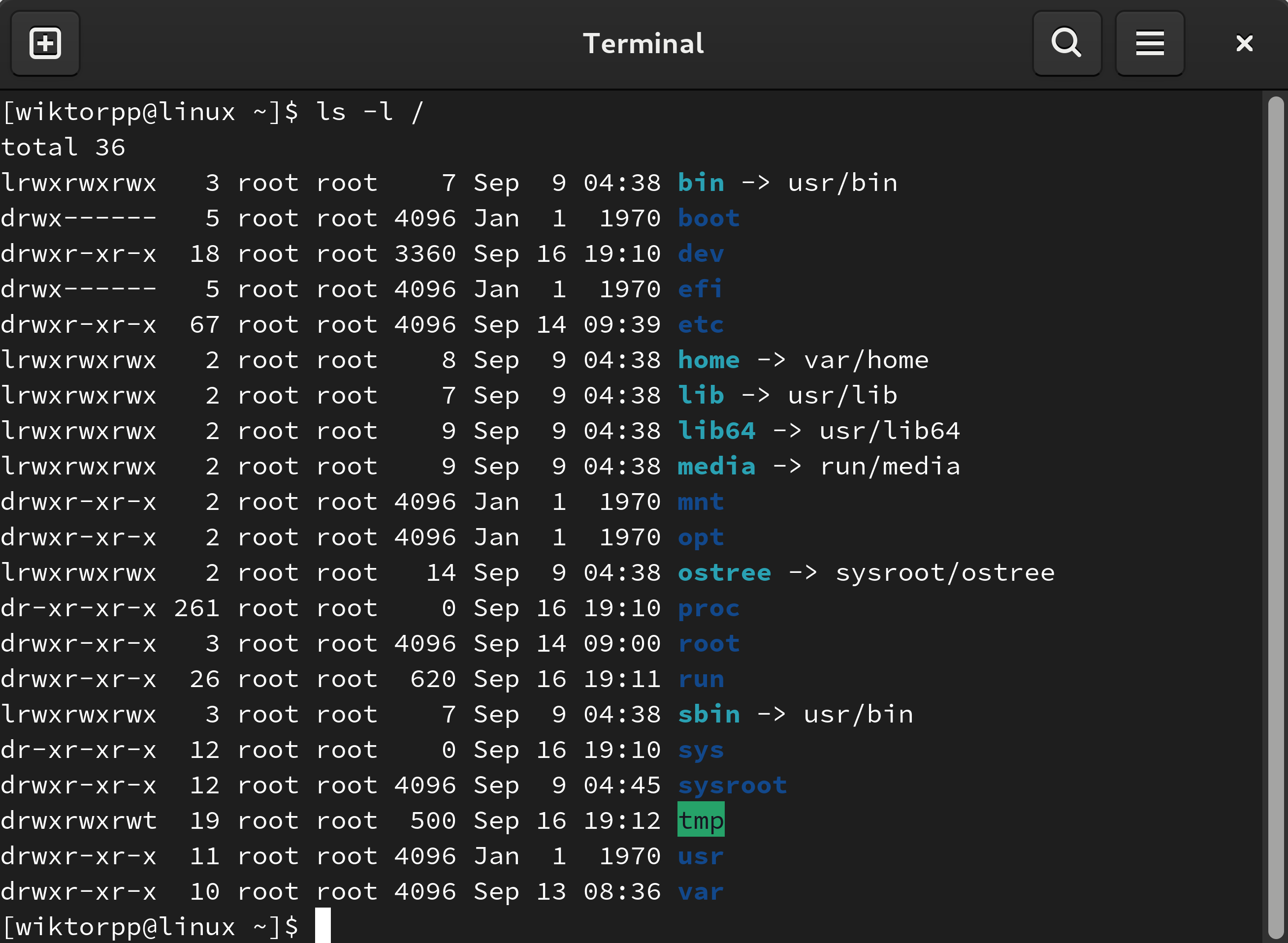
GNOME Terminal is the standard terminal emulator for the GNOME desktop. It opens shells and terminal apps in a GTK interface, with the official help pages covering its core behaviour and settings.
It supports multiple tabs in one window, saved profiles, custom fonts and colors, text search, link handling, and copy and paste.
You can also change startup commands, shell behaviour, and shortcut settings. See the source repository and the GNOME help docs for the upstream project.
It also lets you save terminal output, choose whether new sessions open in tabs or windows, and adjust profile level preferences without leaving the app.
Features








How to install GNOME Terminal
GNOME Terminal is often already installed on GNOME based Linux systems. If it is missing, install the gnome-terminal package from your distro.
On Debian or Ubuntu, run sudo apt install gnome-terminal. On Fedora, run sudo dnf install gnome-terminal. On Arch Linux, run sudo pacman -S gnome-terminal.
You can verify the package name on the Debian package page, the Fedora package page, and the Arch package page. Upstream source is available in the GNOME GitLab repository.
Compare GNOME Terminal With:









Request Information Update
Notice something outdated or incorrect? Let us know and we'll review it.
