Typing Tests and Tutors for the Terminal
Touch typing is typing without looking at the keys, and it is scored two ways: speed in words per minute and accuracy against the text on screen.
Terminal typing tools run a timed test against a word list, a quote or a block of source code, then report the score along with the characters that cost the most time. Practice modes drill weak keys, and keyboard testers show which keys register at all.
They are popular with developers and anyone at a keyboard all day, and the ones built as games sit alongside the rest of the terminal games.
Below is a list of terminal tools for typing tests and typing practice.
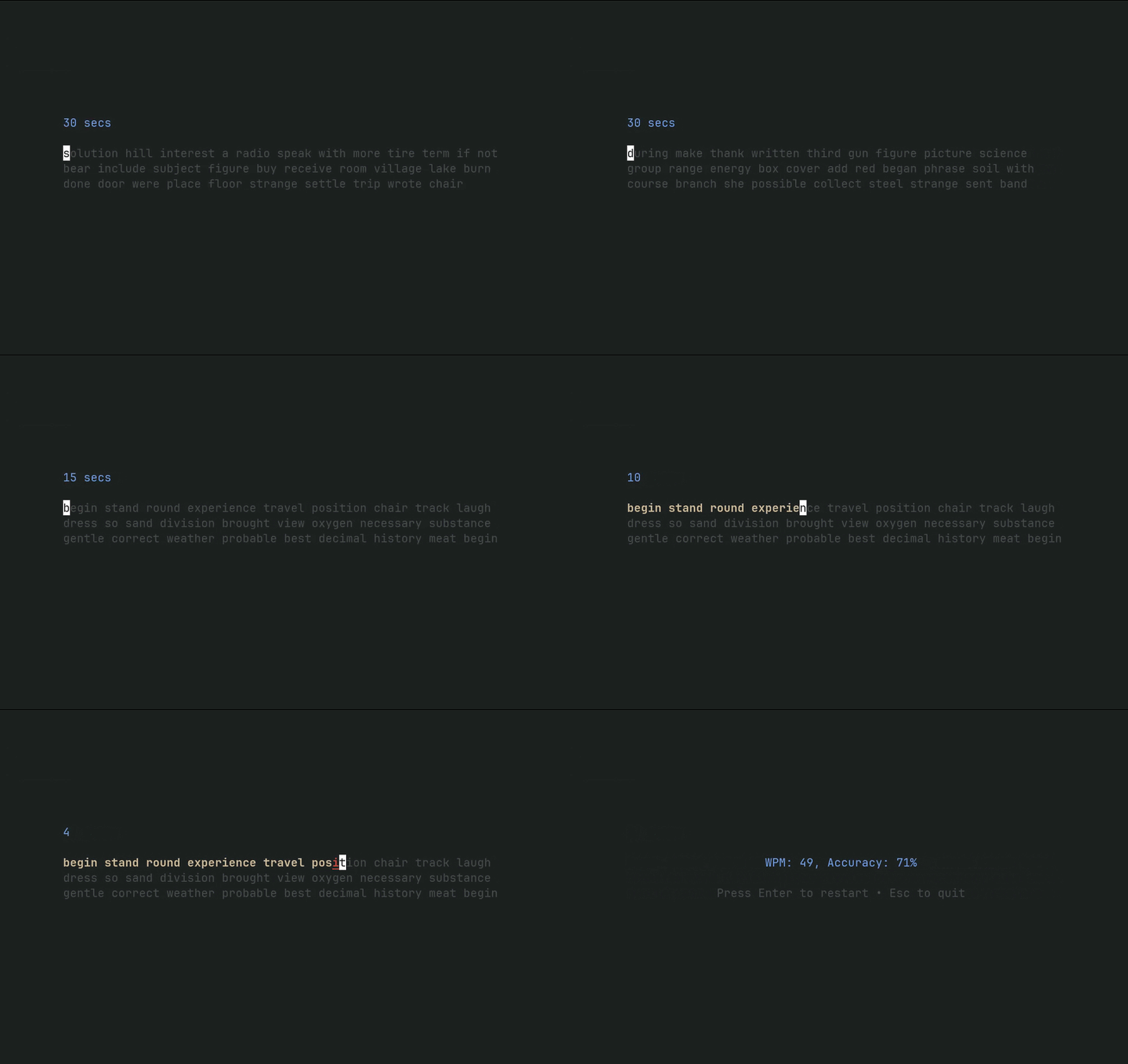
boomtypr
A sleek typing test experience in the terminal.
A sleek typing test experience in the terminal.
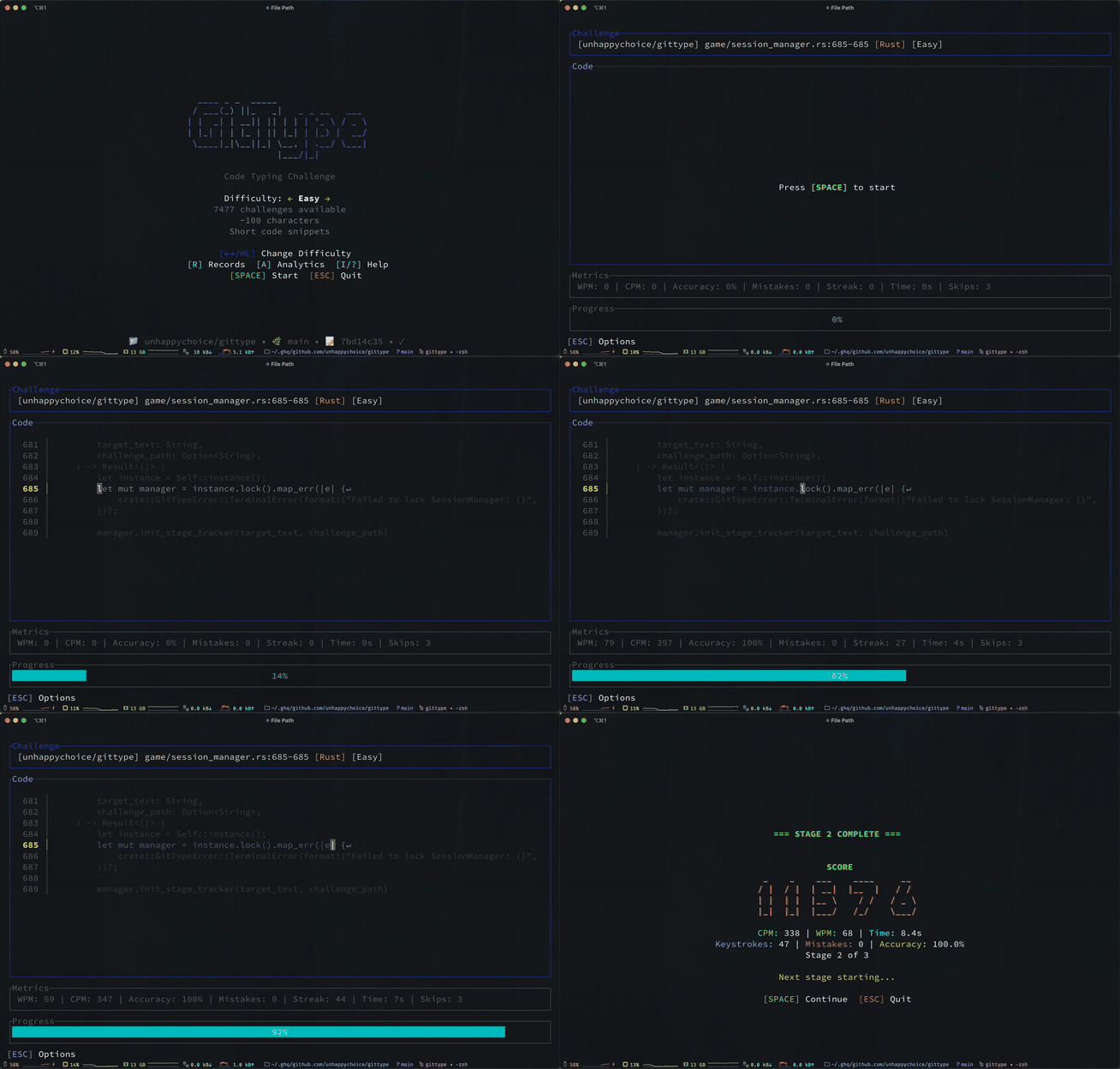
gittype
A terminal code-typing game that turns your source code into typing challenges.
A terminal code-typing game that turns your source code into typing challenges.
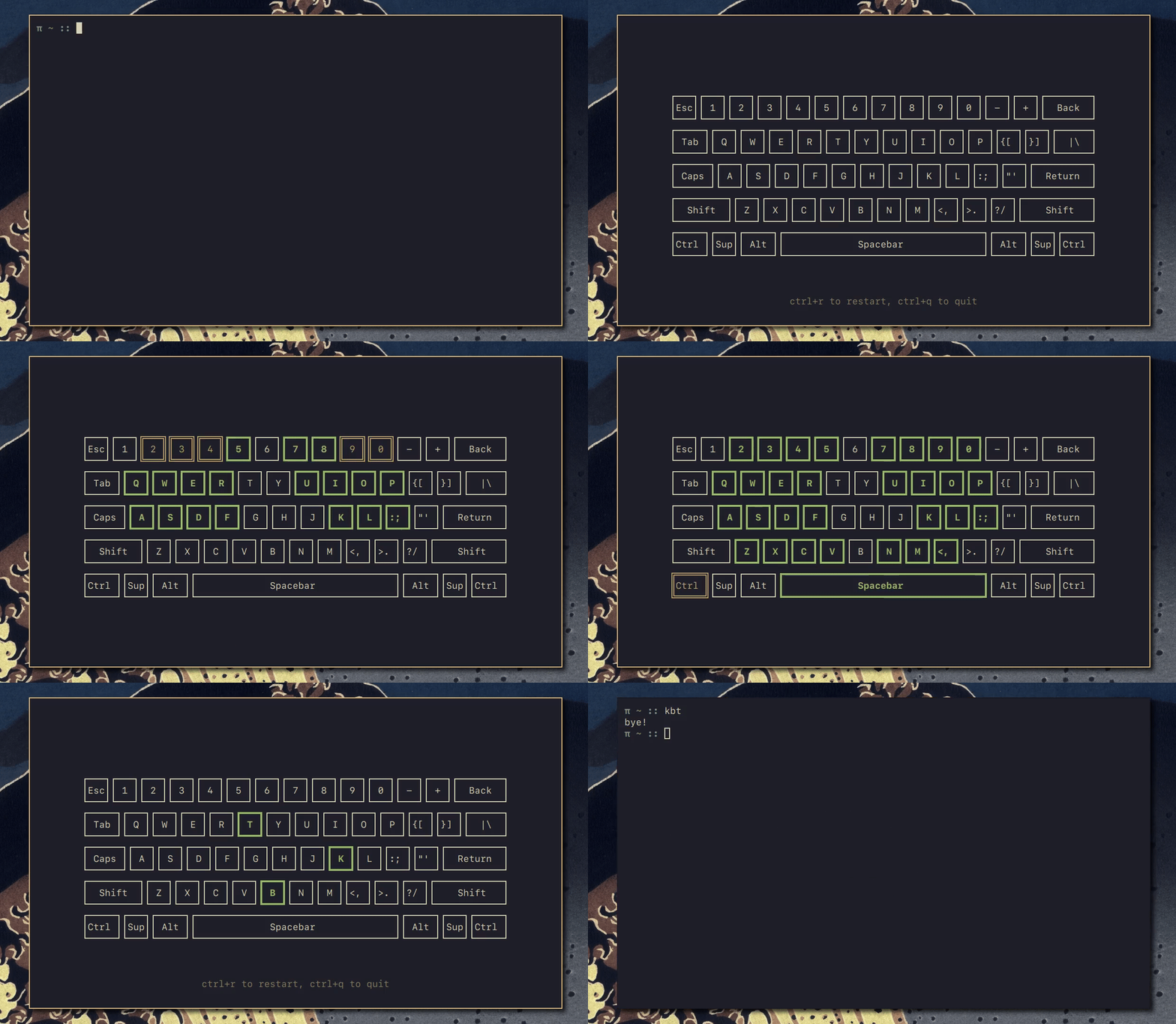
kbt
A keyboard tester in terminal.
A keyboard tester in terminal.
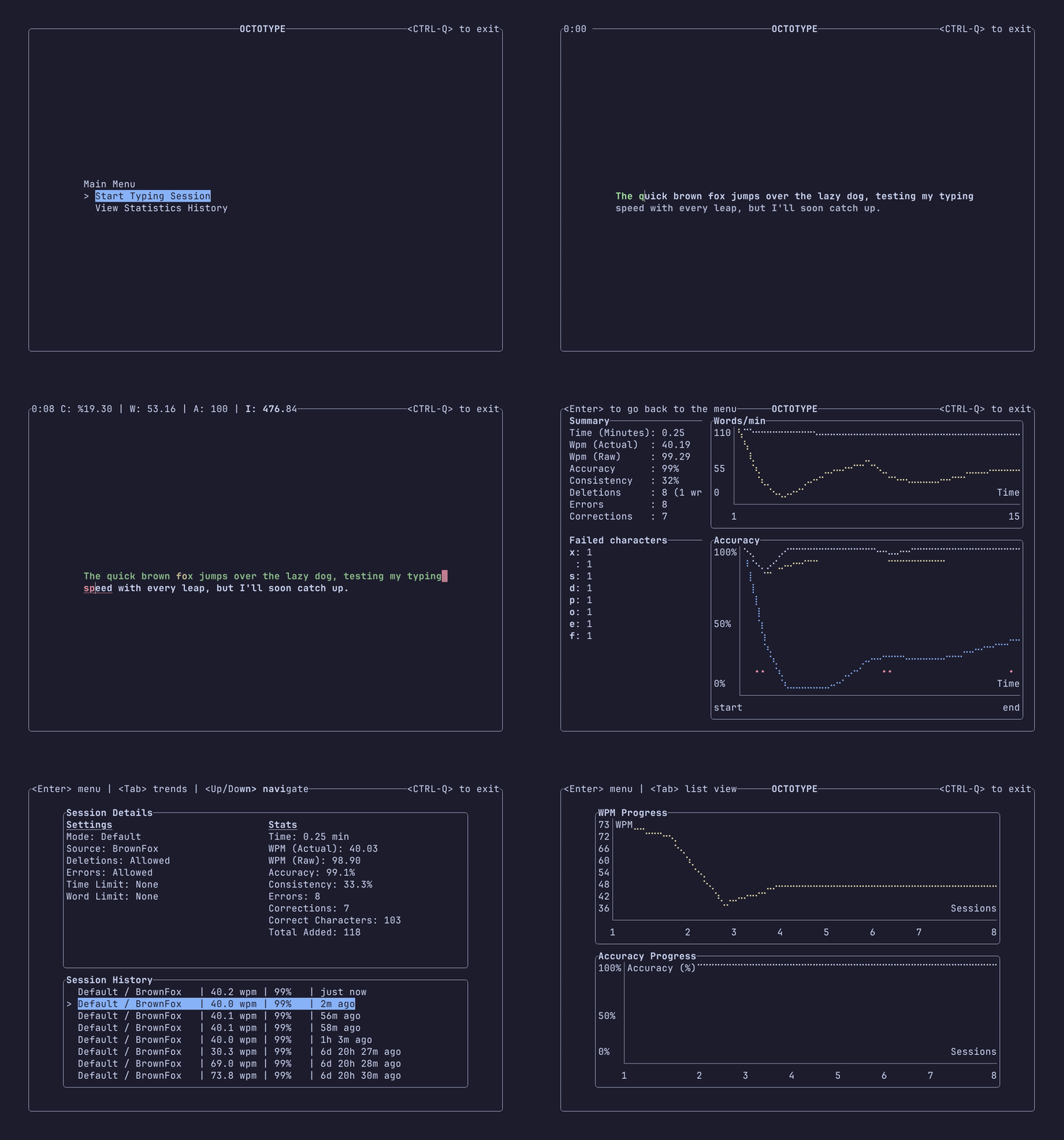
octotype
A typing trainer for your terminal.
A typing trainer for your terminal.
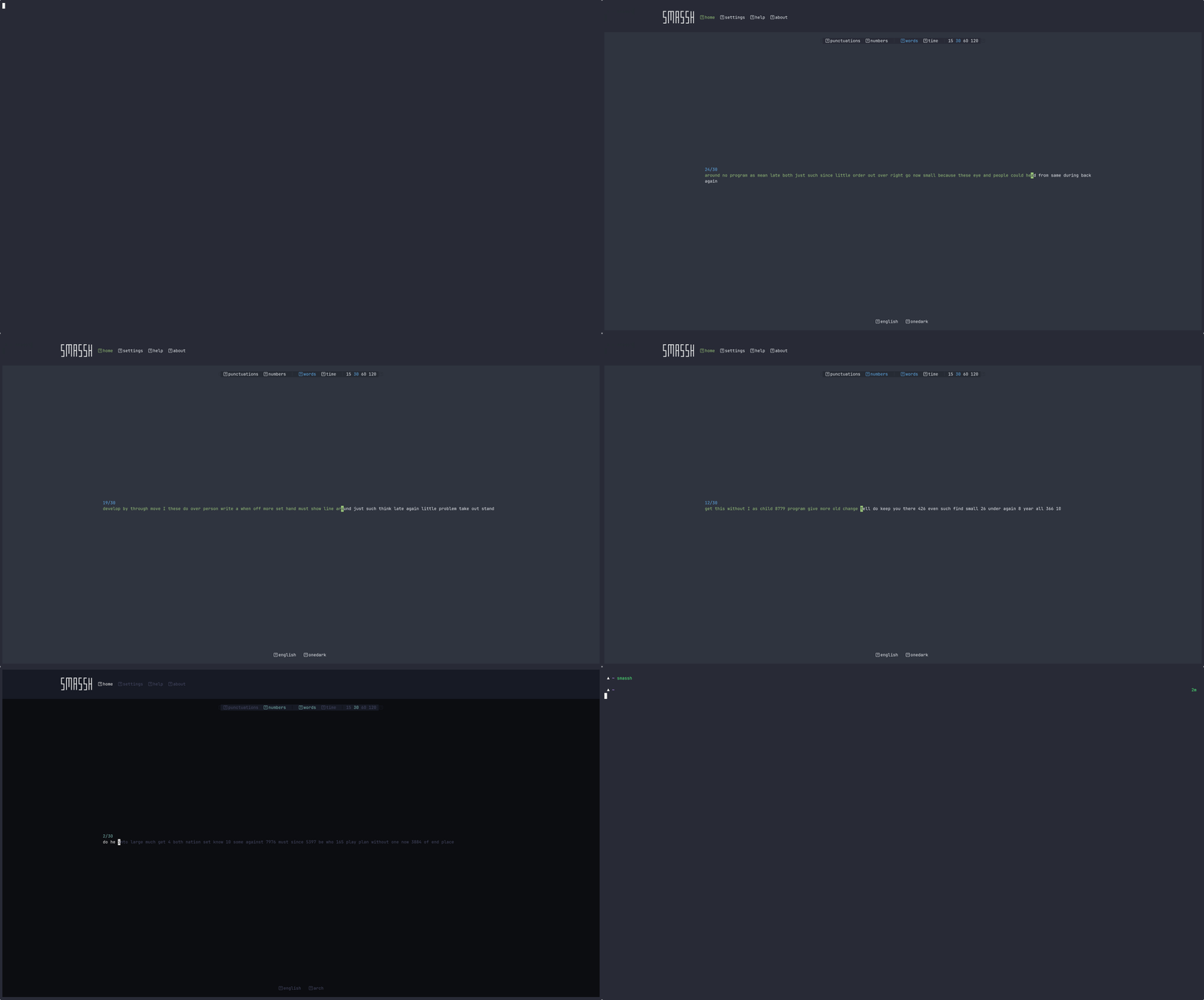
smassh
Smassh your Keyboard, TUI Edition.
Smassh your Keyboard, TUI Edition.
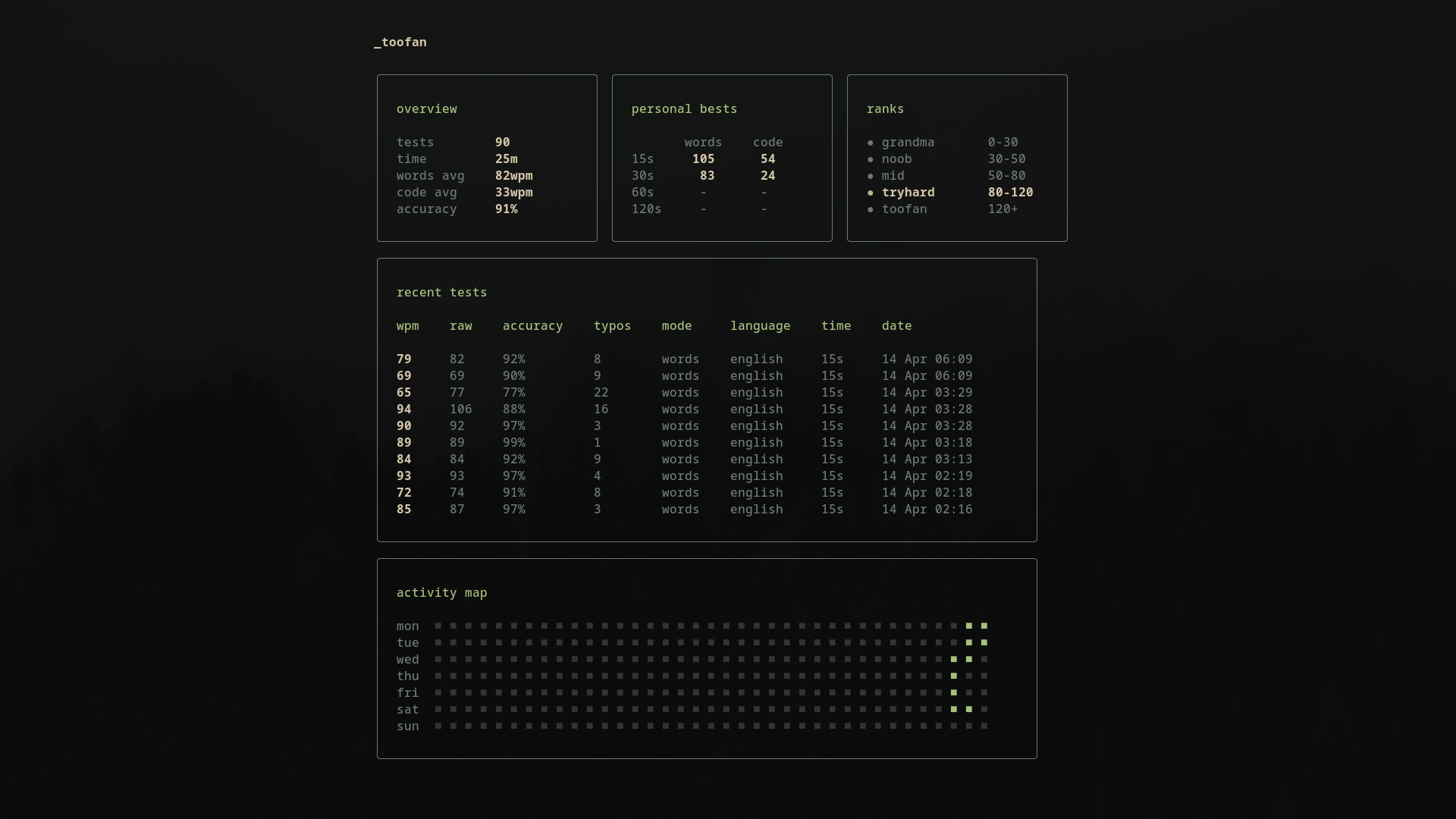
toofan
A minimal, lightning-fast typing tester TUI.
A minimal, lightning-fast typing tester TUI.
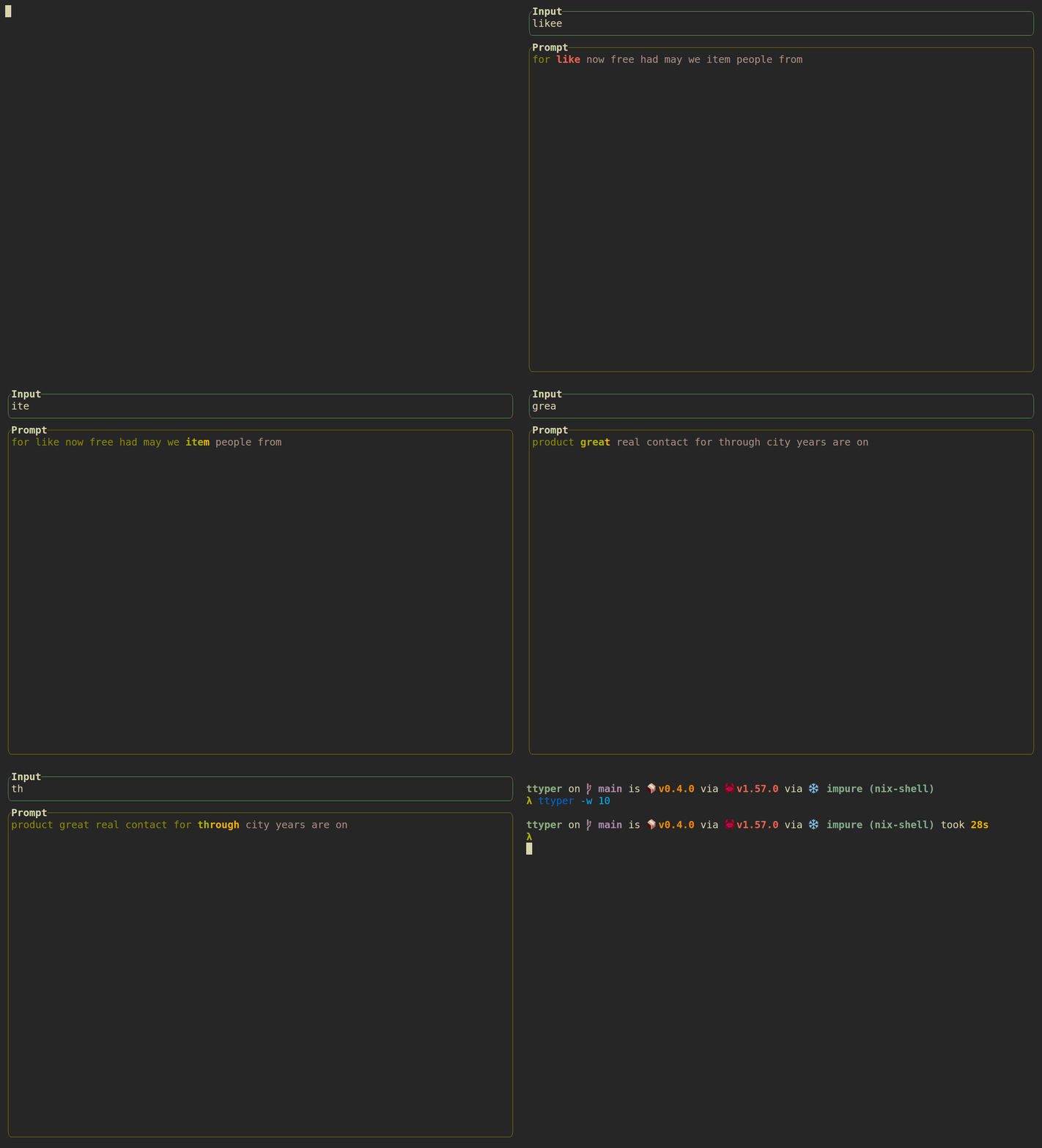
ttyper
A terminal-based typing test
A terminal-based typing test
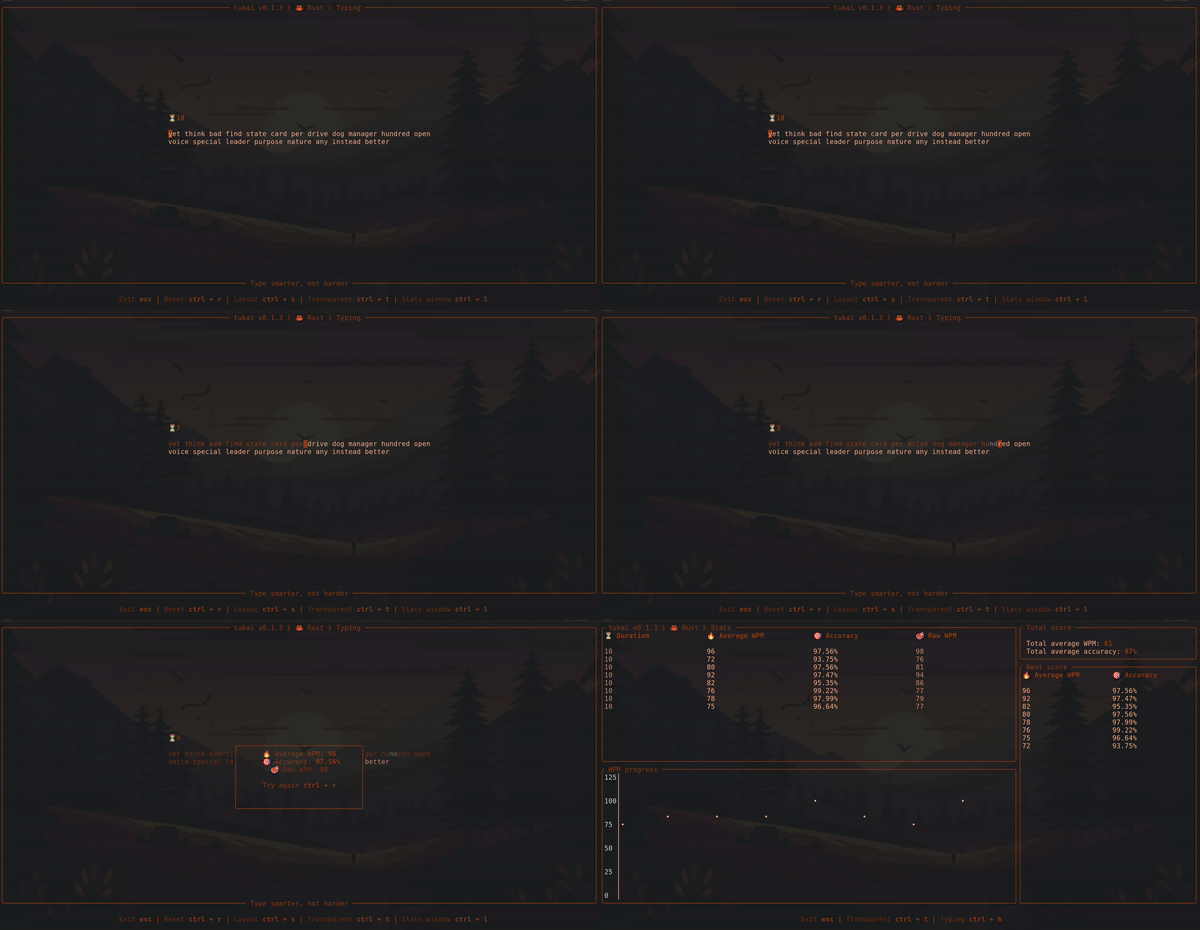
tukai
Terminal based touch typing application.
Terminal based touch typing application.
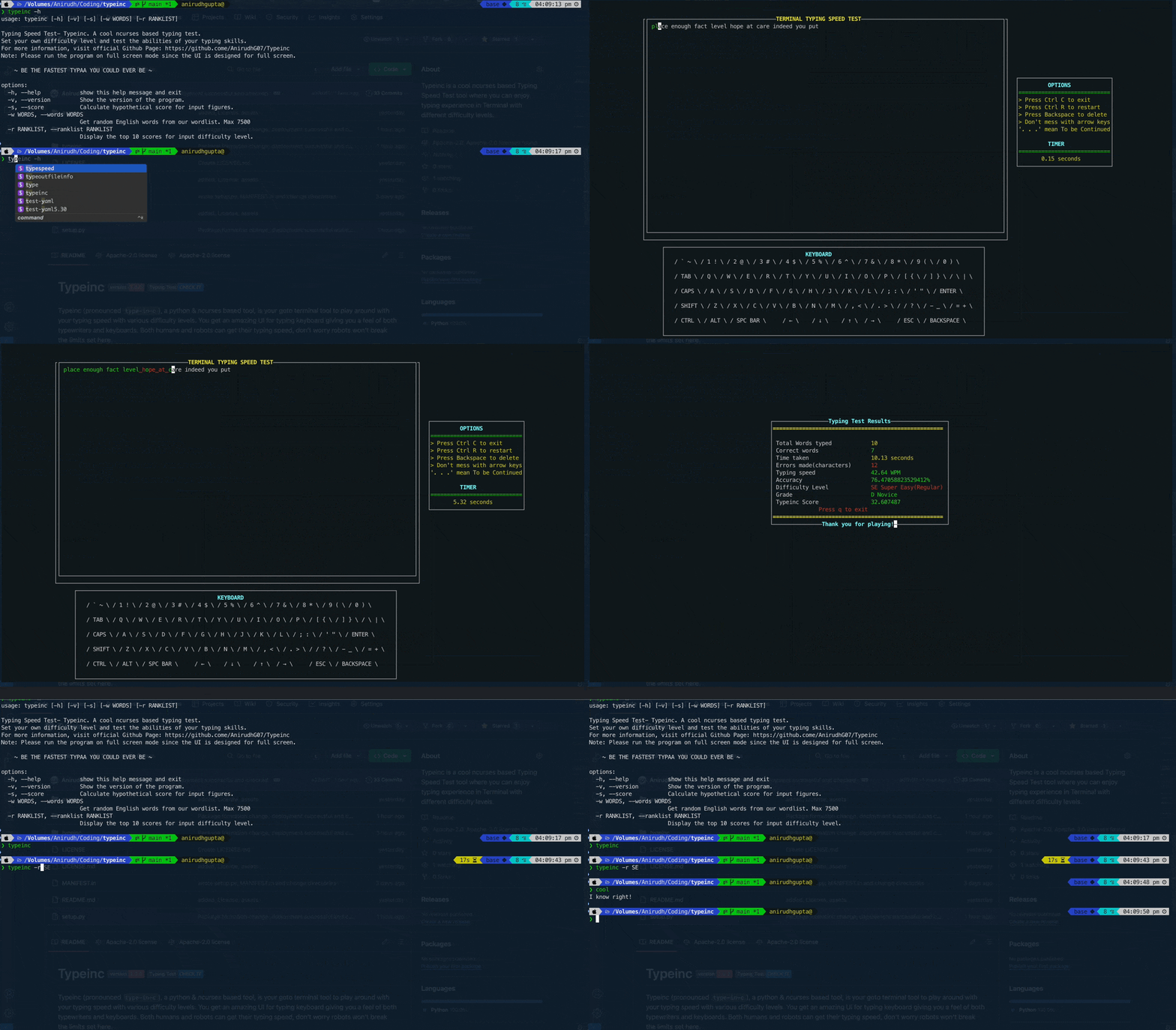
typeinc
A cool ncurses based typing speed test tool.
A cool ncurses based typing speed test tool.
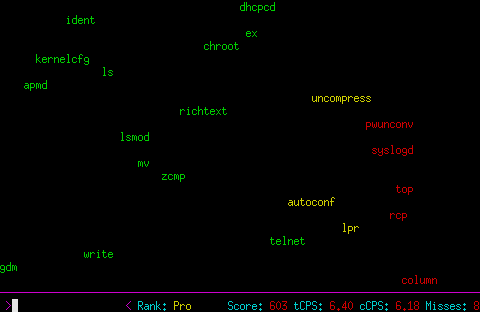
typespeed
Test your typing speed, and challenge your friends
Test your typing speed, and challenge your friends
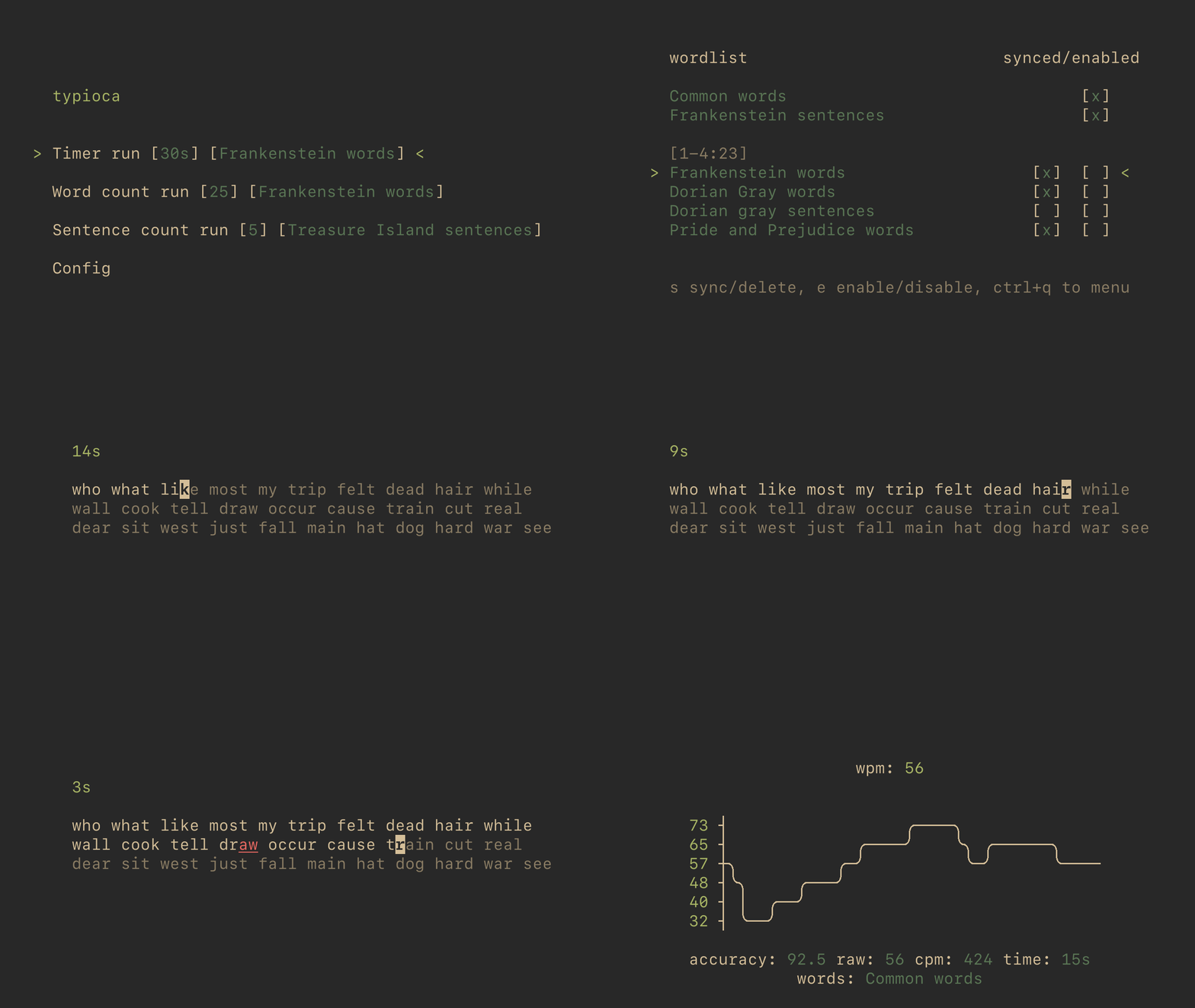
typioca
Cozy typing speed tester in terminal.
Cozy typing speed tester in terminal.
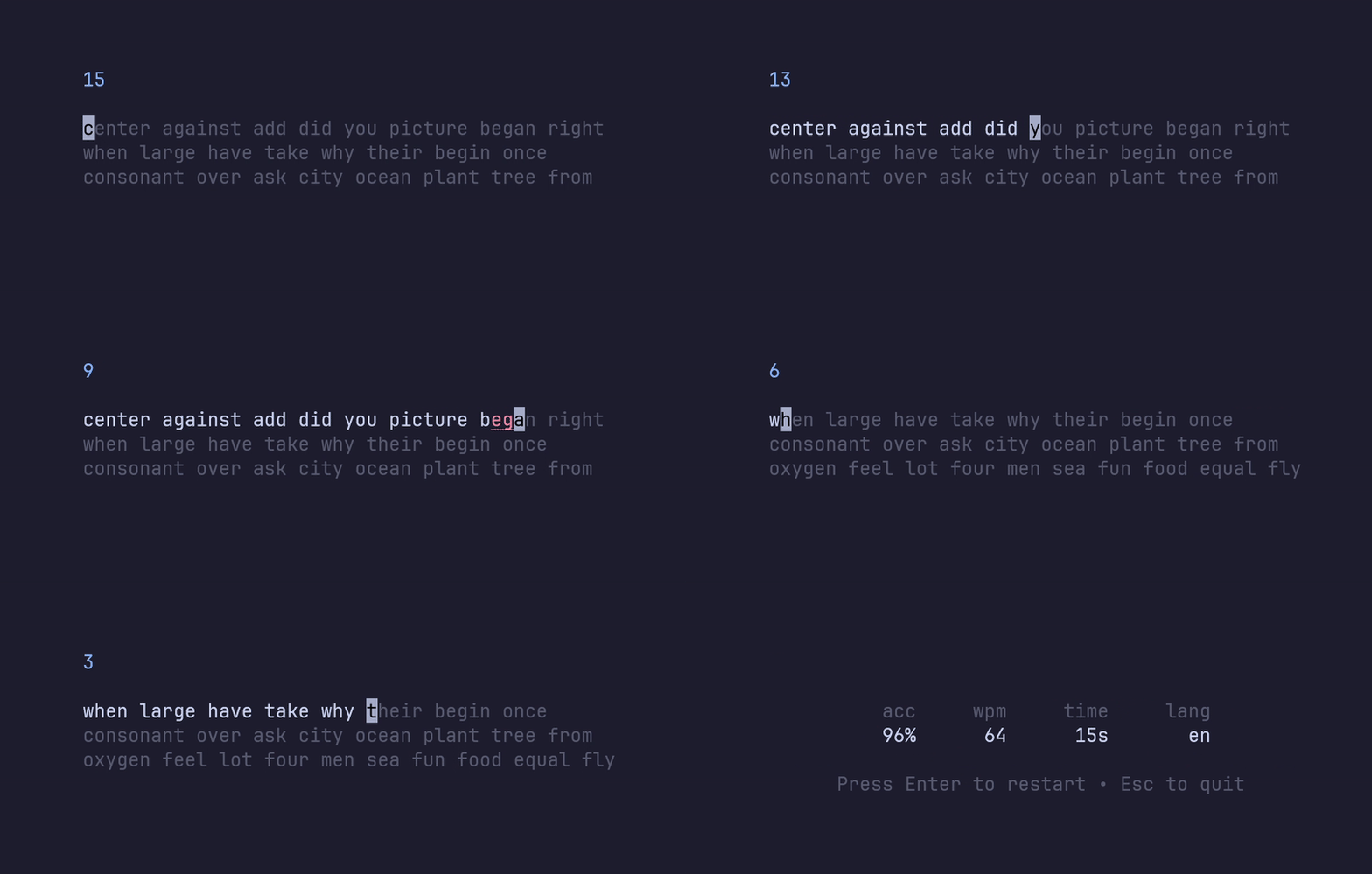
typtea
A minimal terminal-based type-speed tester.
A minimal terminal-based type-speed tester.
Know any terminal tools that would be good for this list? Submit a Tool here!
