Try terminal tools live in your browser on Terminal Trove!
Curator on November 17, 2026
1 day ago • 2 min read 1794955560000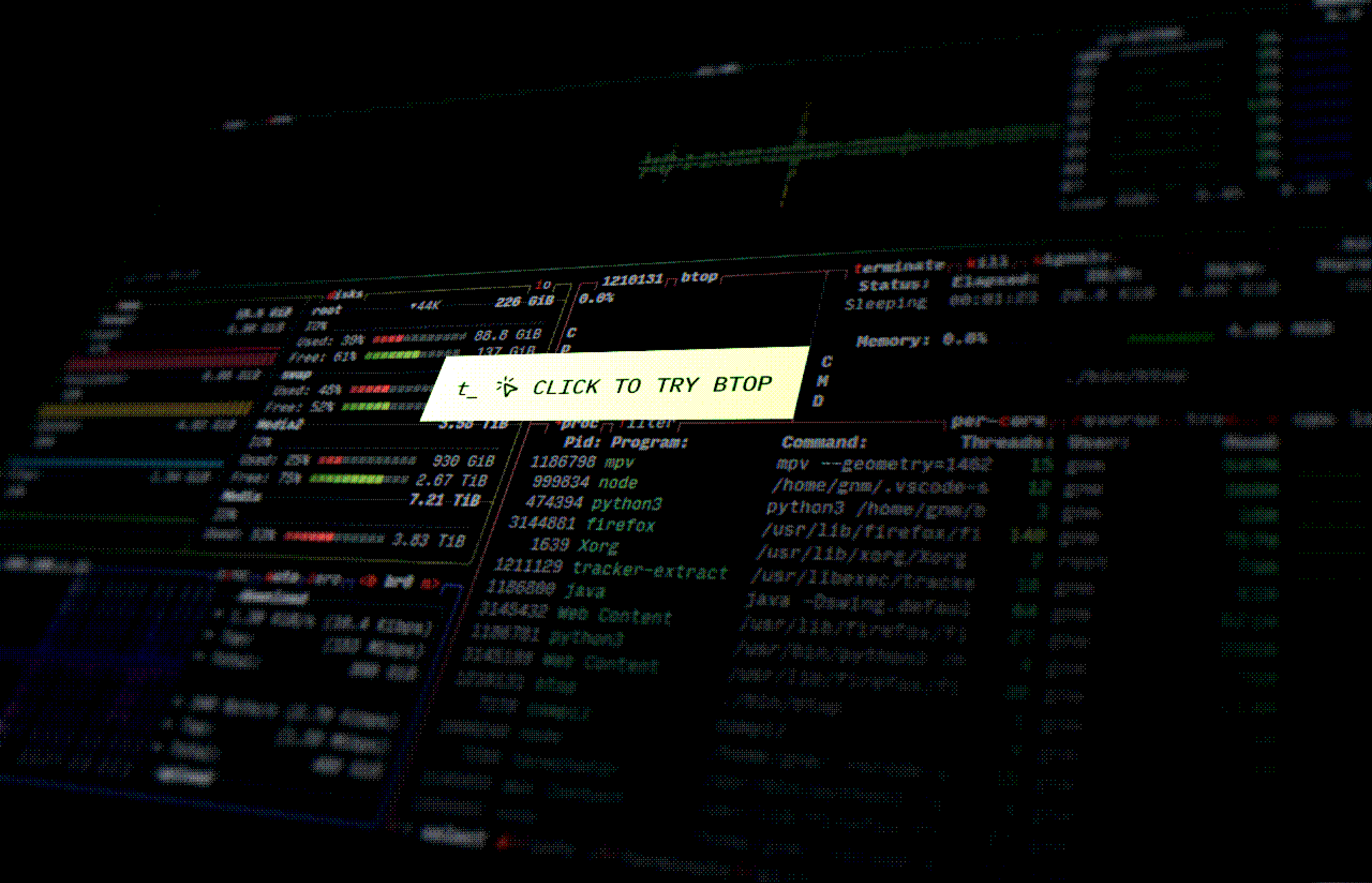
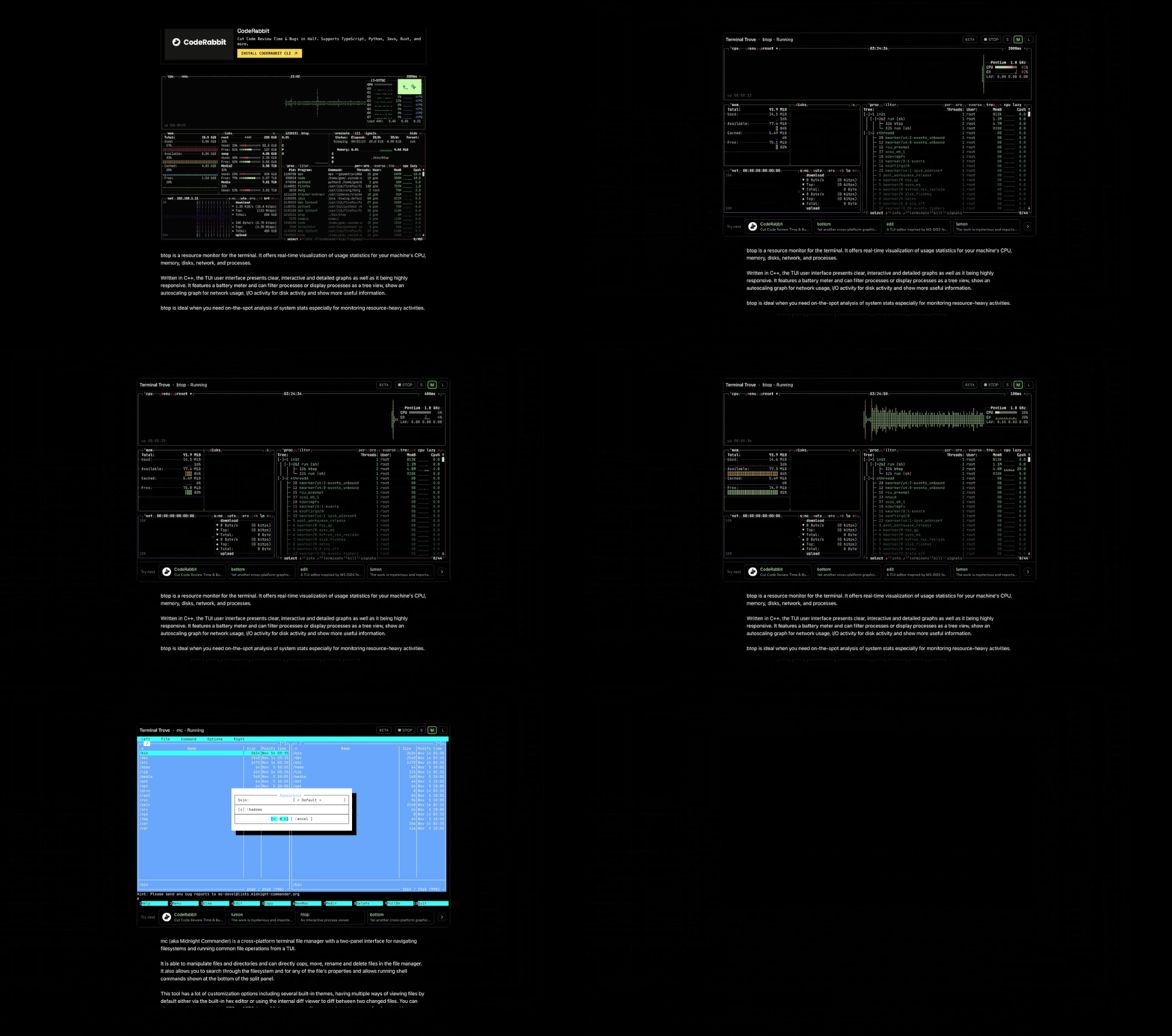
Starting today you can try htop, btop, vim, emacs, bottom, mc, microsoft-edit and lumon in your browser with many more to come.
Why
Usually on any project that has a README.md file, you may have projects that have a very very long explanation of a terminal tool, but no way of knowing if it actually works or how it runs on a machine.
You might even have to look for the installation instructions, building it from source and setting up dependencies, all to just to see how the tool works.
Ever since Terminal Trove started, we made sure that every terminal tool should have screenshots demonstrating it.
Screenshots might be helpful to avoid a lengthy description of the tool, but they aren't enough to demonstrate how it works before you install it.
We at Terminal Trove felt that one thing was missing that needed to exist before you even consider installing a terminal tool, and it was just simply to try it out first.
So we are thrilled to have several terminal tools available for you to try out in your browser without you having to install them on your machine as an early preview on Terminal Trove.
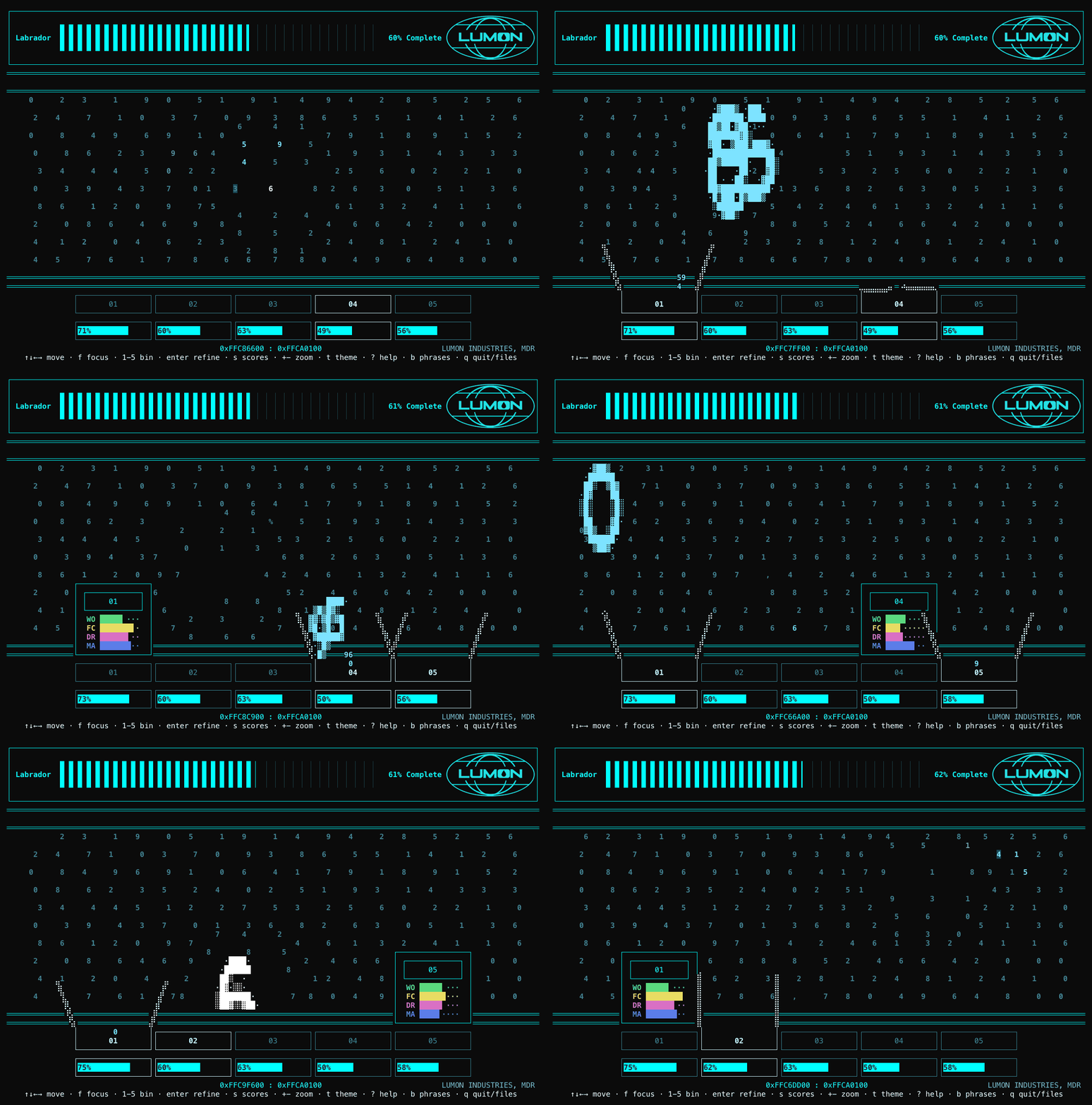
As a demonstration of this release, we even have our own terminal tool that we showcased a year ago built just for fun called lumon which we are also releasing today as a game for you try it out as well in the browser.
Tools like htop, btop, vim, emacs, bottom, mc, microsoft-edit are ready to try out.
Discover, Try, Install
This is new step for Terminal Trove, it now isn't just where you discover terminal tools, you can now actually try these tools before you install them.
We will be rolling this out rapidly to other terminal tools listed over the coming weeks.
Go give them a try!
EOF
Enter Your Mastodon Instance
Copy the link below to share to Mastodon
https://terminaltrove.com/blog/try-terminal-tools-in-your-browser-on-terminal-trove
