Backup Terminal Tools
A backup is a second copy of data kept somewhere else so it can be restored after an accidental delete, a failed disk or ransomware. rsync, released in 1996 by Andrew Tridgell and Paul Mackerras, made copying only the changed parts of a file tree normal practice on Unix.
Terminal backup tools handle scheduled snapshots, incremental and deduplicated storage, encryption before anything leaves the machine, and restores of a single file or a whole system. They run from cron or a systemd timer on servers and laptops, writing to local disks, to a remote host over SSH, or to object storage.
Below is a list of terminal tools for backing up data.

bkp
Utility that makes backups of your files/directories.
Utility that makes backups of your files/directories.

gobackup
A CLI tool to backup your databases, files to cloud storage.
A CLI tool to backup your databases, files to cloud storage.

httm
Interactive, file-level Time Machine-like tool for ZFS/btrfs/nilfs2.
Interactive, file-level Time Machine-like tool for ZFS/btrfs/nilfs2.
msgvault
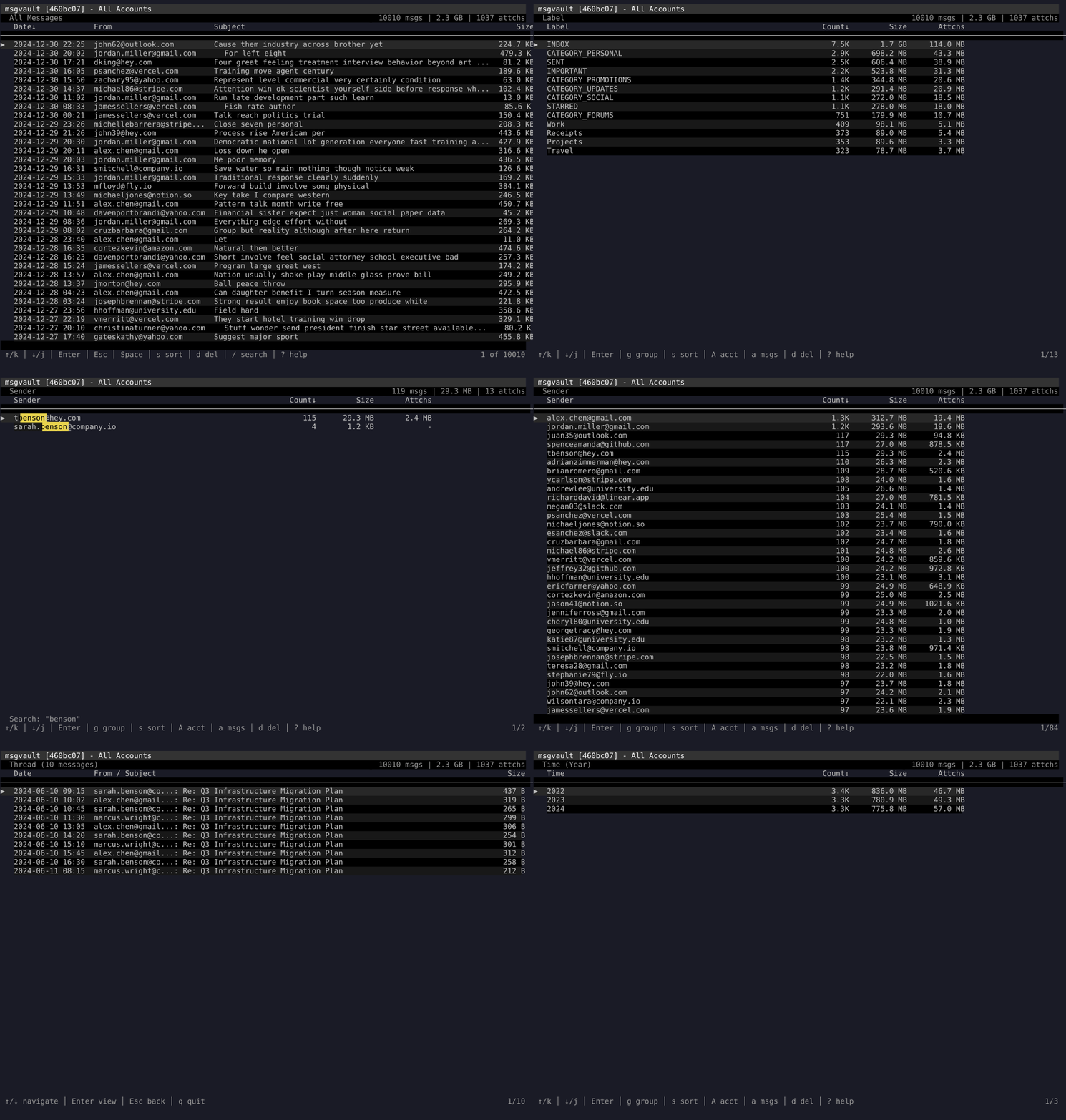
Archive a lifetime of email with analytics and search in milliseconds, entirely offline.
Archive a lifetime of email with analytics and search in milliseconds, entirely offline.

rclone
rsync for cloud storage
rsync for cloud storage
redu
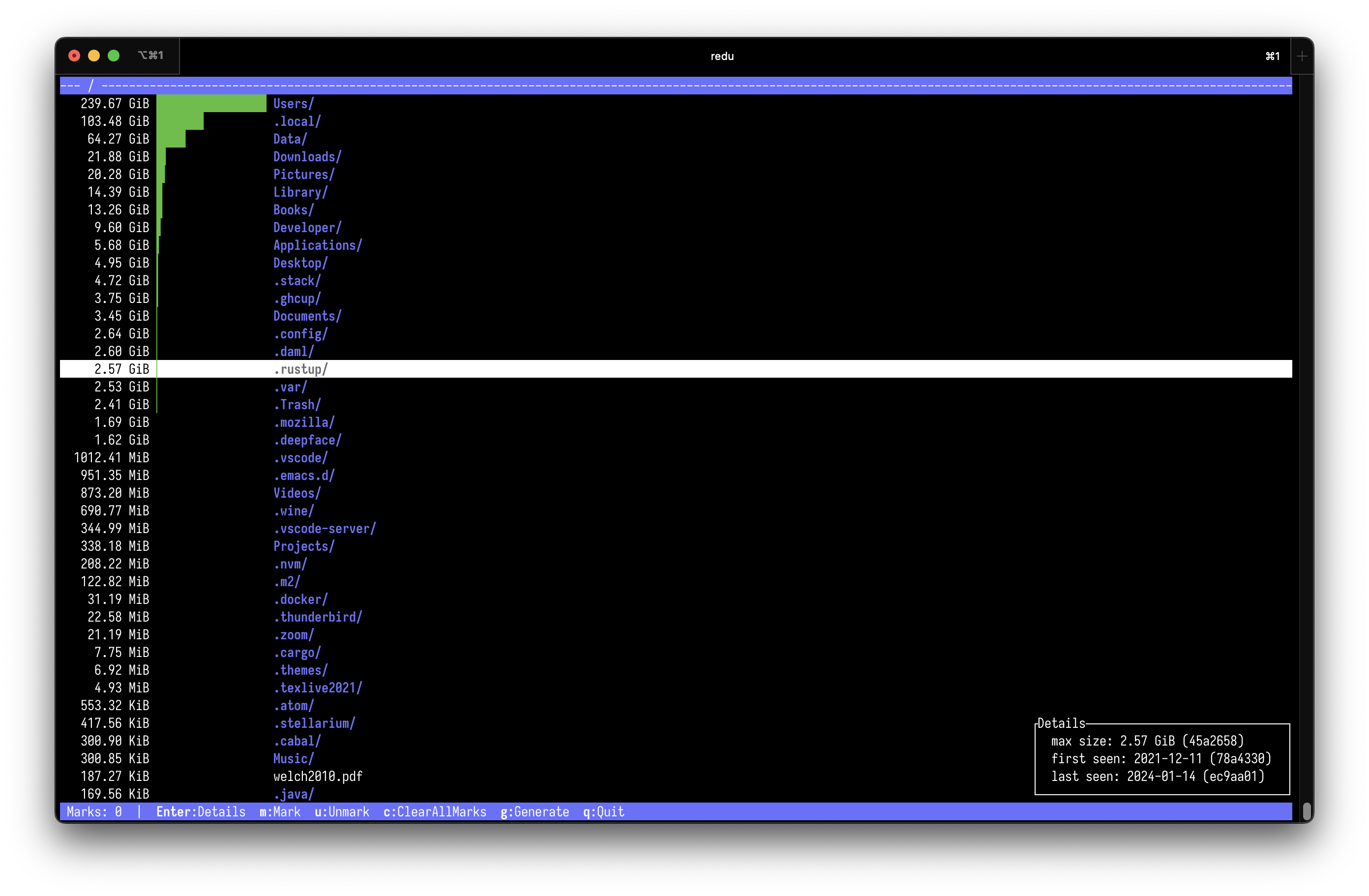
ncdu for your restic repository.
ncdu for your restic repository.

restic
Fast, secure, efficient backup program.
Fast, secure, efficient backup program.

rsync
A fast and extraordinarily versatile file copying tool for both remote and local files.
A fast and extraordinarily versatile file copying tool for both remote and local files.

seednaut
Inspect, verify and extract files from Seedvault backups.
Inspect, verify and extract files from Seedvault backups.
Know any terminal tools that would be good for this list? Submit a Tool here!
