Terminal Screenshot and Recording Tools
These tools capture what happens in a terminal, either as a still image of a command and its output or as a screencast of a session as it runs.
Recorders store keystrokes and output with timing data, so a session replays as real text that can be copied, or is converted to a GIF, SVG or video for a README. Screenshot tools render output to PNG with padding, themes, syntax colors and a window frame, and both kinds take a script as input so a demo can be regenerated when the software changes.
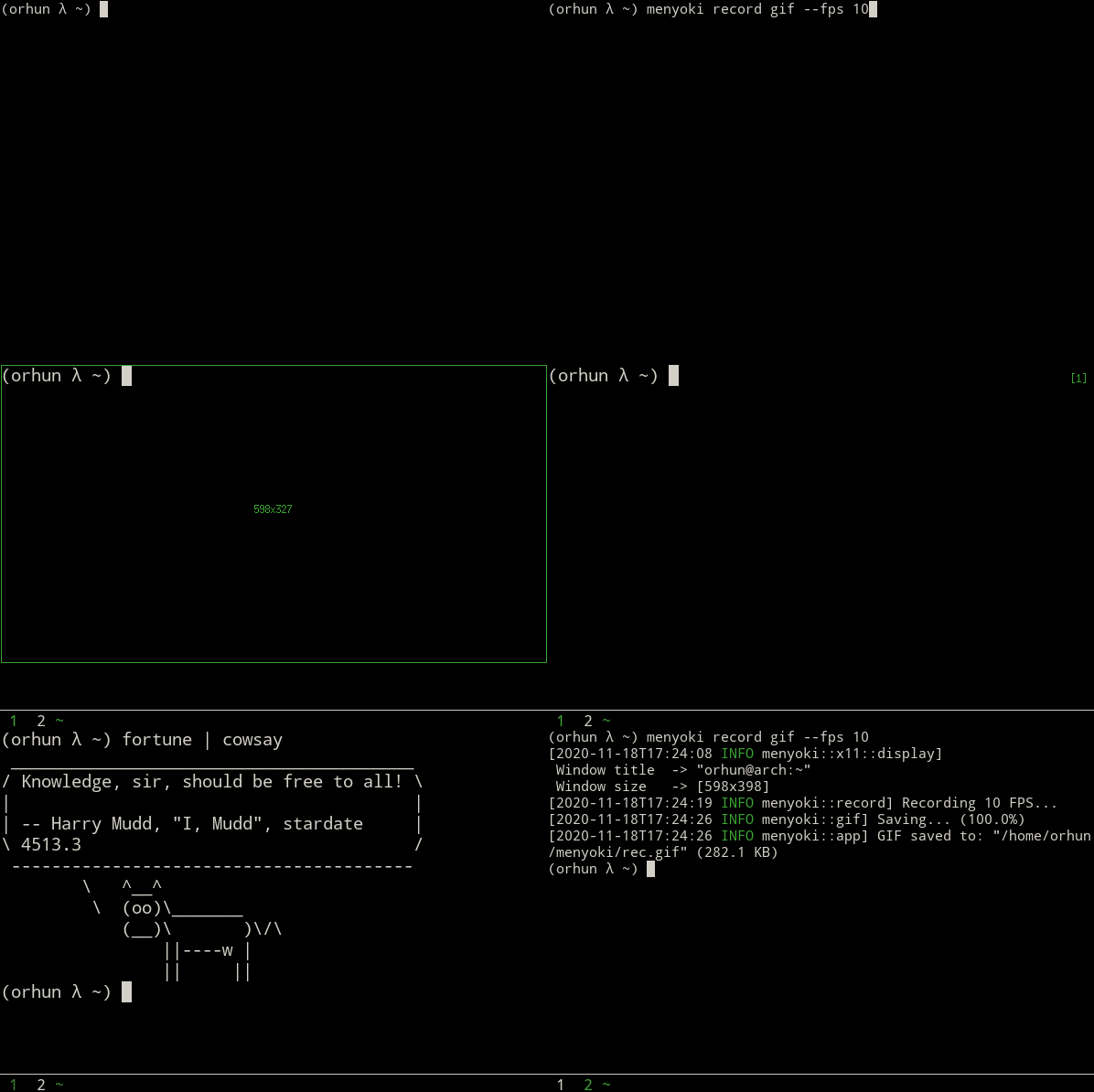
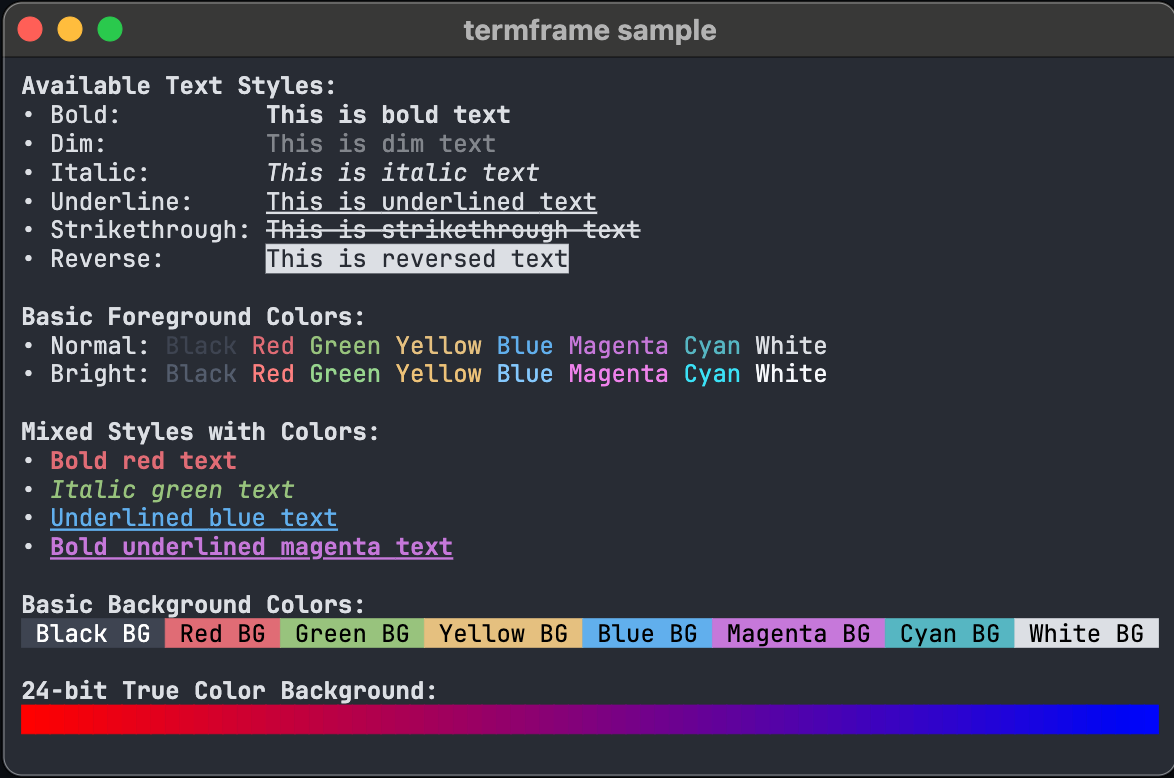
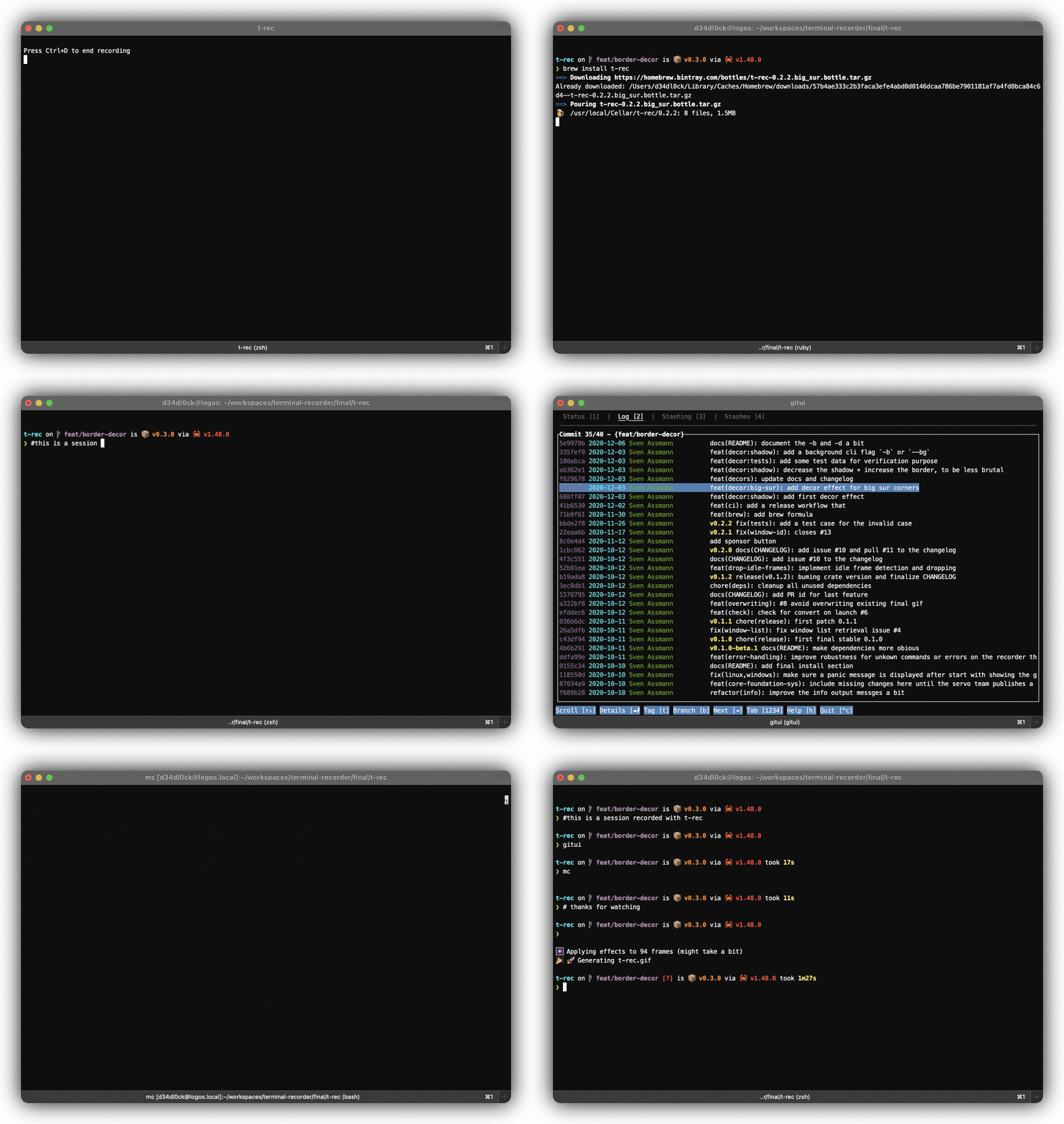
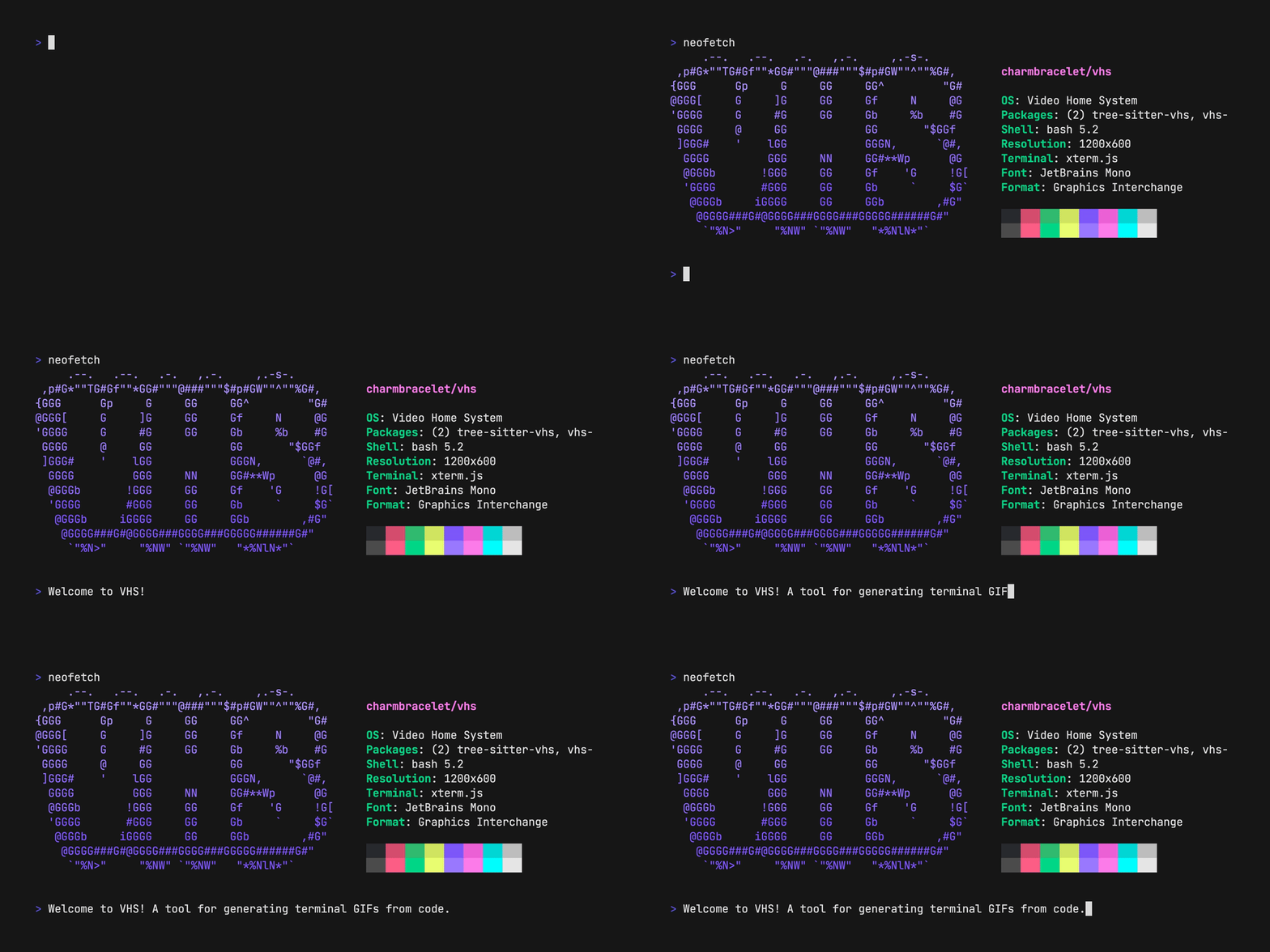
Below is a list of terminal tools for taking screenshots and recording sessions.

Know any terminal tools that would be good for this list? Submit a Tool here!
