System Information Terminal Tools
System information tools print what a machine is and what it is running: distribution and kernel version, desktop environment, shell, CPU and GPU model, memory, uptime, disks and terminal.
One familiar format sets that summary beside the distribution logo in ASCII art, the style neofetch made standard in desktop screenshots. Others print a full hardware inventory for a bug report or a support ticket, reading procfs, sysfs and firmware tables directly instead of calling out to a dozen separate commands.
Below is a list of terminal tools that report system information.
cpufetch
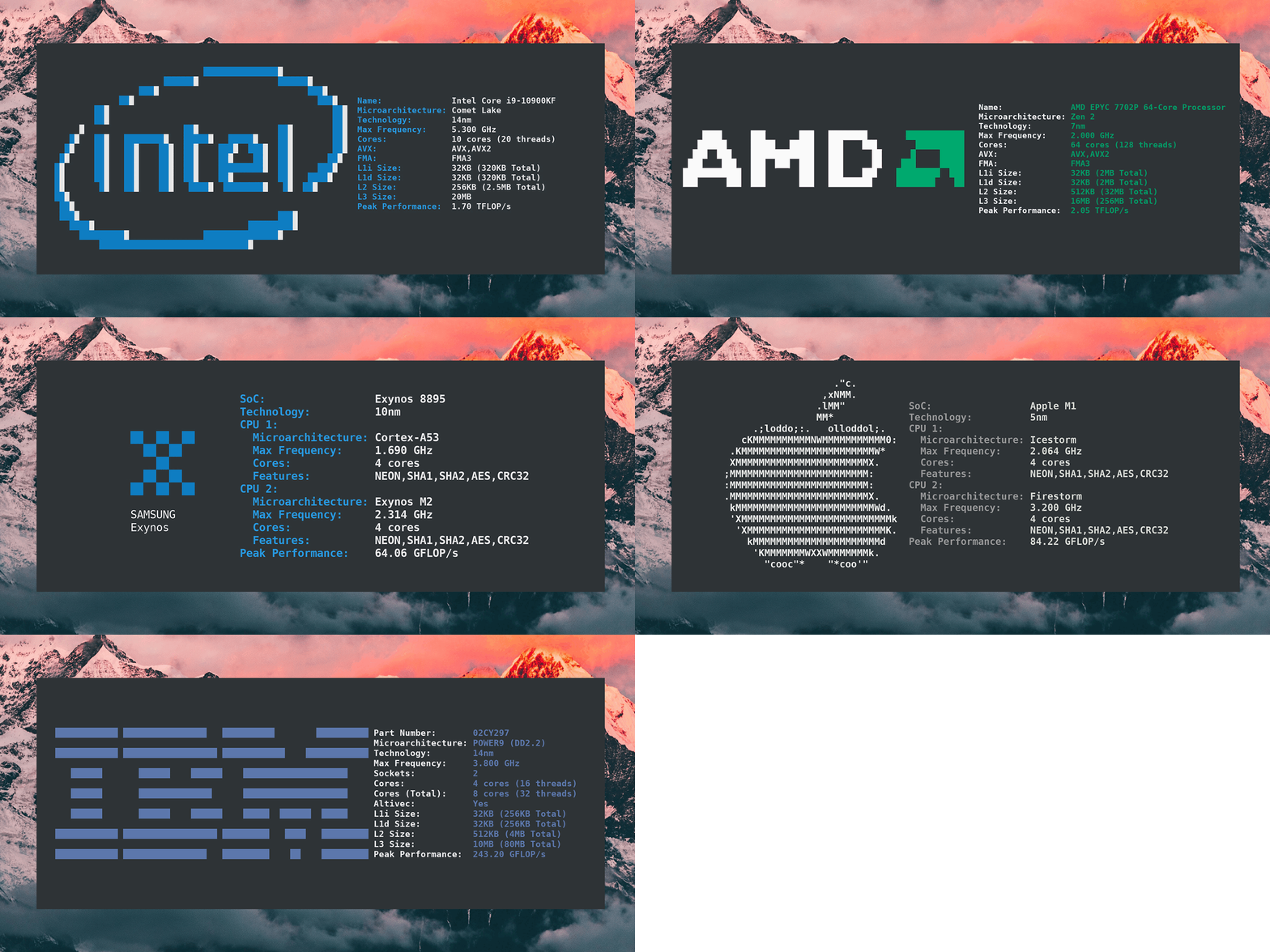
Simple yet fancy CPU architecture fetching tool.
Simple yet fancy CPU architecture fetching tool.
fastfetch
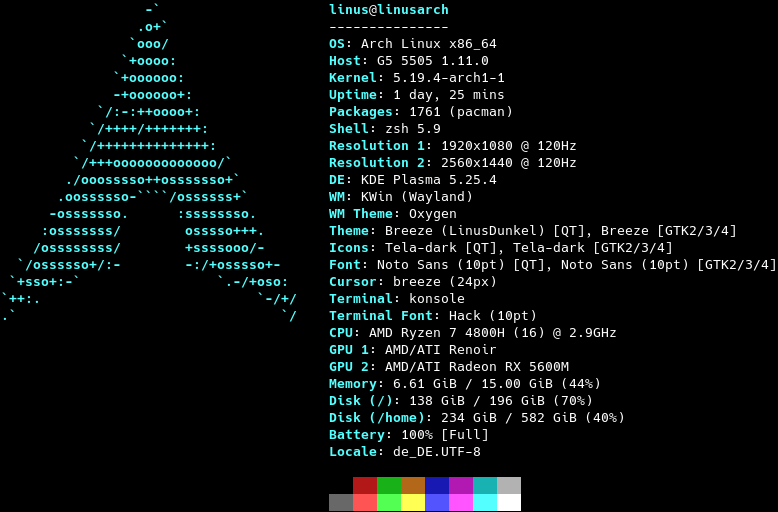
Like neofetch, but much faster.
Like neofetch, but much faster.
macchina
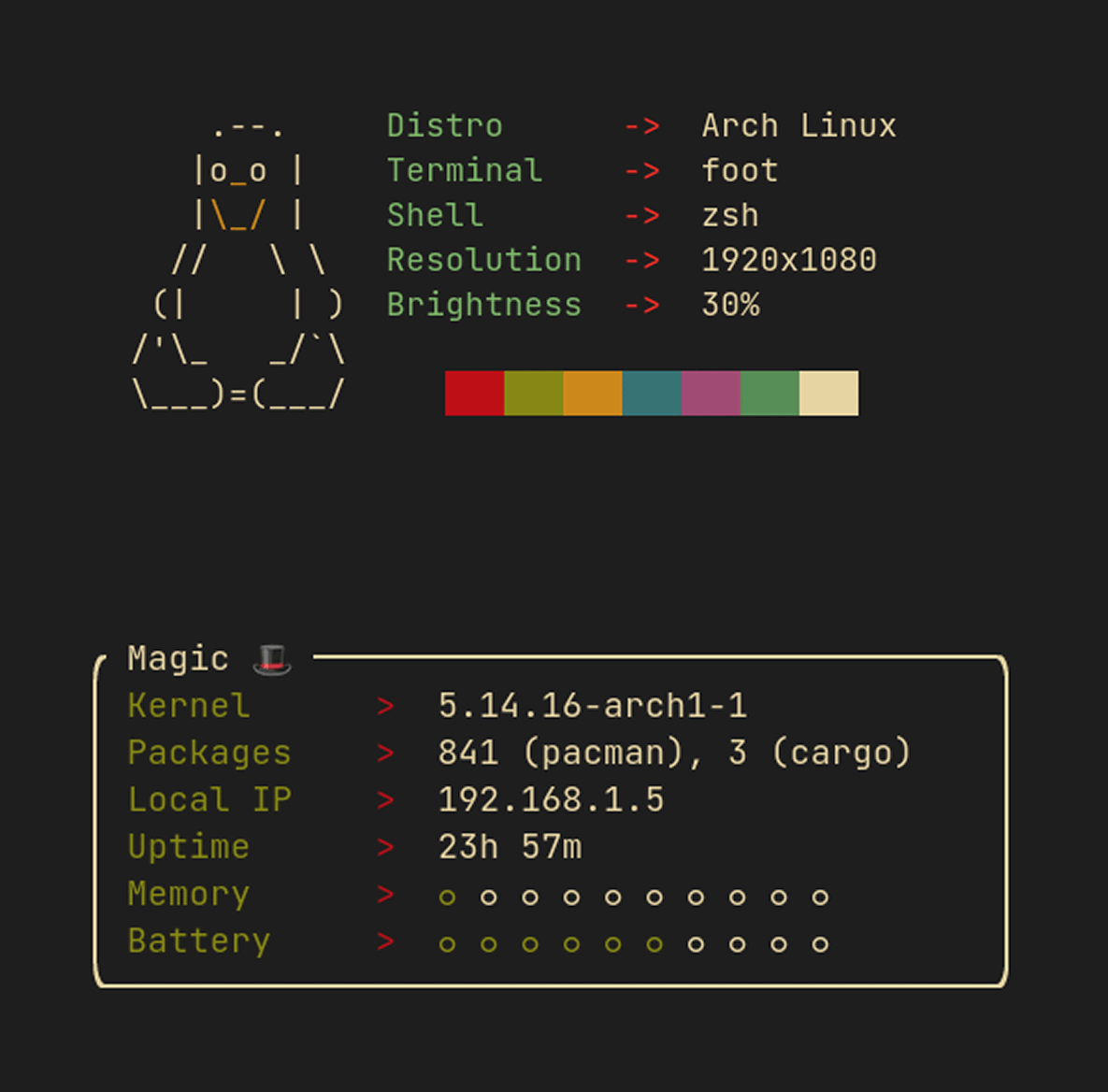
Fast, minimal and customizable system information frontend.
Fast, minimal and customizable system information frontend.

neofetch
A command-line system information tool.
A command-line system information tool.
steamfetch
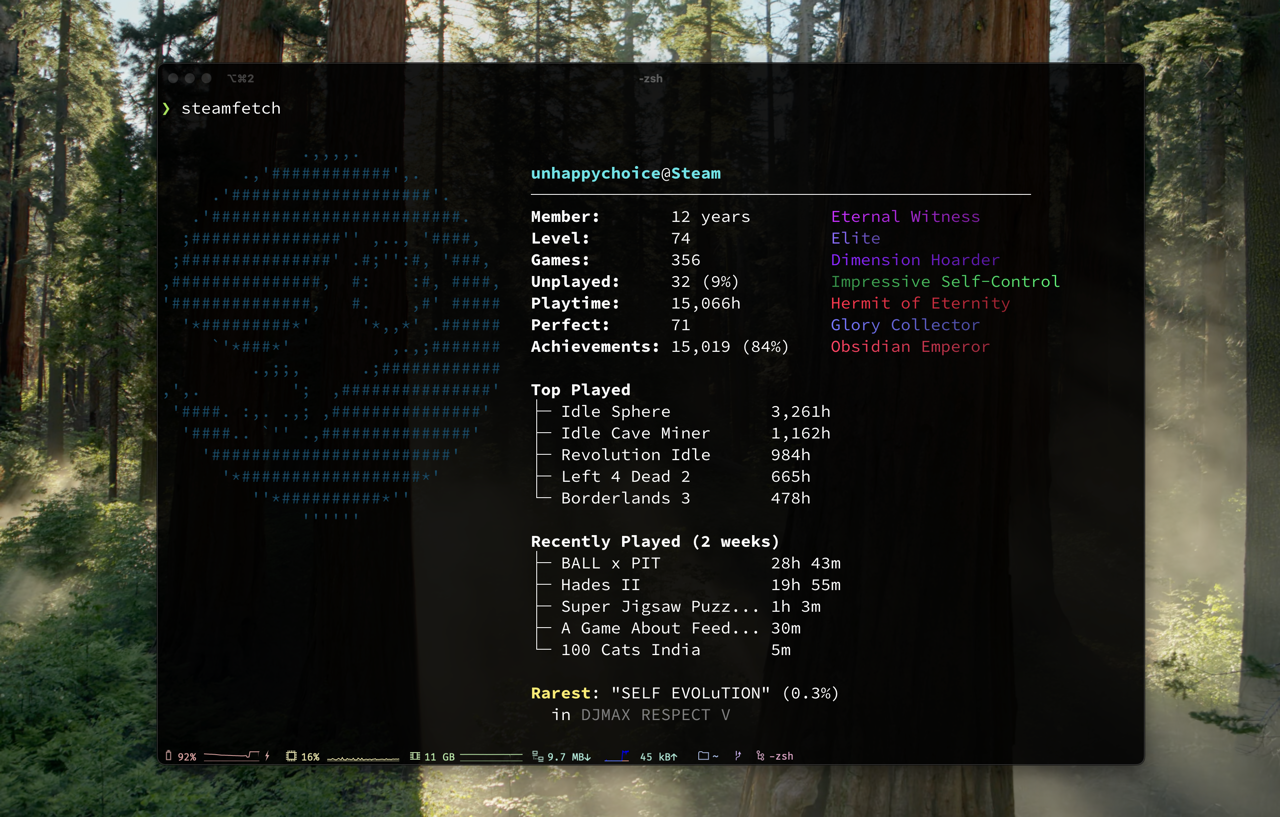
Display your Steam stats in the terminal.
Display your Steam stats in the terminal.
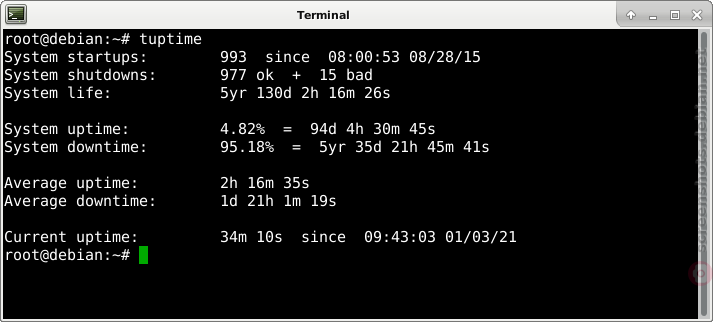
tuptime
Like uptime(1), but preserves shutdown / restart stats.
Like uptime(1), but preserves shutdown / restart stats.

zeitfetch
Instantaneous snapshots of system information.
Instantaneous snapshots of system information.
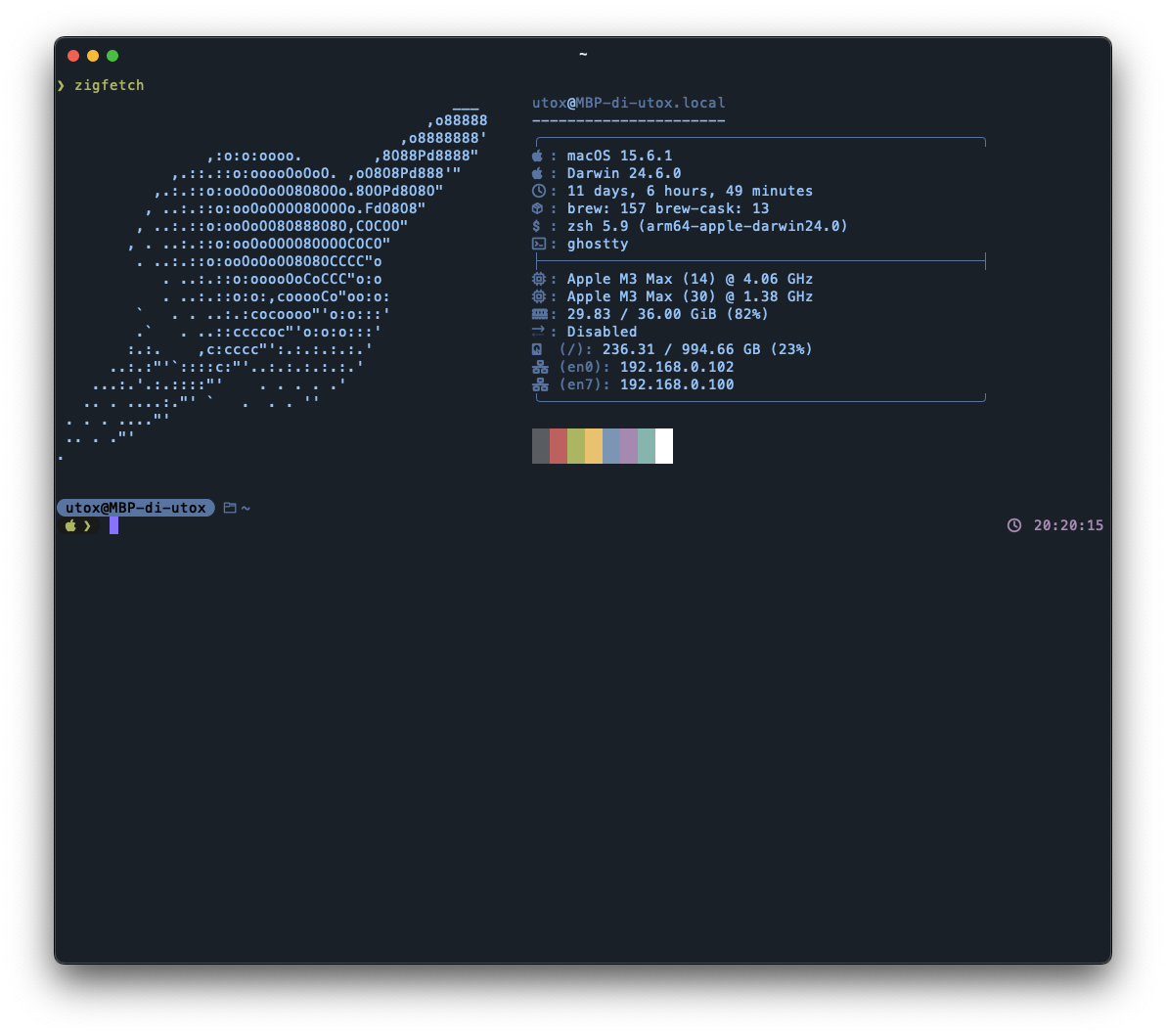
zigfetch
A minimal neofetch/fastfetch like system information tool.
A minimal neofetch/fastfetch like system information tool.
Know any terminal tools that would be good for this list? Submit a Tool here!
