Weather Terminal Tools
Weather forecasting applies models to observed conditions to work out what the atmosphere will do next, and public weather services publish the result as an API anyone can query.
Terminal weather tools call one of those services and draw the answer in text: current conditions, an hourly and daily outlook, wind, humidity, sunrise and sunset, and in some cases radar or a small picture of the sky in ASCII art. Location comes from an argument, an IP lookup or a saved default.
Because the output is a few lines of text, it drops into a shell prompt, a status bar or a login script.
Below is a list of terminal tools that report the weather.
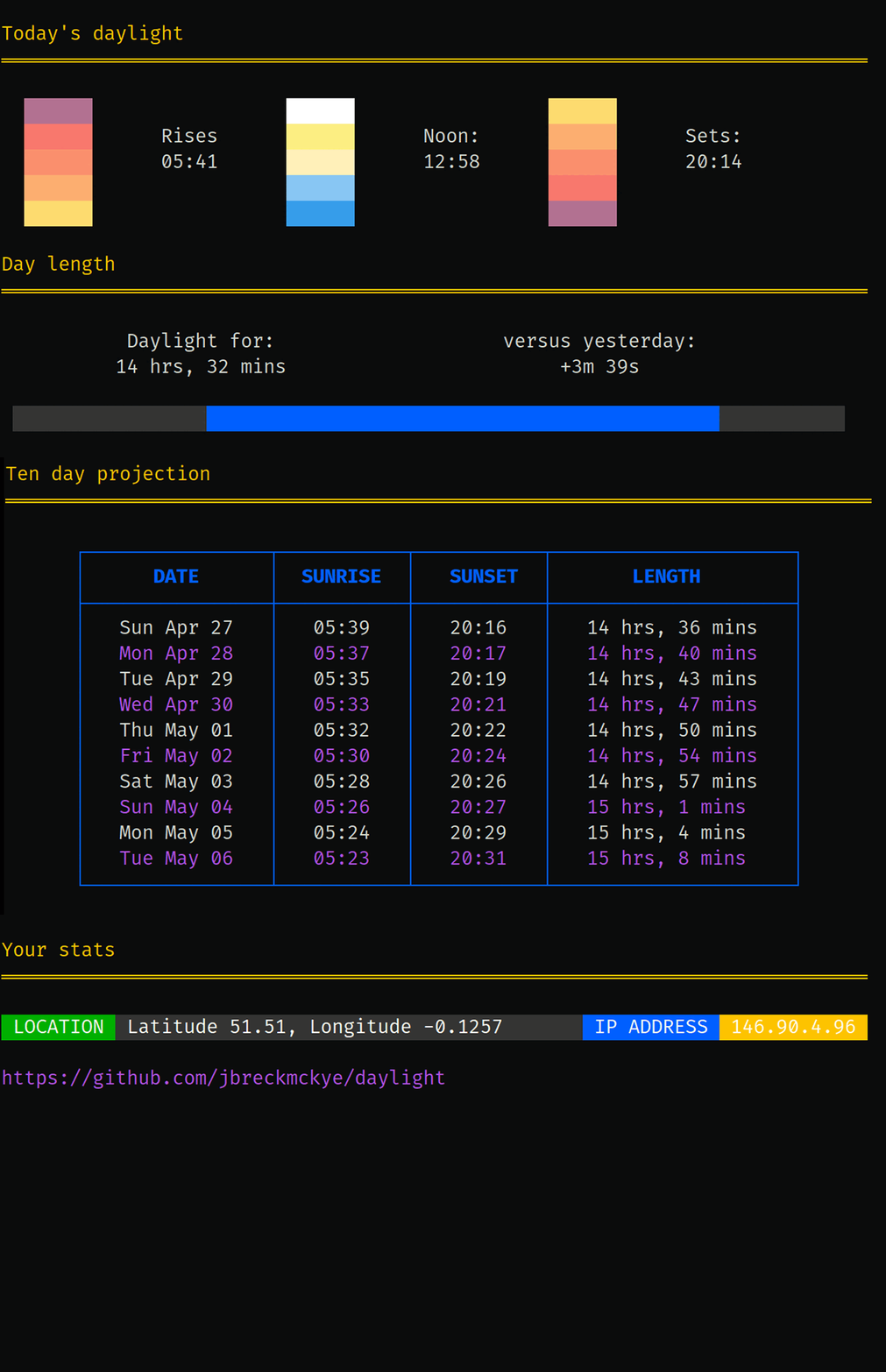
daylight
Track sunrise and sunset times in the terminal.
Track sunrise and sunset times in the terminal.
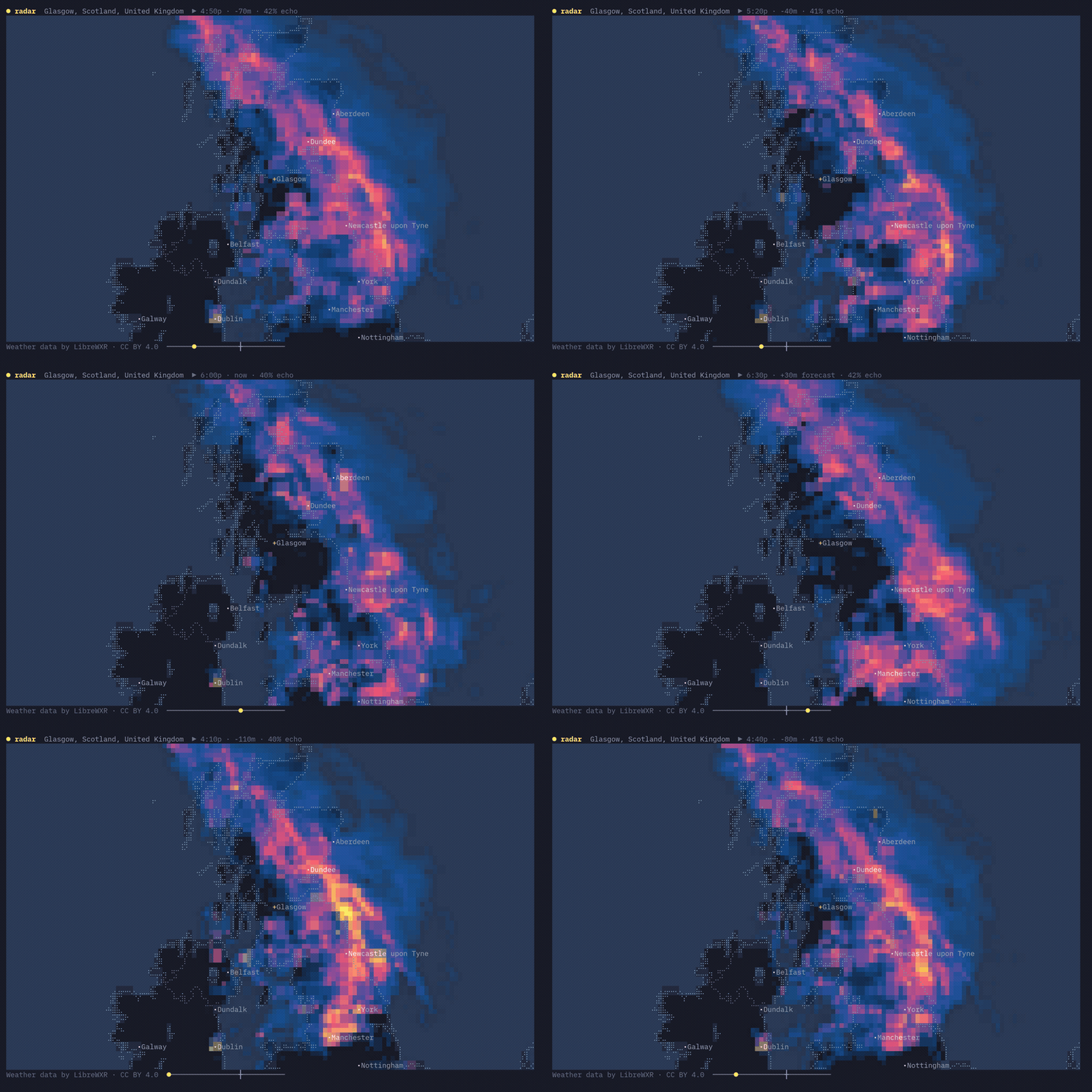
linecast
Beautiful maps, weather, radar, tides, moon and sun position in your terminal.
Beautiful maps, weather, radar, tides, moon and sun position in your terminal.

lyn
Get the weather delivered to your command-line.
Get the weather delivered to your command-line.
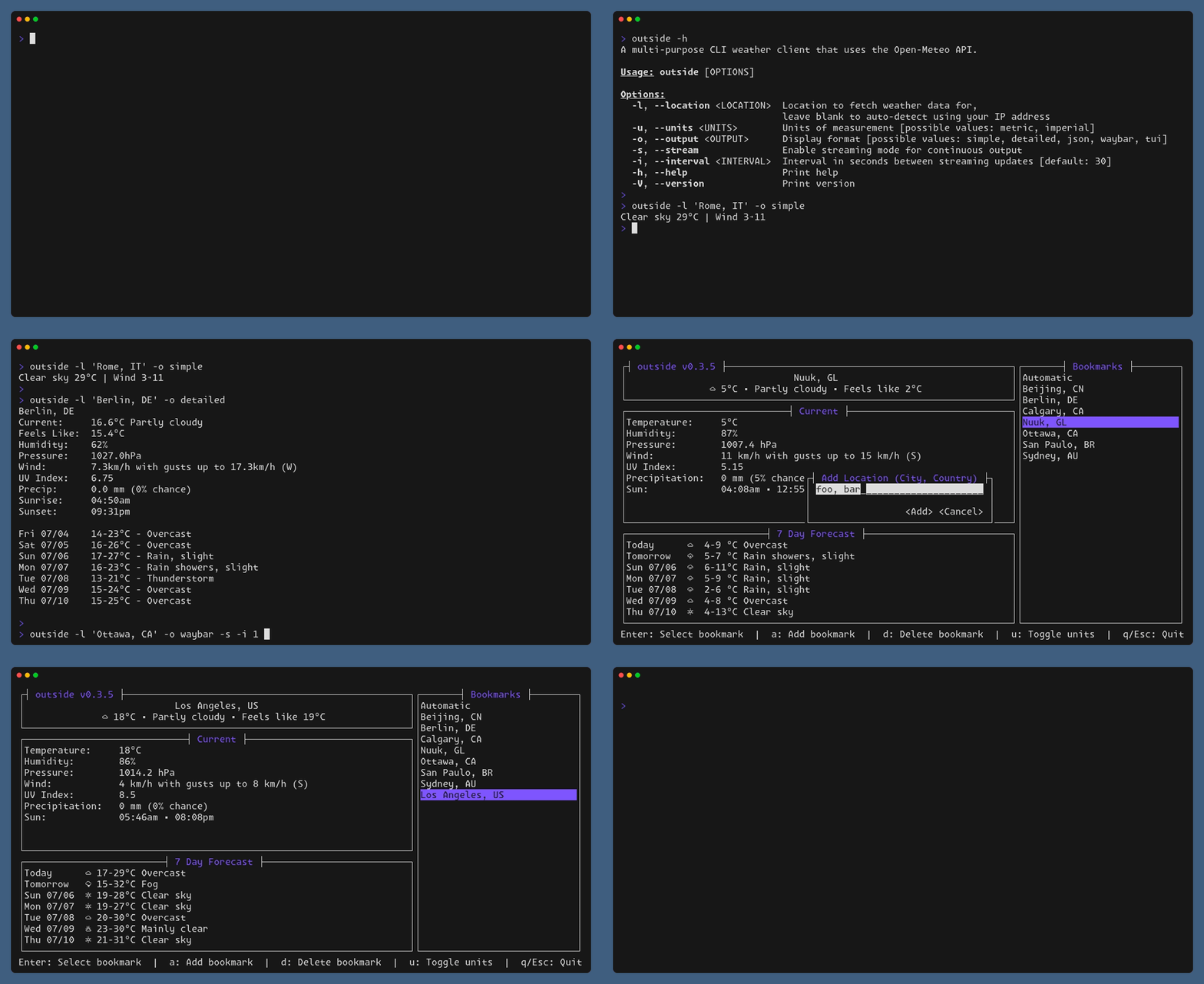
outside
A multi-purpose weather client for your terminal.
A multi-purpose weather client for your terminal.
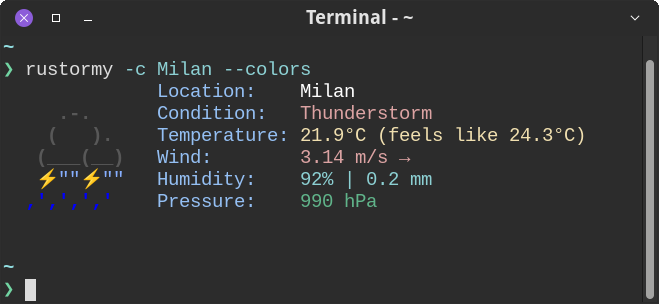
rustormy
Minimal neofetch-like weather CLI.
Minimal neofetch-like weather CLI.
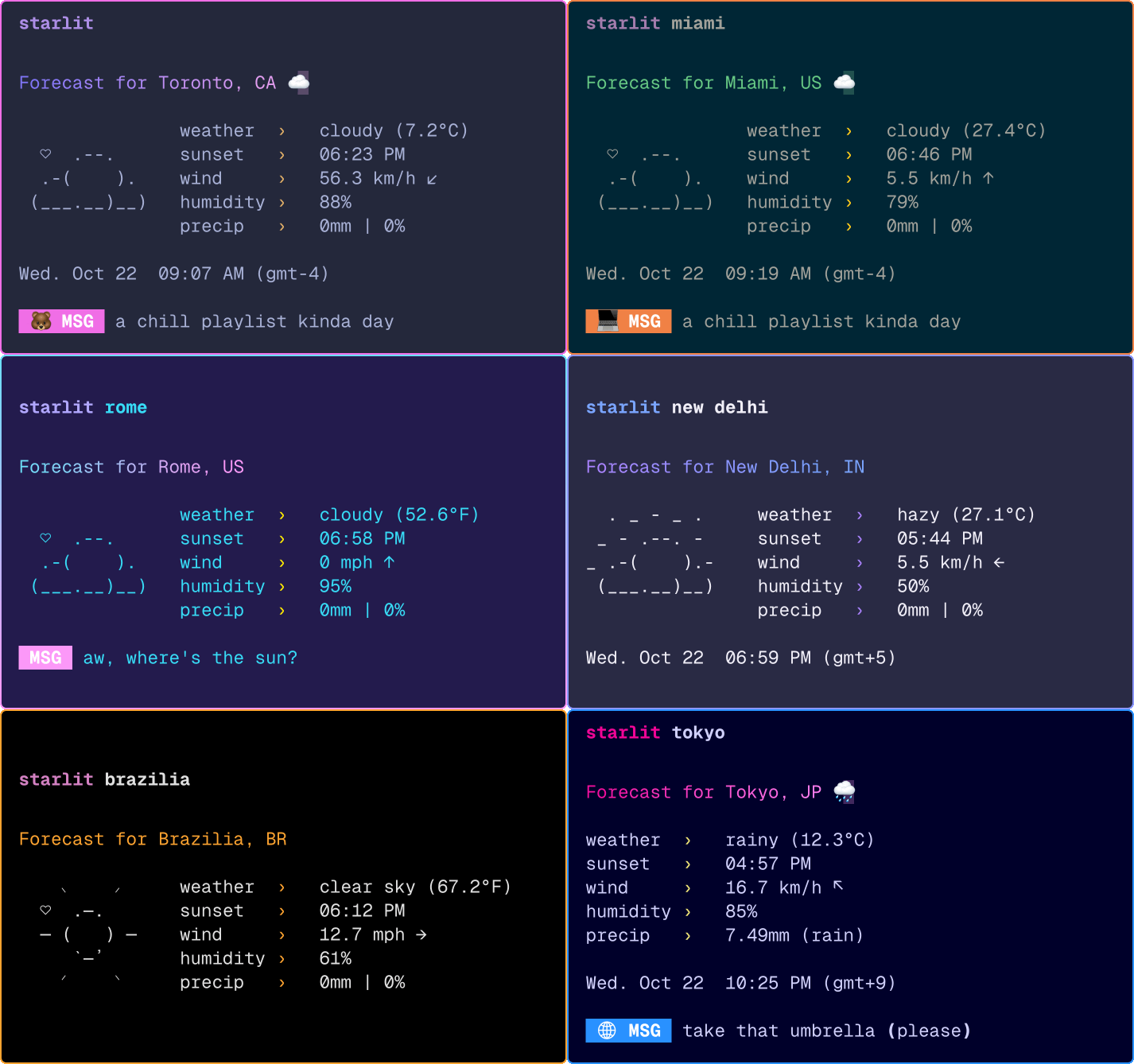
starlit
A minimal, cute and customizable weather cli.
A minimal, cute and customizable weather cli.
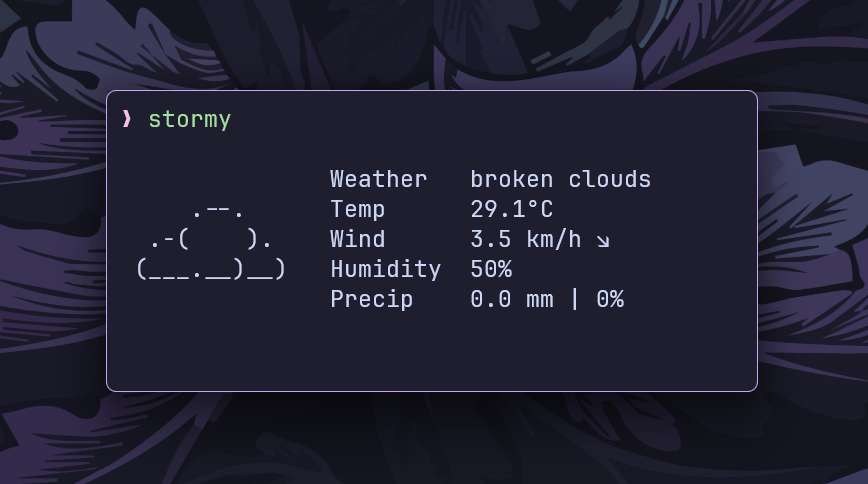
stormy
Minimal, customizable, and neofetch-like weather CLI.
Minimal, customizable, and neofetch-like weather CLI.
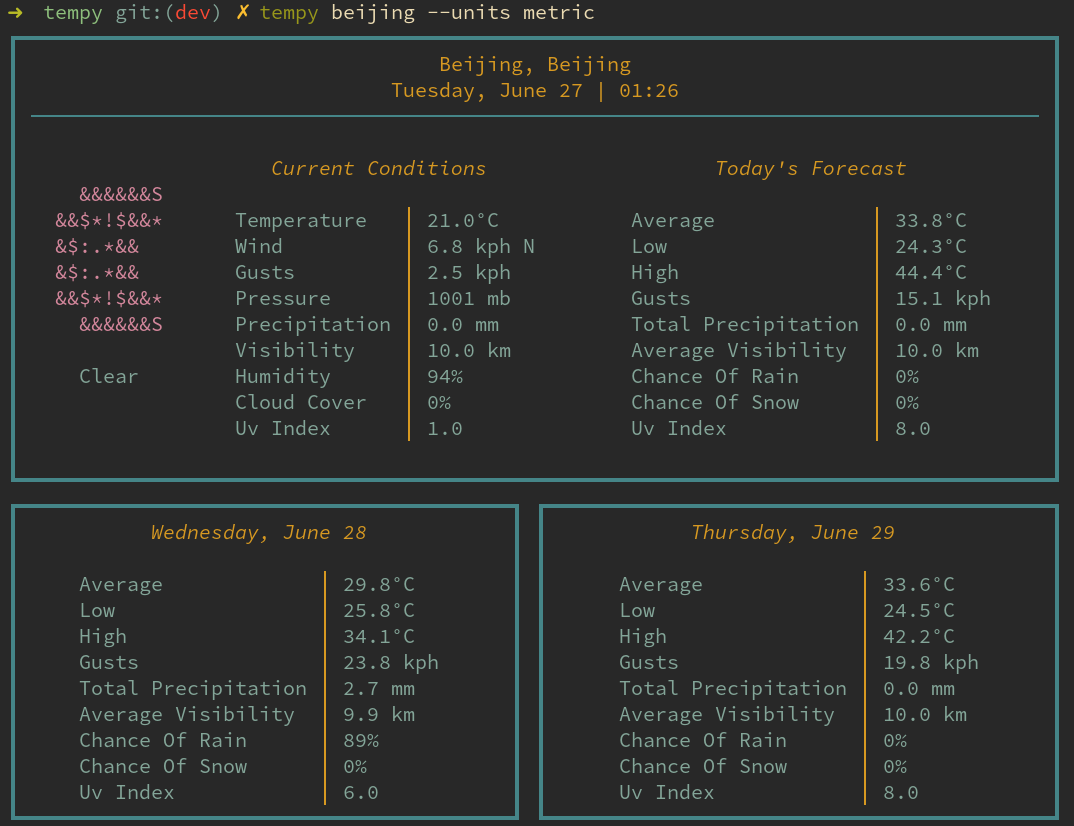
tempy
A simple TUI for displaying the current weather in the terminal
A simple TUI for displaying the current weather in the terminal
Know any terminal tools that would be good for this list? Submit a Tool here!
