flow
Share on:
Enter Your Mastodon Instance
Copy the link below to share to Mastodon
https://terminaltrove.com/flow/
Real-time network throughput dashboard for the terminal.
Script Preview
Review this script before executing in your terminal.
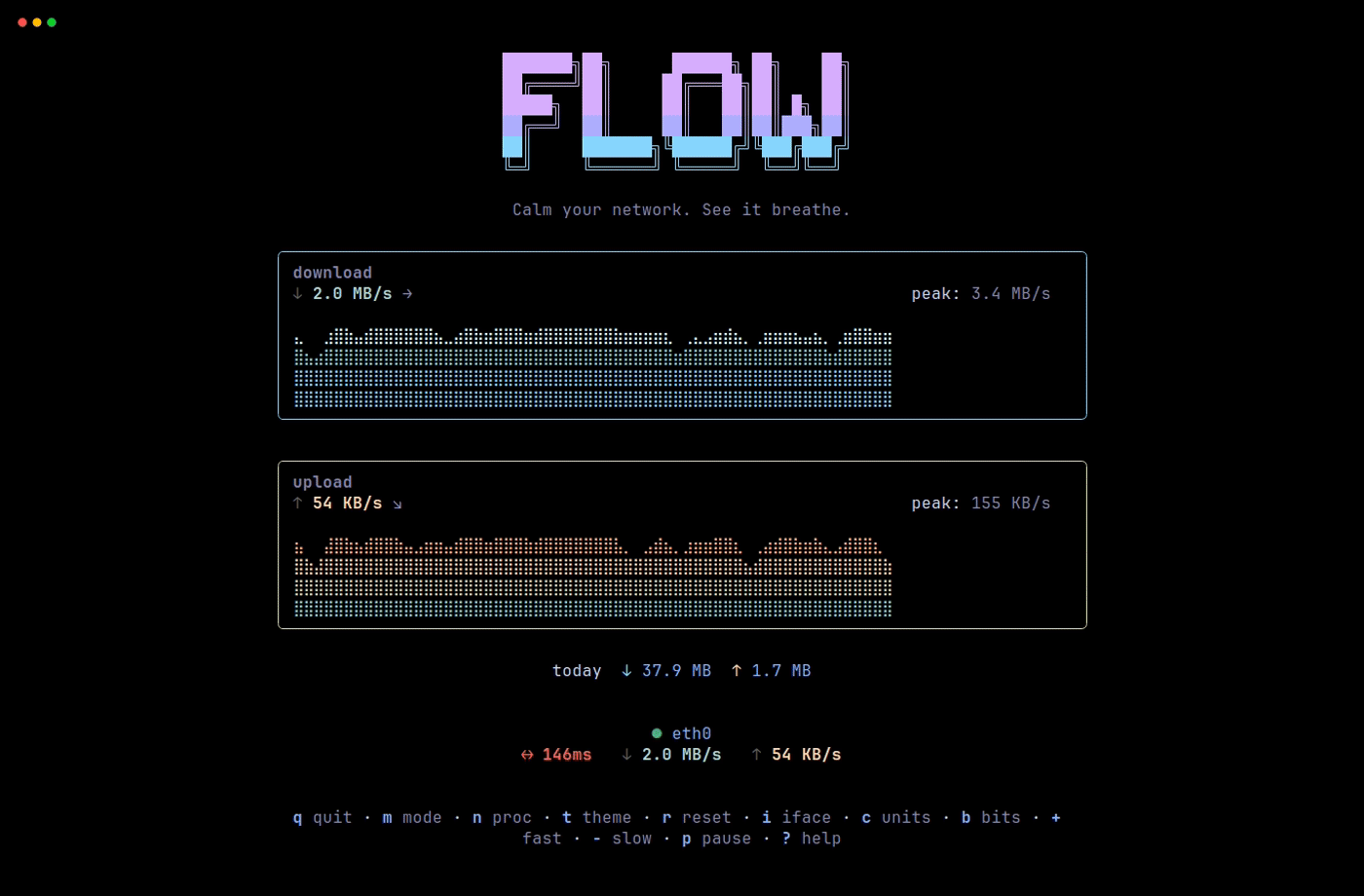

flow is a terminal dashboard for real-time network throughput.
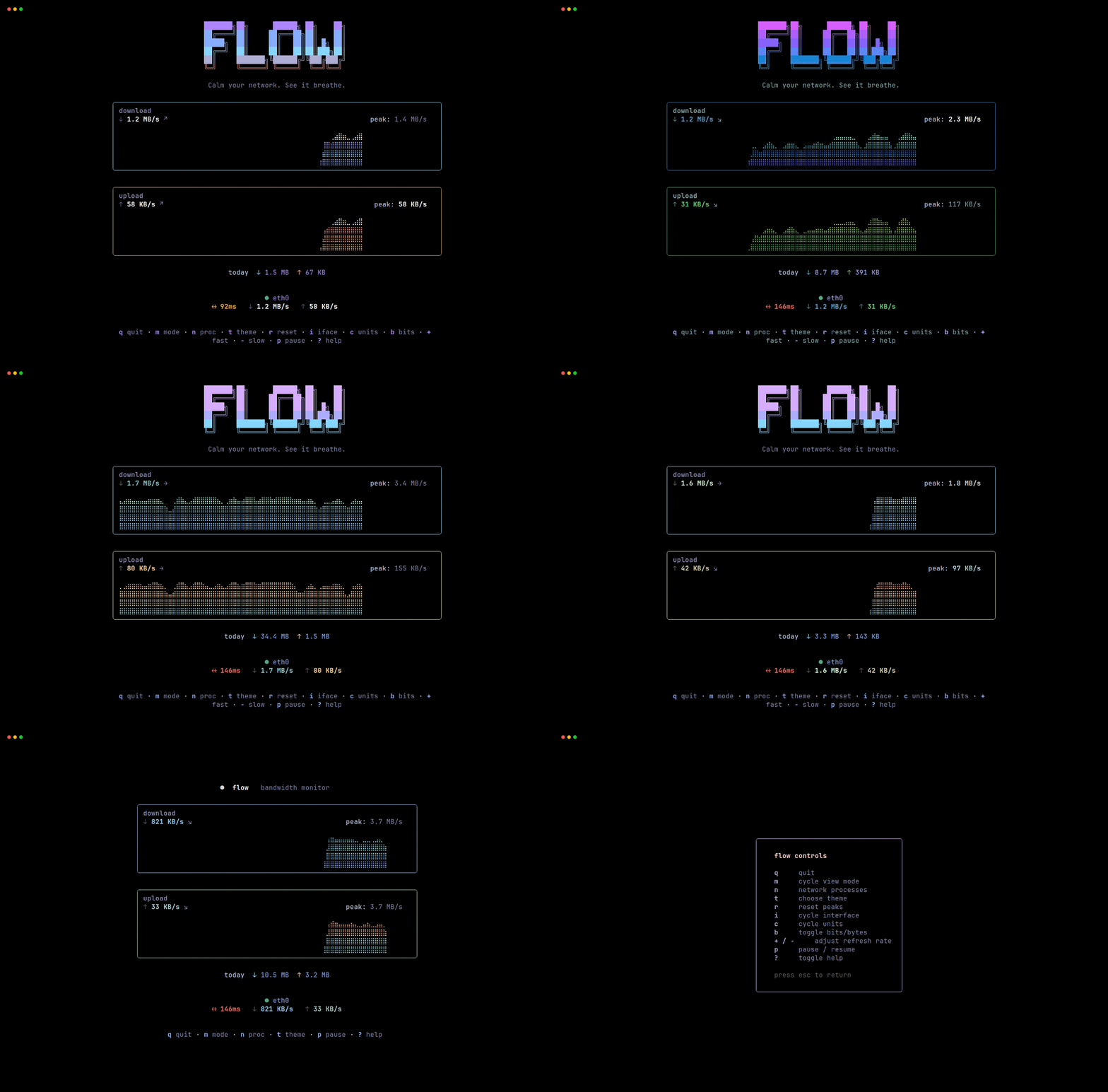
It focuses on live download and upload speed, peak rates, daily totals, traffic trends, and the active network interface. It also includes latency checks, process viewing, themes, automatic unit scaling, and responsive display modes.
For quick checks, flow has one-shot JSON, plain text output, and tiny mode for status bars. You can switch interfaces, pause sampling, reset peaks, toggle bits or bytes, and adjust the refresh interval from the keyboard.
flow is useful for developers, homelab users, and sysadmins who want to know the network throughput of their systems in a clean TUI. It works well when you only need to see in realtime if the network is idle, saturated, or acting strangely.