GitLab CLI
Share on:
Enter Your Mastodon Instance
Copy the link below to share to Mastodon
https://terminaltrove.com/gitlab-cli/
A GitLab CLI tool bringing GitLab to your command line.
Script Preview
Review this script before executing in your terminal.
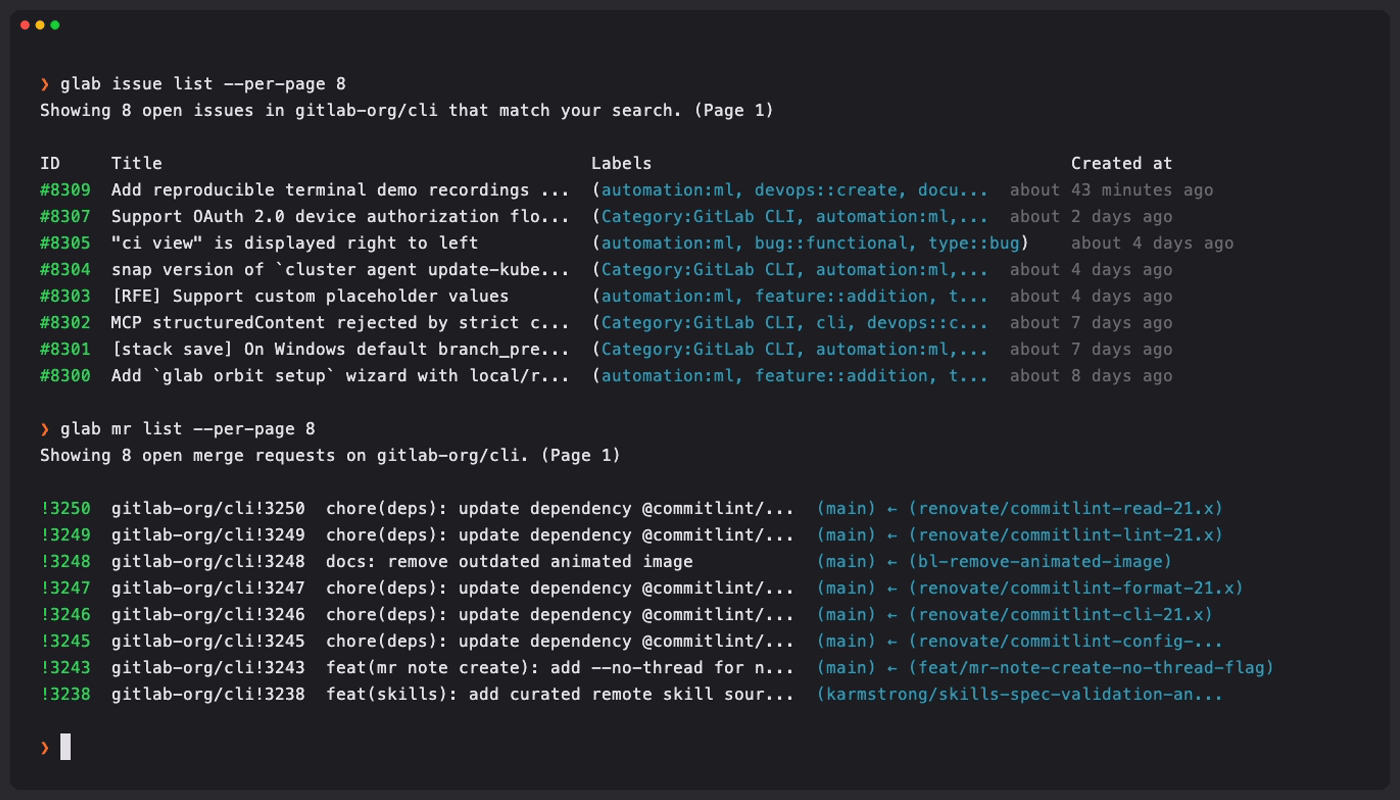
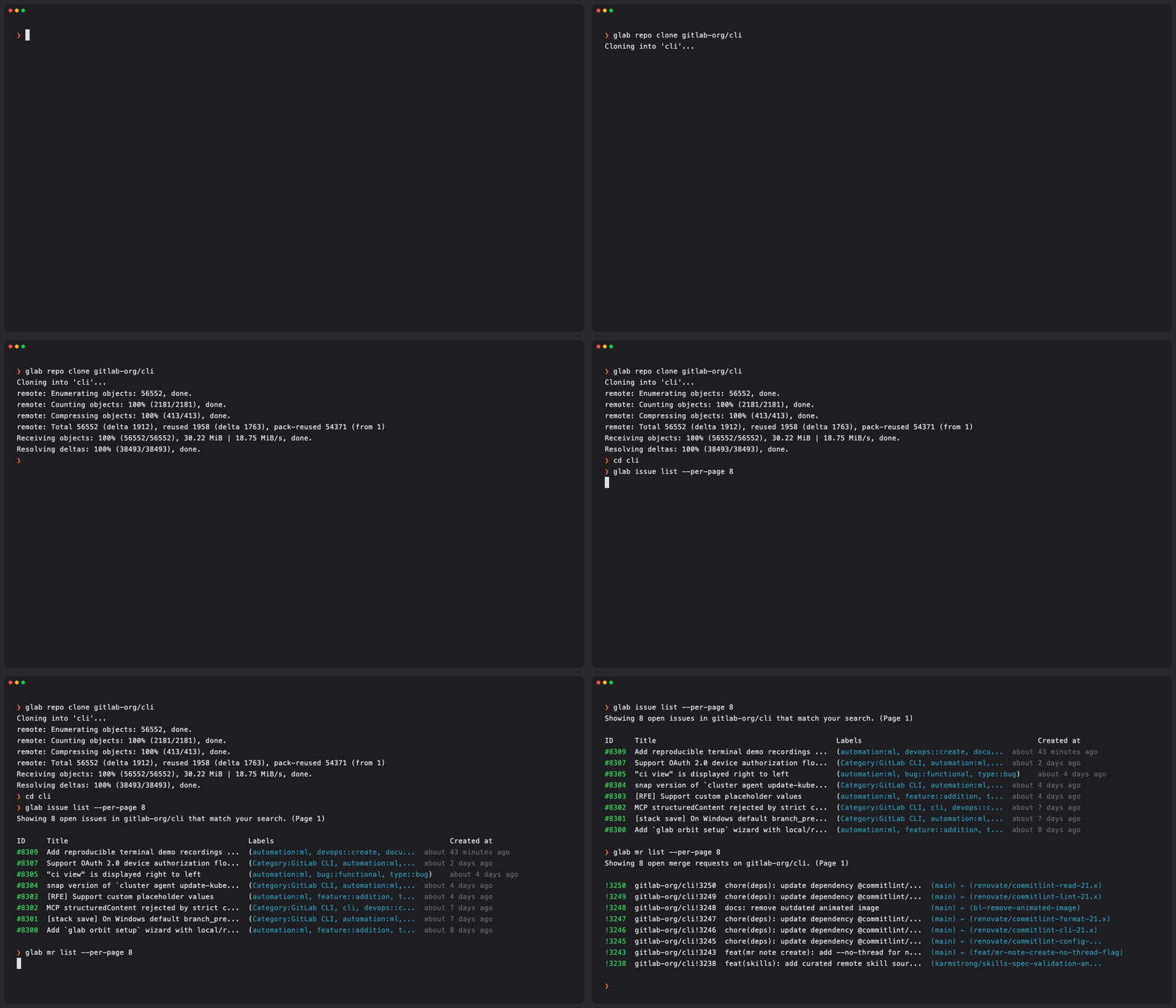
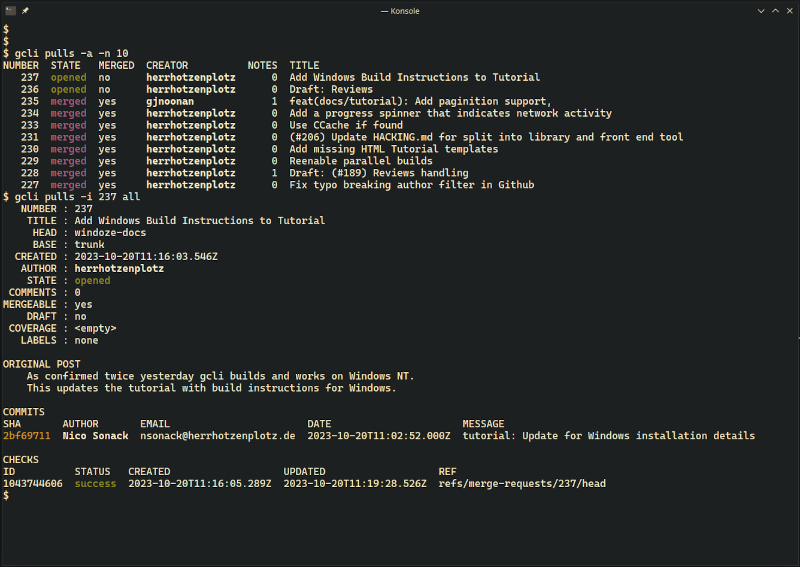
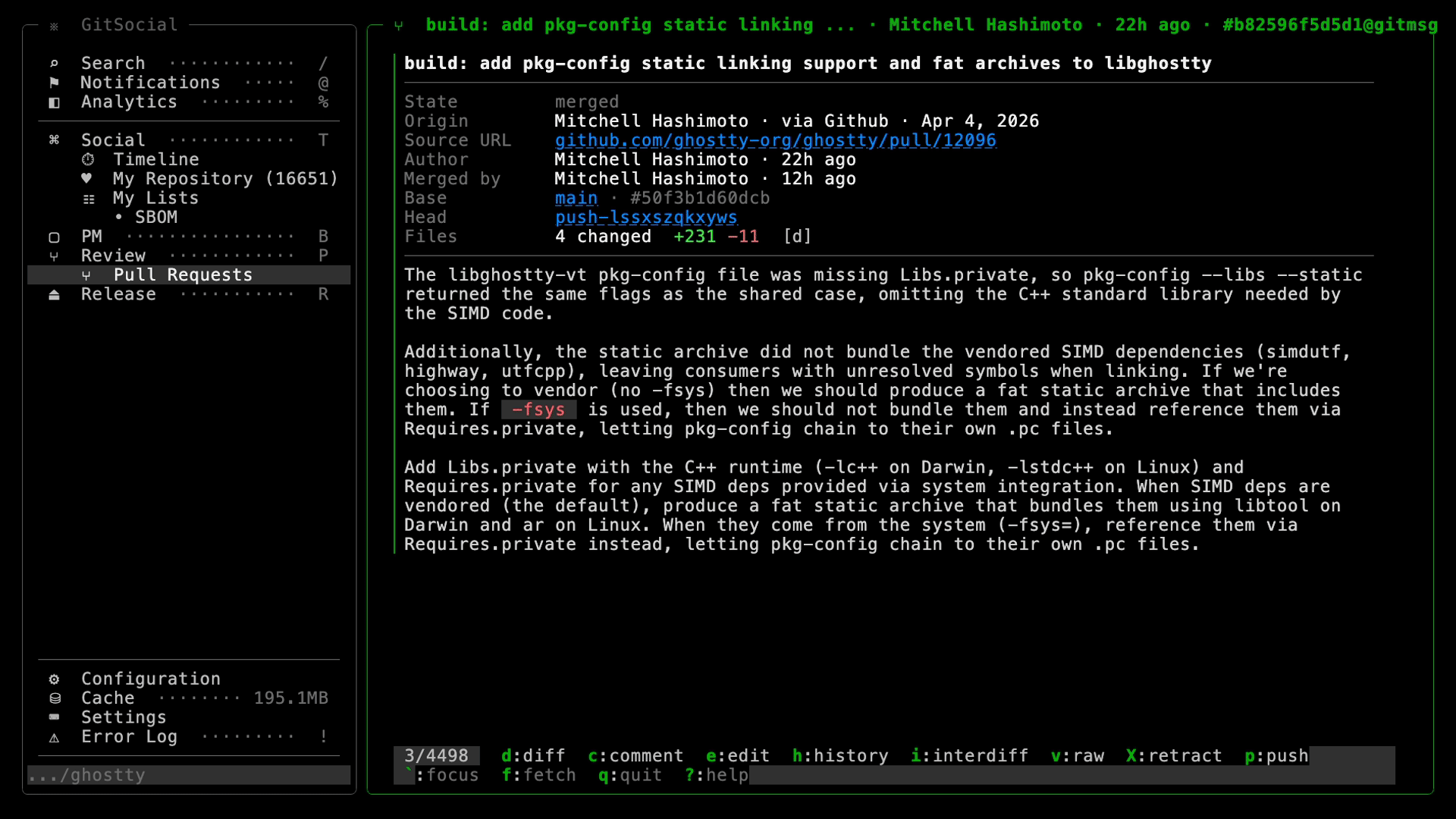
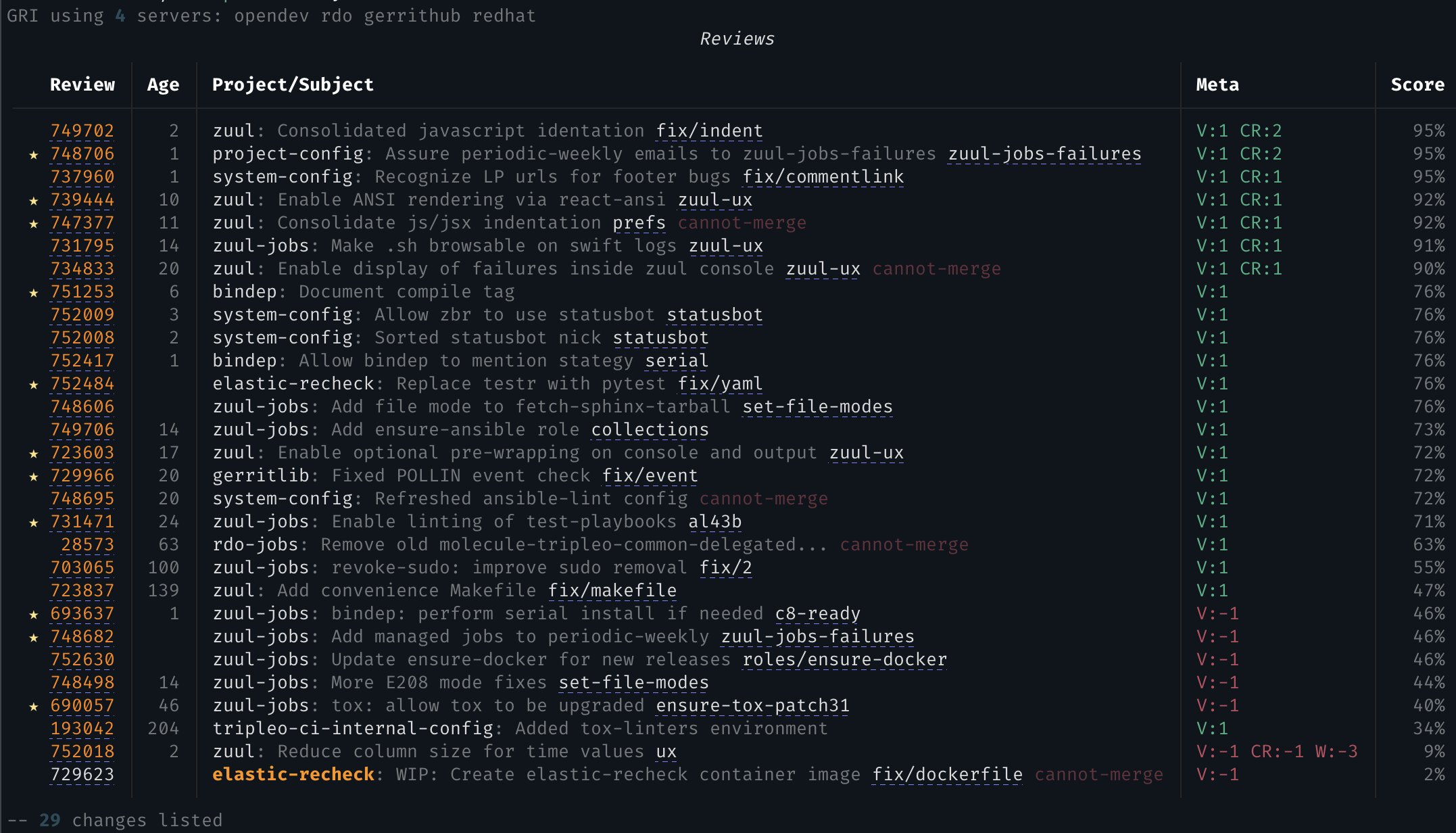
The GitLab CLI (or glab) is a command-line tool for working with GitLab projects, merge requests and CI/CD from a terminal beside Git.
It creates and reviews merge requests, manages issues, repositories and releases, and inspects pipelines and jobs. In addition, it has OpenTofu support, MCP server support, incident management and you can create changelogs using the CLI via the GitLab API.
When you manage several GitLab instances, glab detects hosts from remotes, keeps per-host settings, controls Kubernetes agents and connects to GitLab Duo an assistant in the terminal.
GitLab developers, release engineers and platform teams can use it in local repositories, SSH sessions and CI jobs.