lsoff
Share on:
Enter Your Mastodon Instance
Copy the link below to share to Mastodon
https://terminaltrove.com/lsoff/
A CLI / TUI that lists listening TCP/UDP ports.
Script Preview
Review this script before executing in your terminal.
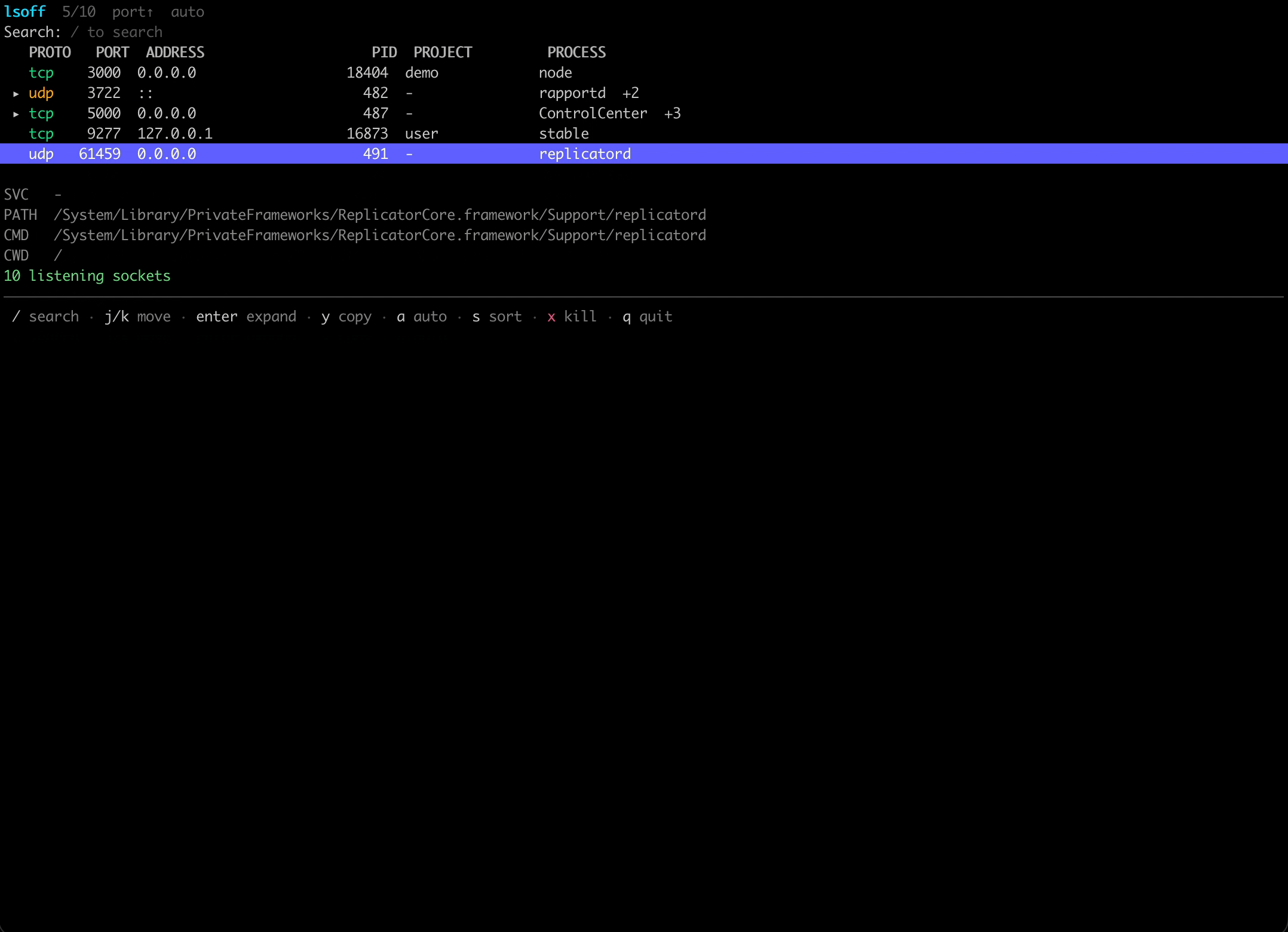

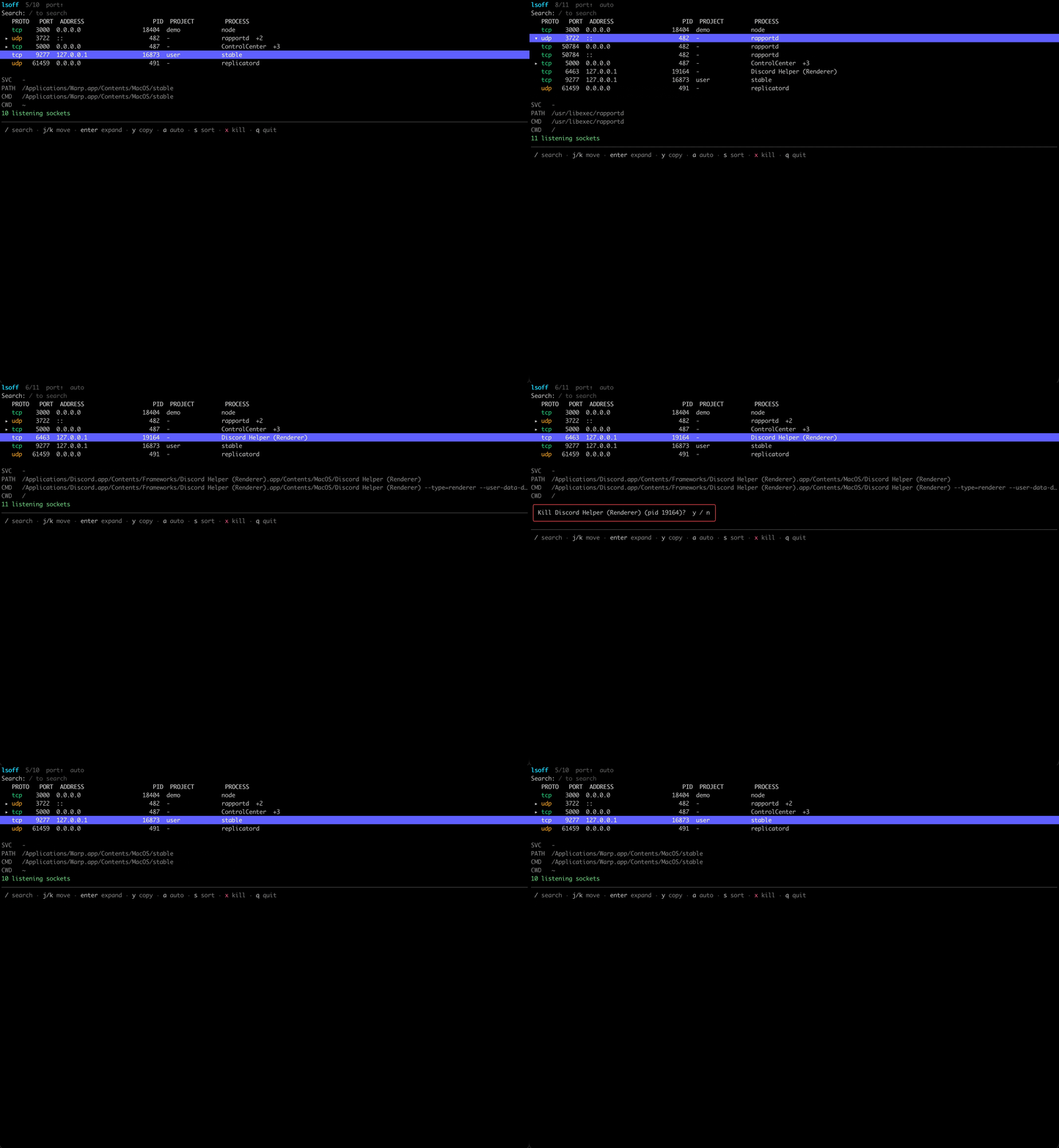
lsoff is a cross-platform CLI and TUI for searching for processes that discover programs that listen on TCP and UDP ports in the terminal.
This program can search by port, process name and the PID (process identifier) and It can list the path of the program that is searched. Sorting and copying can be done by pressing 'y' in lsoff, and it can kill a process by pressing 'x' of the selected program.
A single process can also be listening on multiple UDP or TCP ports which lsoff can also expand the list of ports that a program is using. Through its CLI, you can output a query as JSON and start the program to listen only with TCP or UDP filters.
This tool can be used with developers, sysadmins and homelab users who need to identify processes that take up ports in their system. It also can be used on Windows, Linux or macOS and can be used without any extra tools.