kernwatch
Share on:
Enter Your Mastodon Instance
Copy the link below to share to Mastodon
https://terminaltrove.com/kernwatch/
Linux kernel observability in your terminal.
Script Preview
Review this script before executing in your terminal.
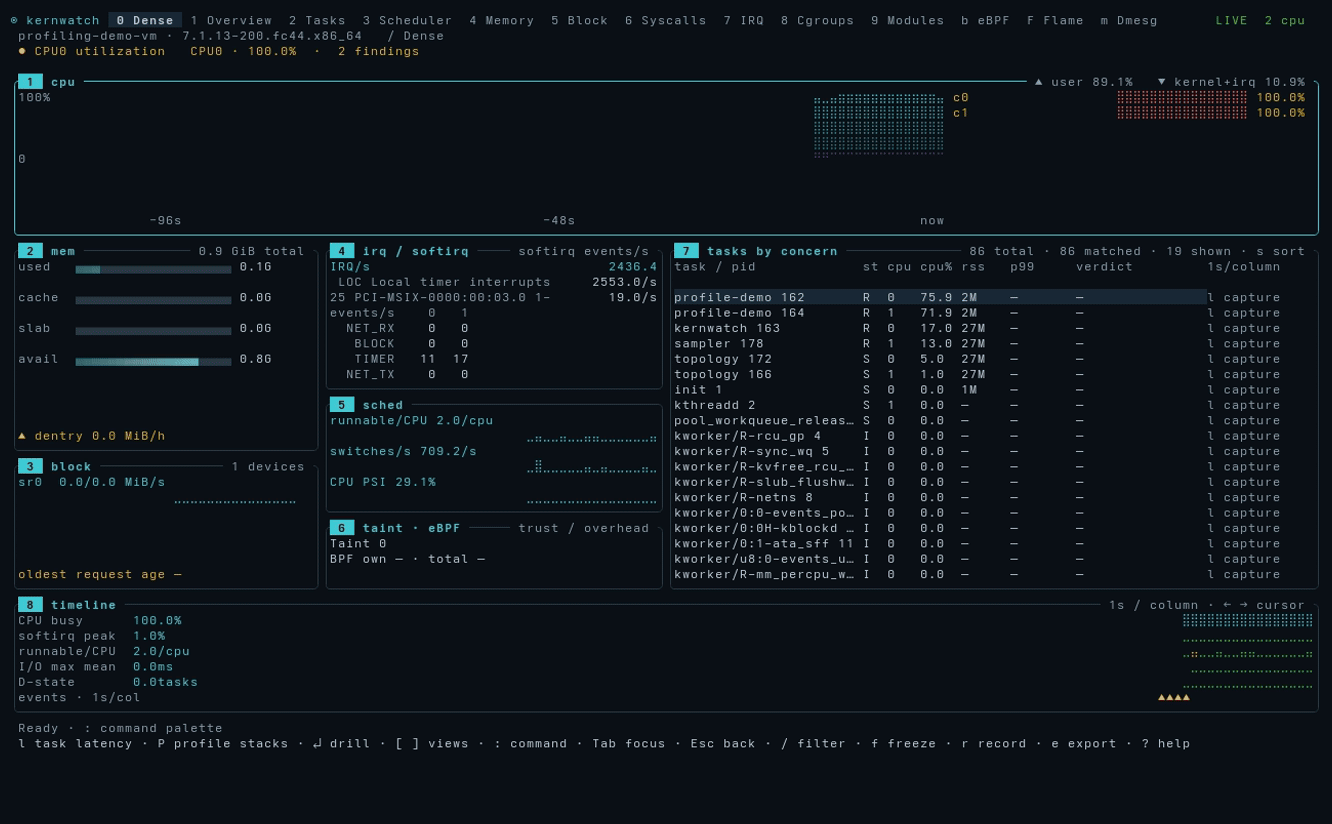
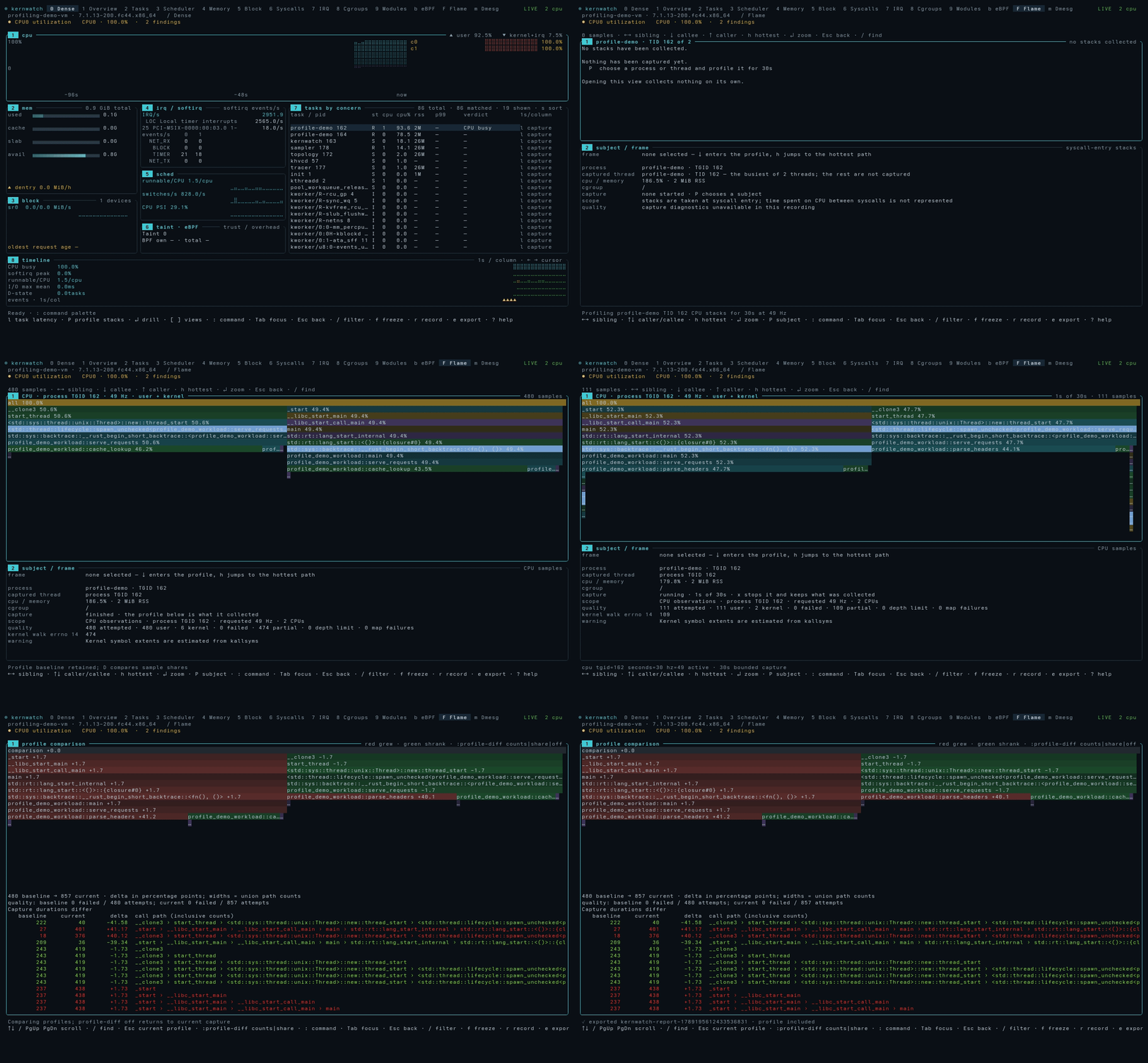
kernwatch is a low-level Linux terminal monitor that focuses specifically on kernel activity and performance tracing.
It monitors the internal state of the running system kernel which displays detailed information on CPU scheduling, task memory, interrupts, cgroups and kernel modules inside of the system. eBPF captures allow kernwatch to measure wake delays, syscall durations and request latency with suitable kernel features and permissions.
In the 'flame' menu, it has a built-in profiler that allows you to select captures CPU stacks of running programs and compares their traced stacks with the saved baselines. Recording sessions are supported for offline replay of system activity and you can export them to preserve observations and diagnostic findings for later analysis.
kernwatch is for those who are performance engineering specialists, Linux administrators, system engineers and even Linux kernel developers that need a single terminal tool that assists with troubleshooting issues on their Linux machine and investigating low-level kernel issues.