Terminal System Monitors
A system monitor puts the state of a whole machine on one screen: processor load, memory use, disk and network activity, and the table of running processes.
In the terminal these run as full screen dashboards that redraw every second or so, which is how an administrator finds the process behind a spike in load or a server that has run out of memory. htop and btop are the best known, and most of the family descends from top.
Meters for one resource at a time, such as GPU, power, swap or bandwidth, are listed under resource monitors, and tools that collect metrics over time are under monitoring.
Below is a list of terminal tools that monitor an entire system on one screen.
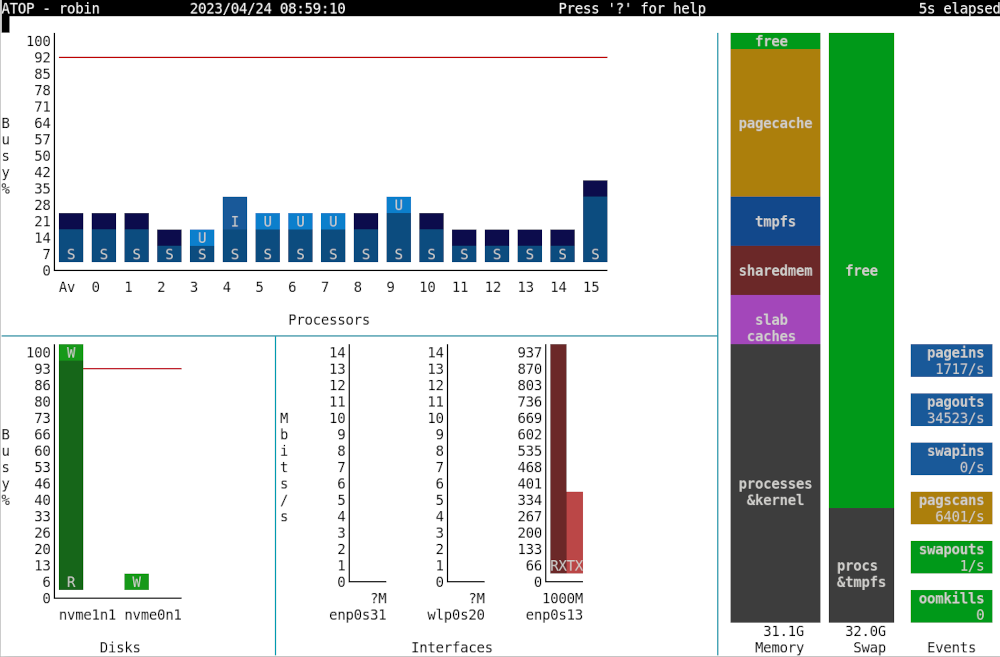
atop
An advanced interactive monitor for linux systems.
An advanced interactive monitor for linux systems.
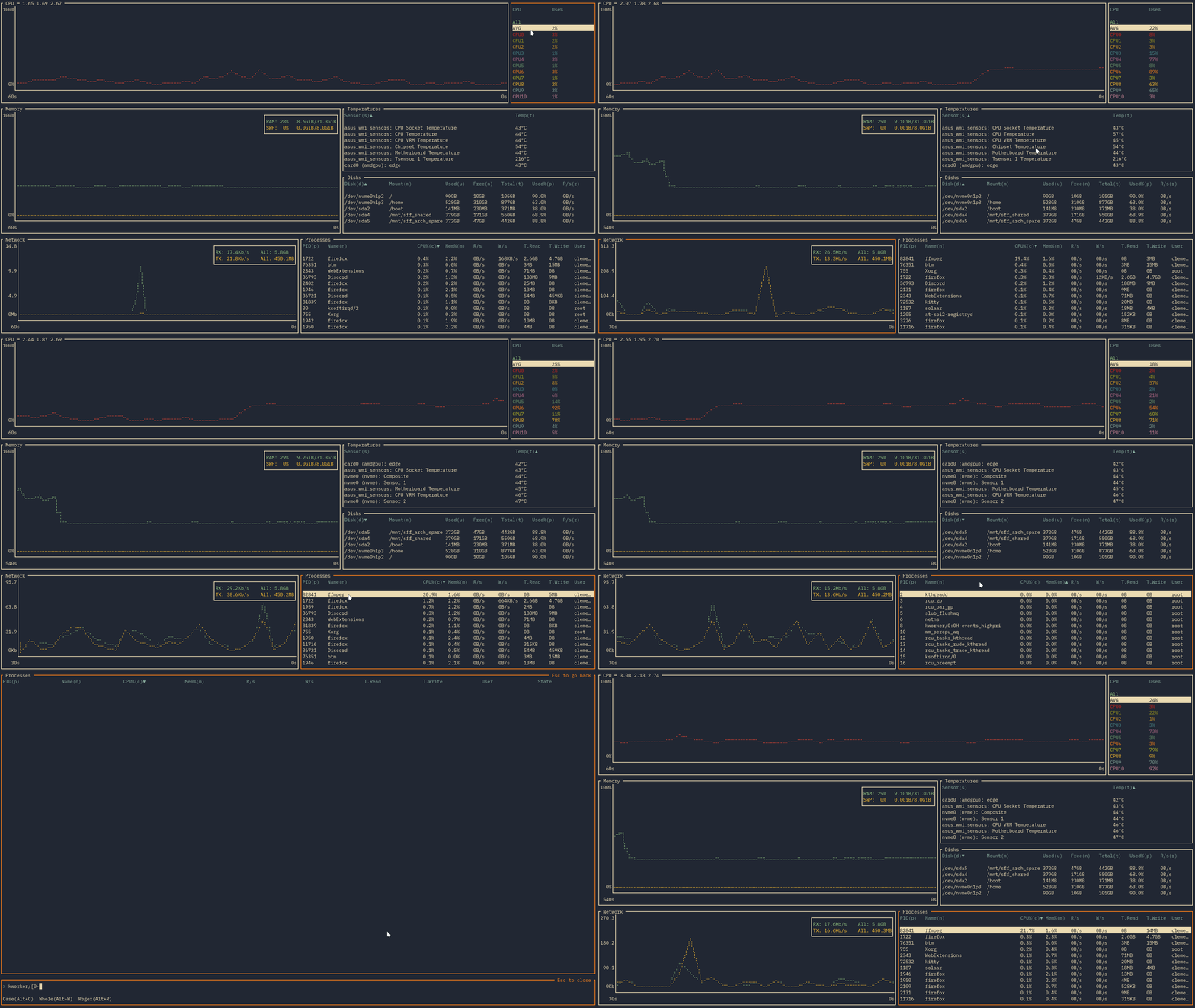
bottom
Yet another cross-platform graphical process/system monitor.
Yet another cross-platform graphical process/system monitor.
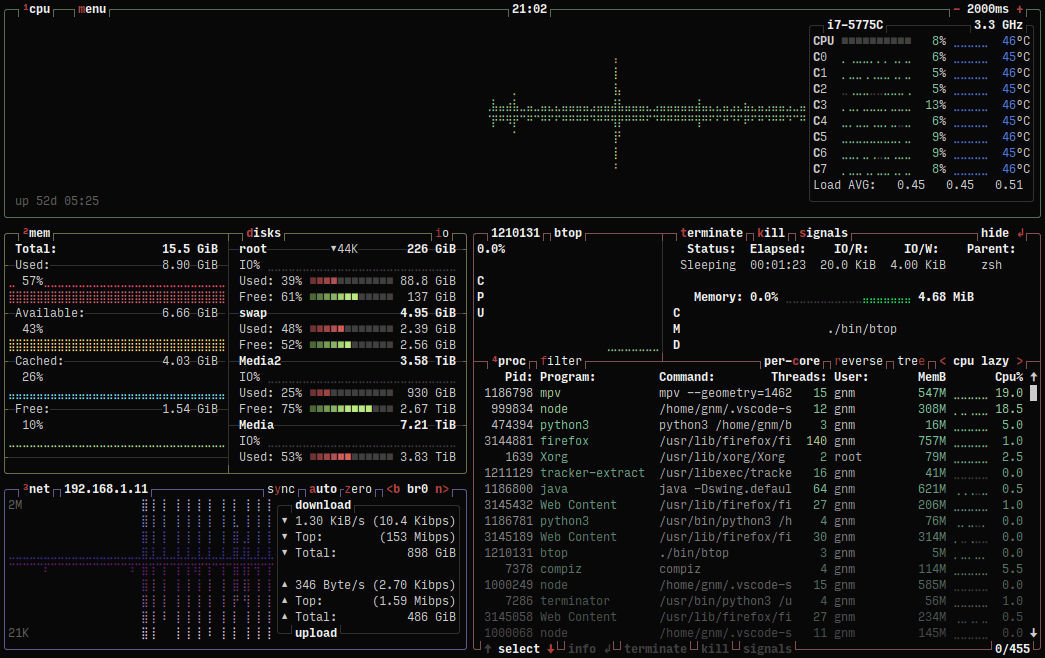
btop
A terminal monitor of resources.
A terminal monitor of resources.
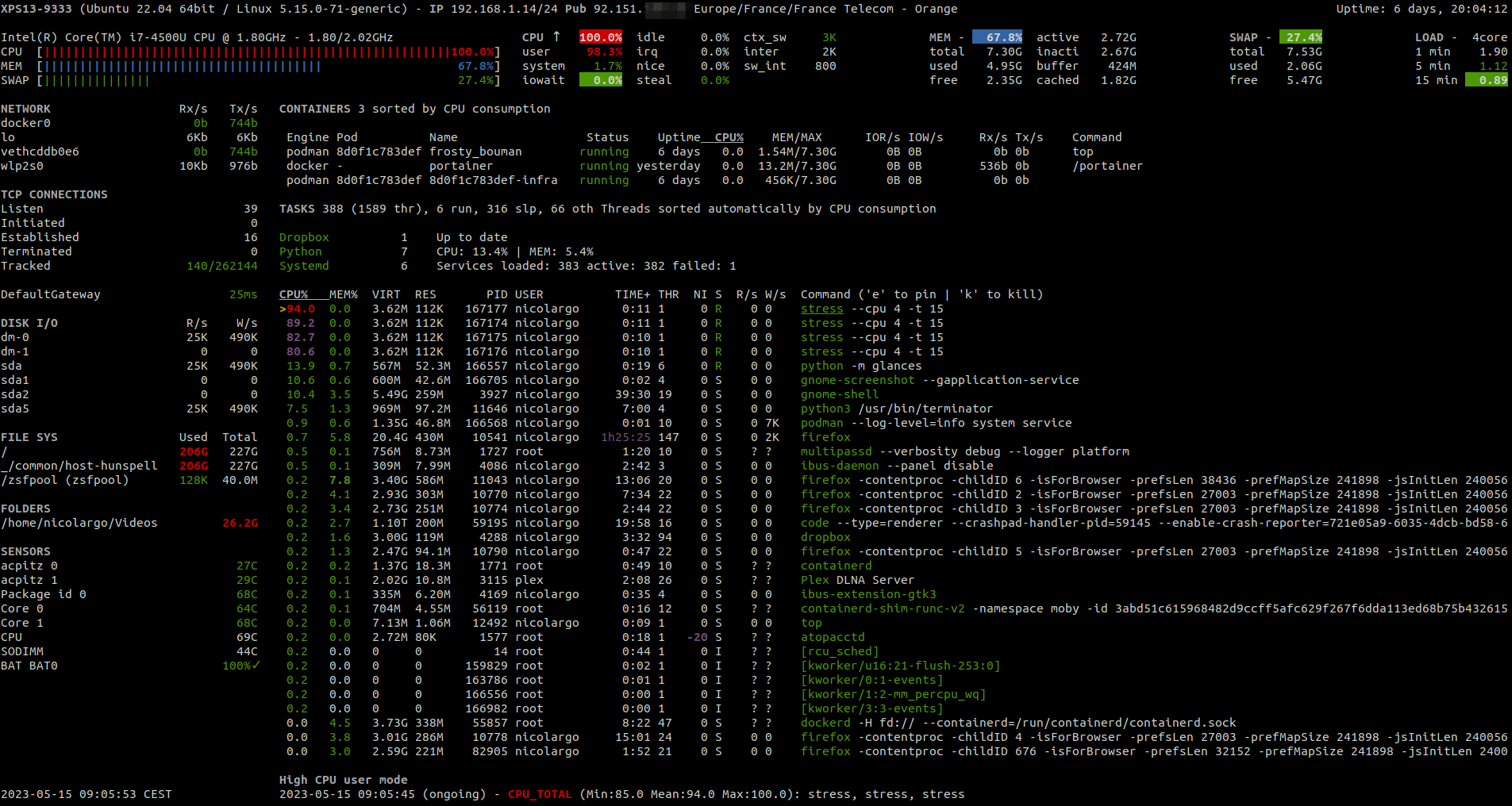
glances
A cross platform top/htop alternative in python.
A cross platform top/htop alternative in python.
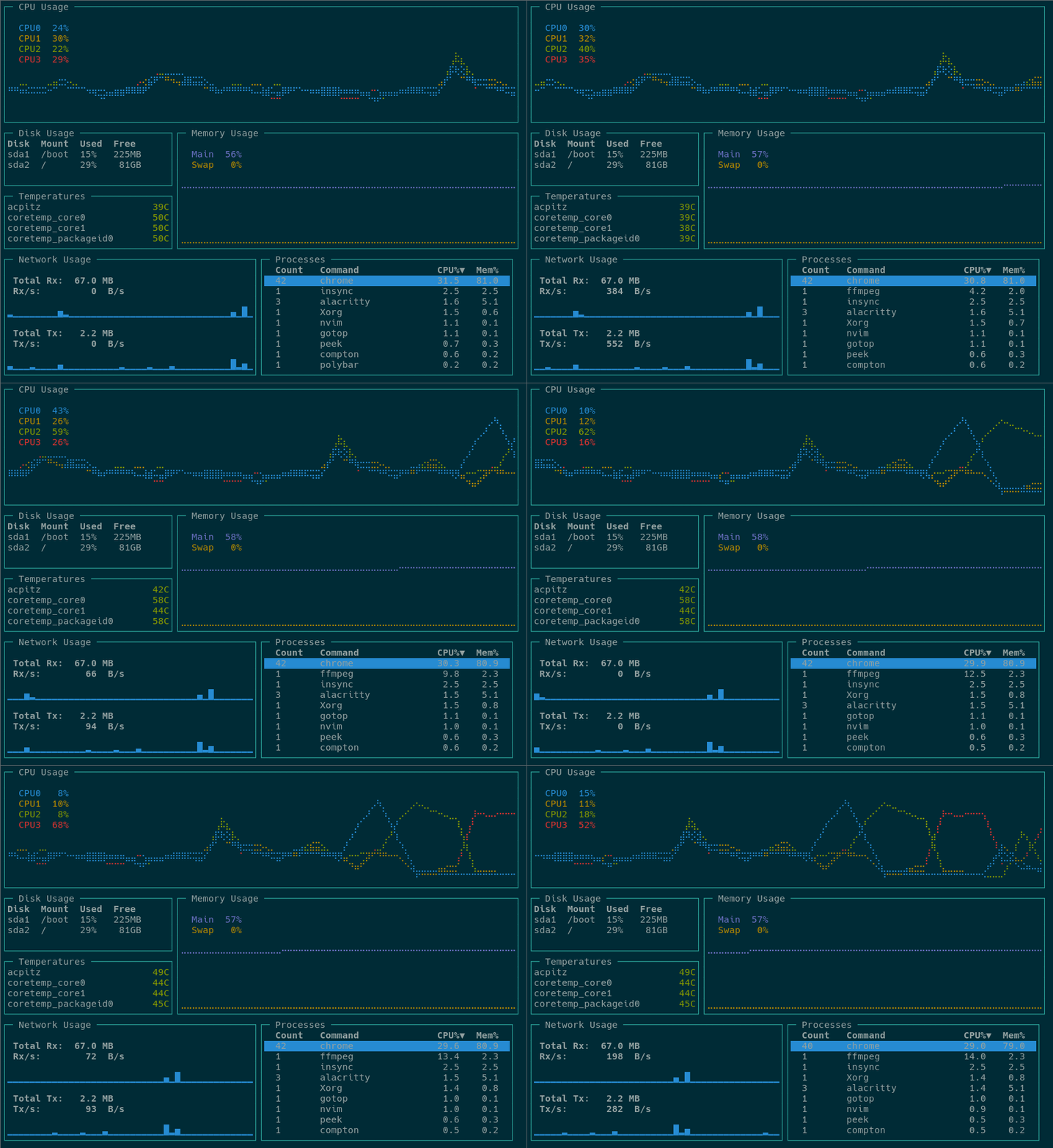
gotop
A terminal-based graphical activity monitor written in Go.
A terminal-based graphical activity monitor written in Go.
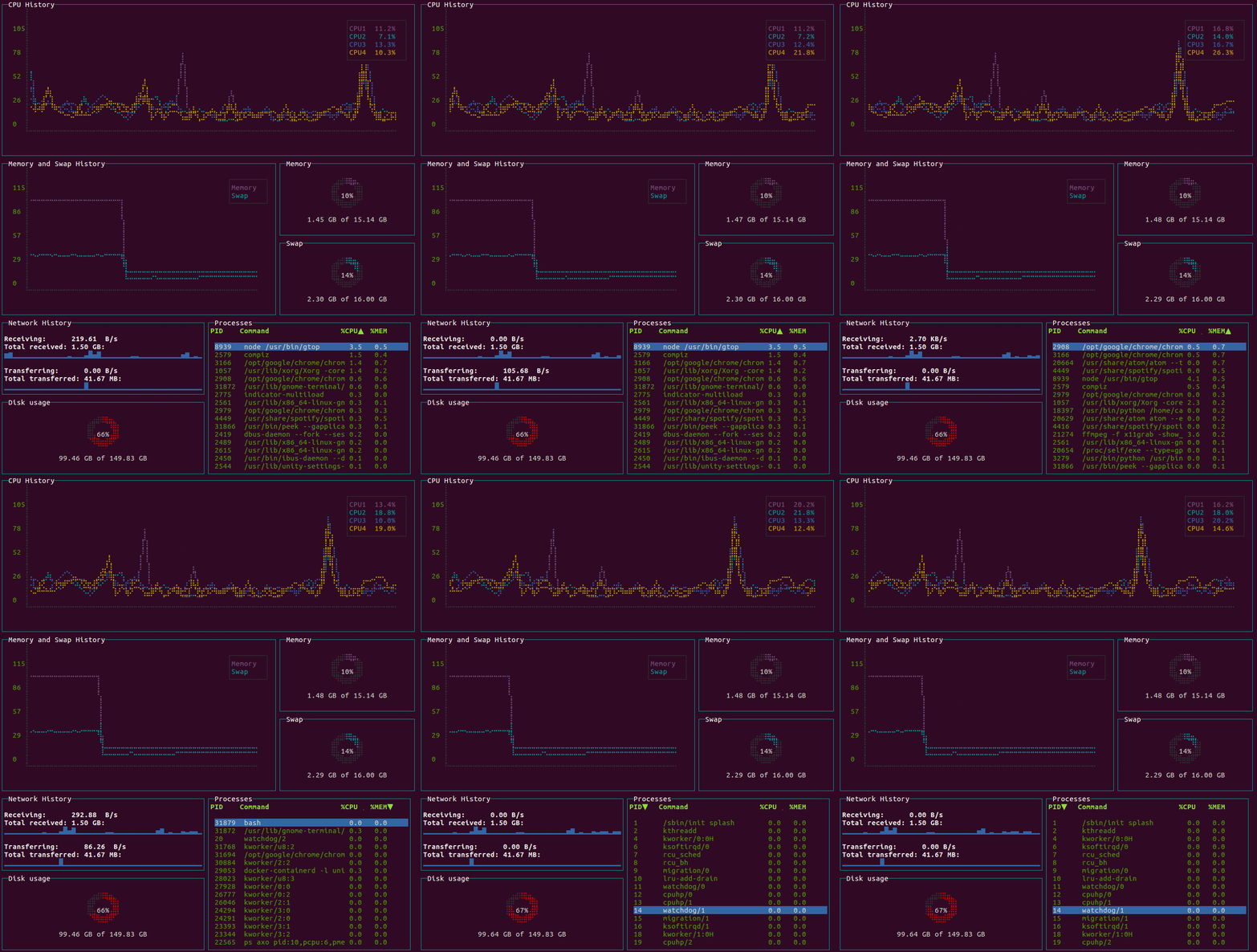
gtop
System monitoring dashboard for terminal.
System monitoring dashboard for terminal.
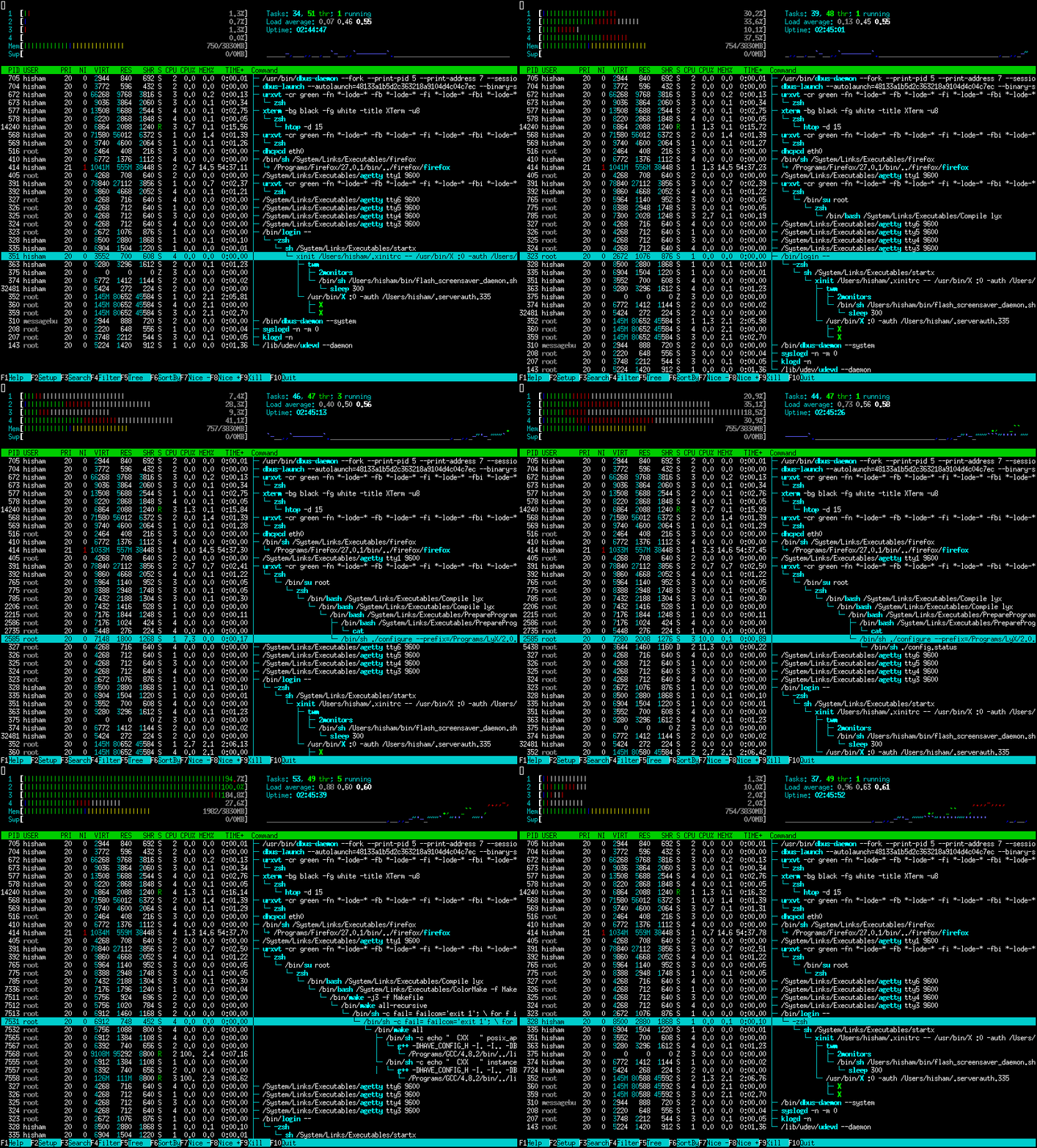
htop
An interactive process viewer.
An interactive process viewer.
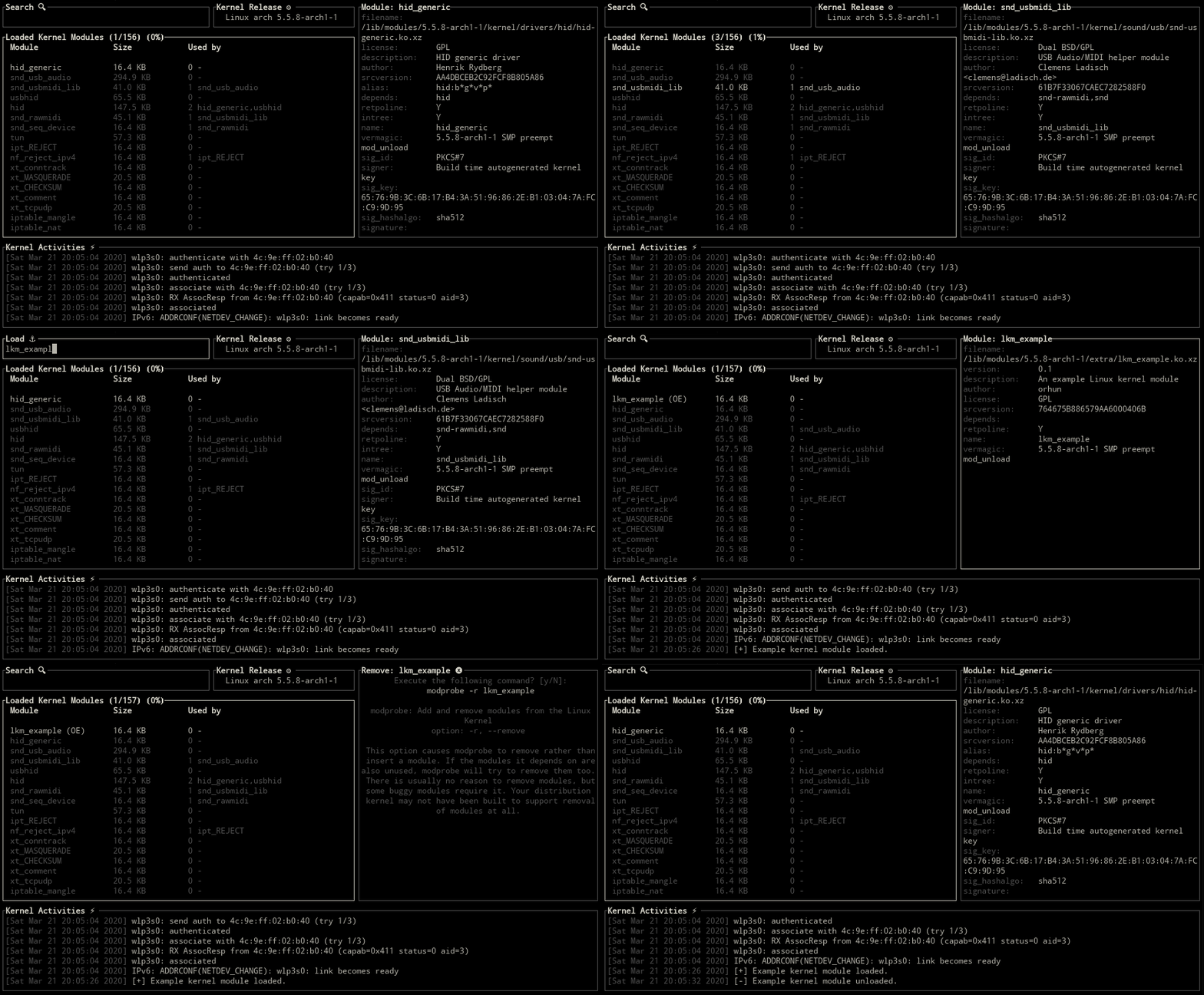
kmon
Linux Kernel Manager and Activity Monitor.
Linux Kernel Manager and Activity Monitor.
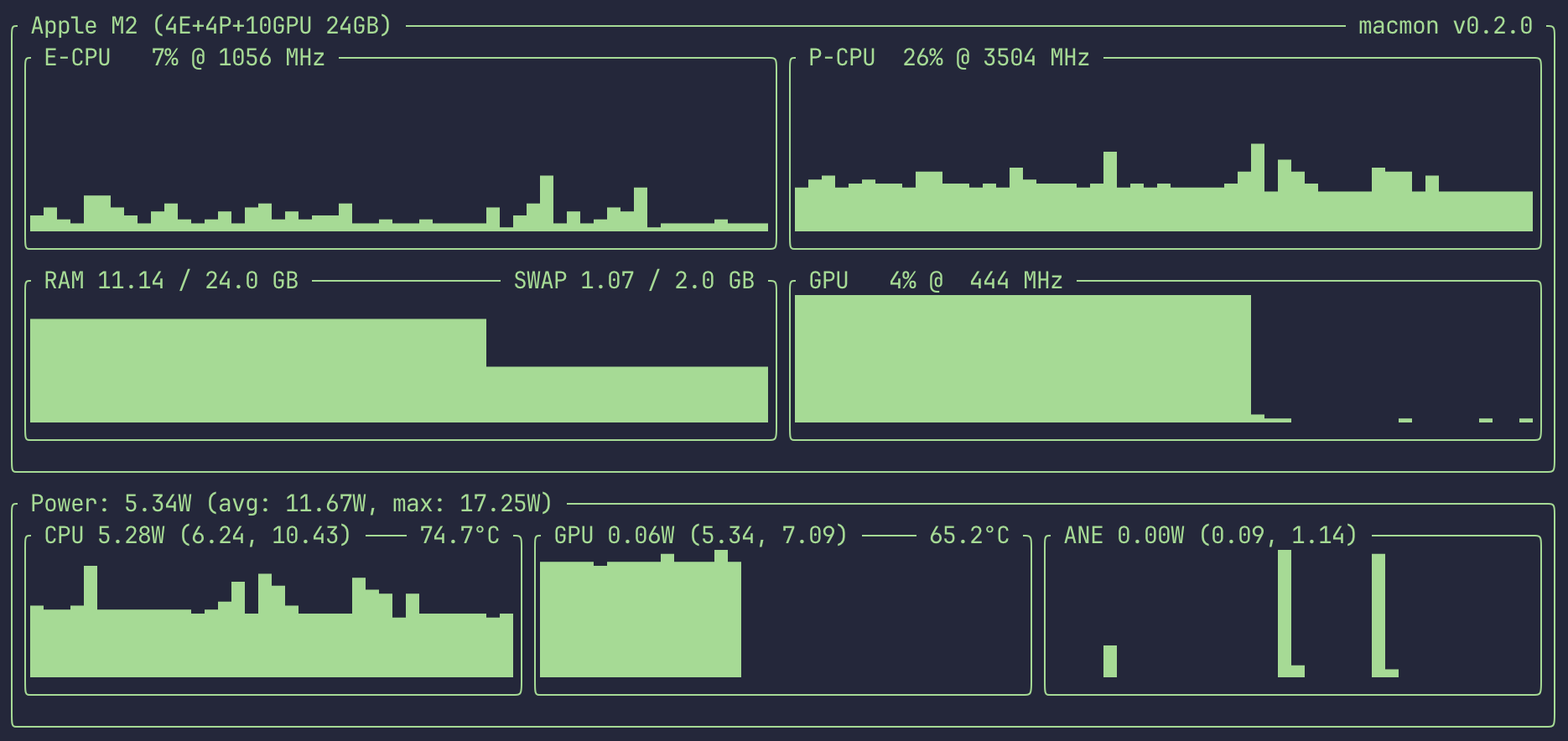
macmon
Sudoless performance monitoring for Apple Silicon processors.
Sudoless performance monitoring for Apple Silicon processors.
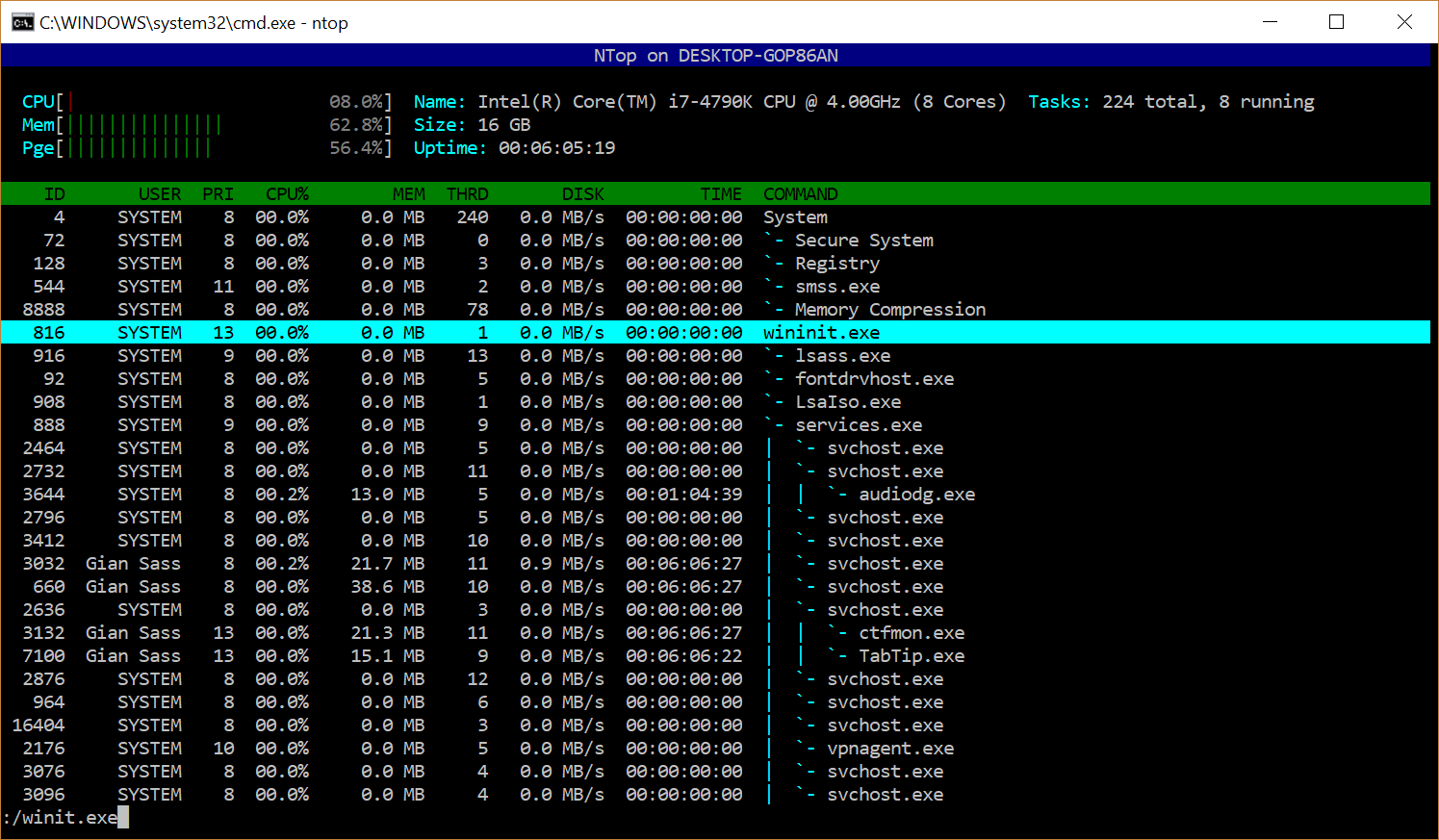
ntop
htop-like system-monitor for windows.
htop-like system-monitor for windows.
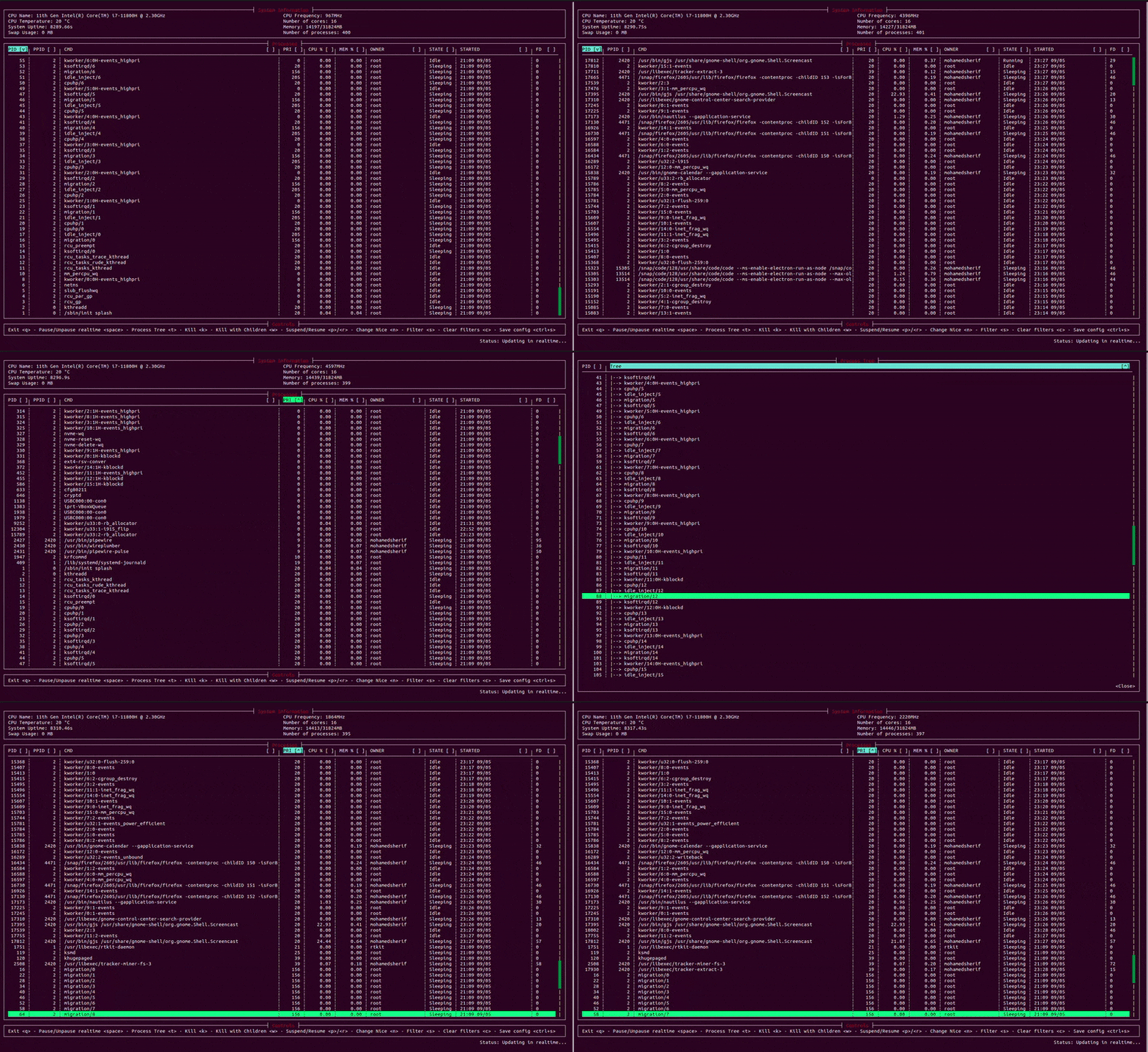
pctrl
A terminal-based process controller.
A terminal-based process controller.
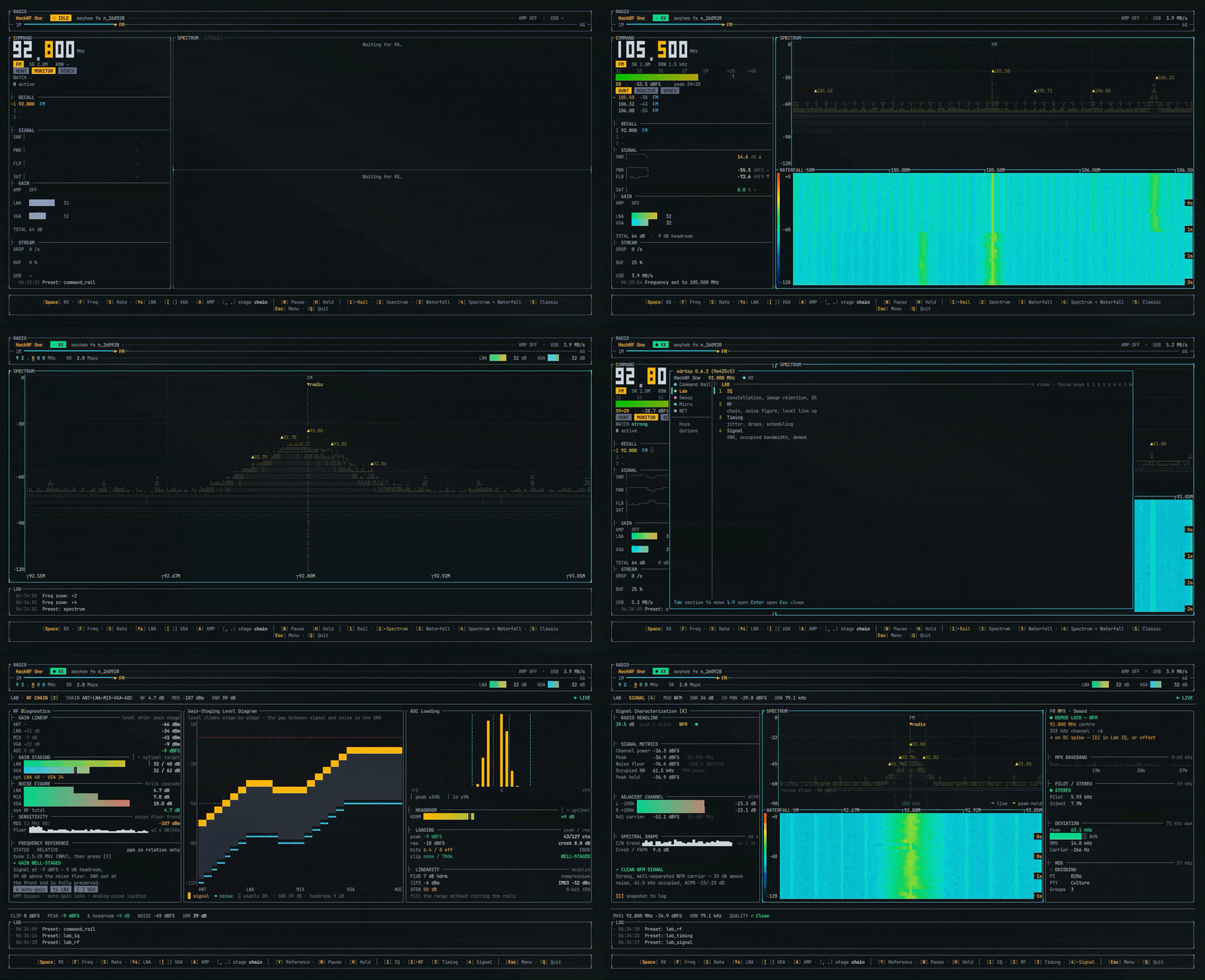
sdrtop
A terminal monitor for software defined radio (SDR) hardware.
A terminal monitor for software defined radio (SDR) hardware.
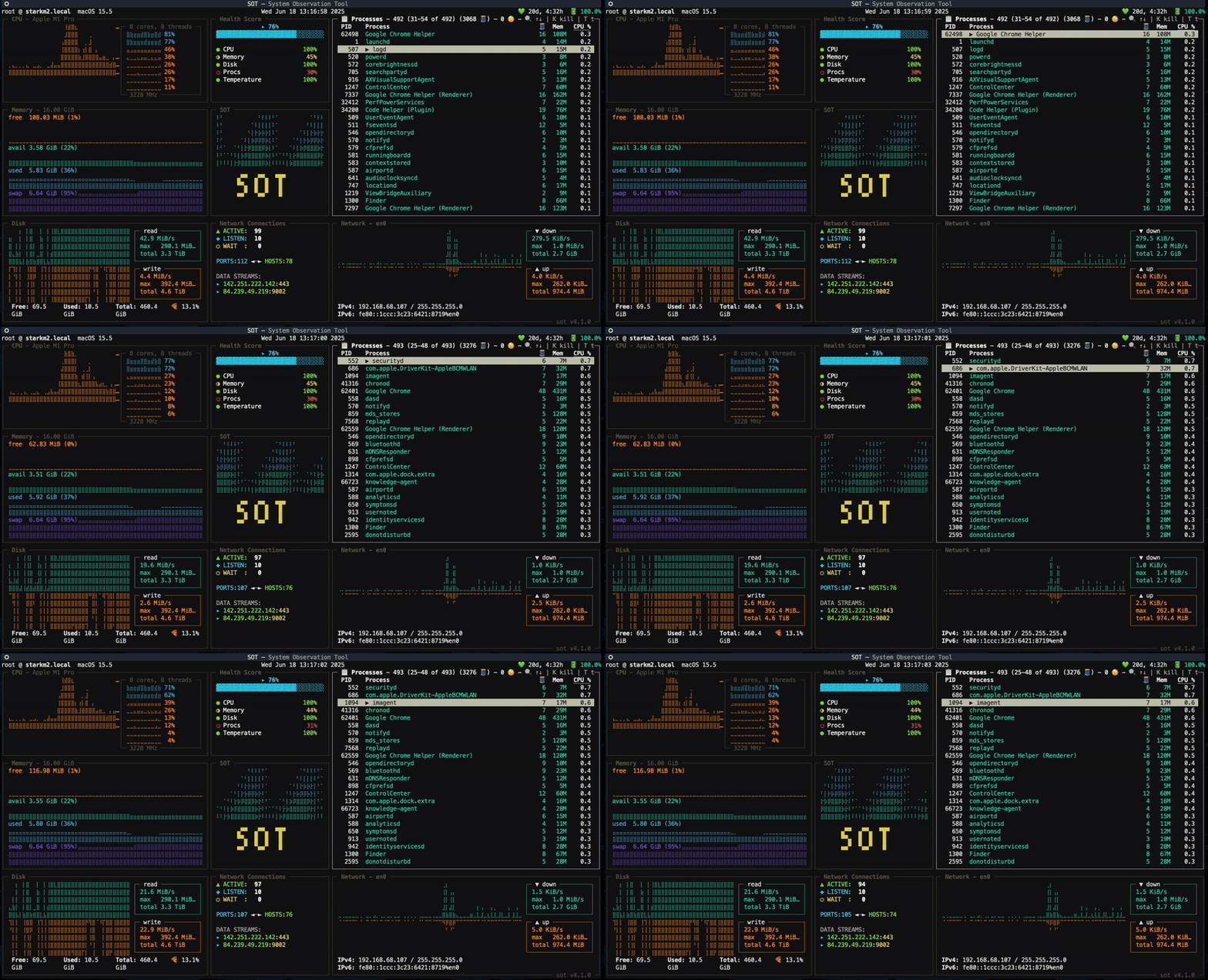
sot
Command-line System Observation Tool.
Command-line System Observation Tool.

syswatch
A single-host system diagnostics TUI.
A single-host system diagnostics TUI.
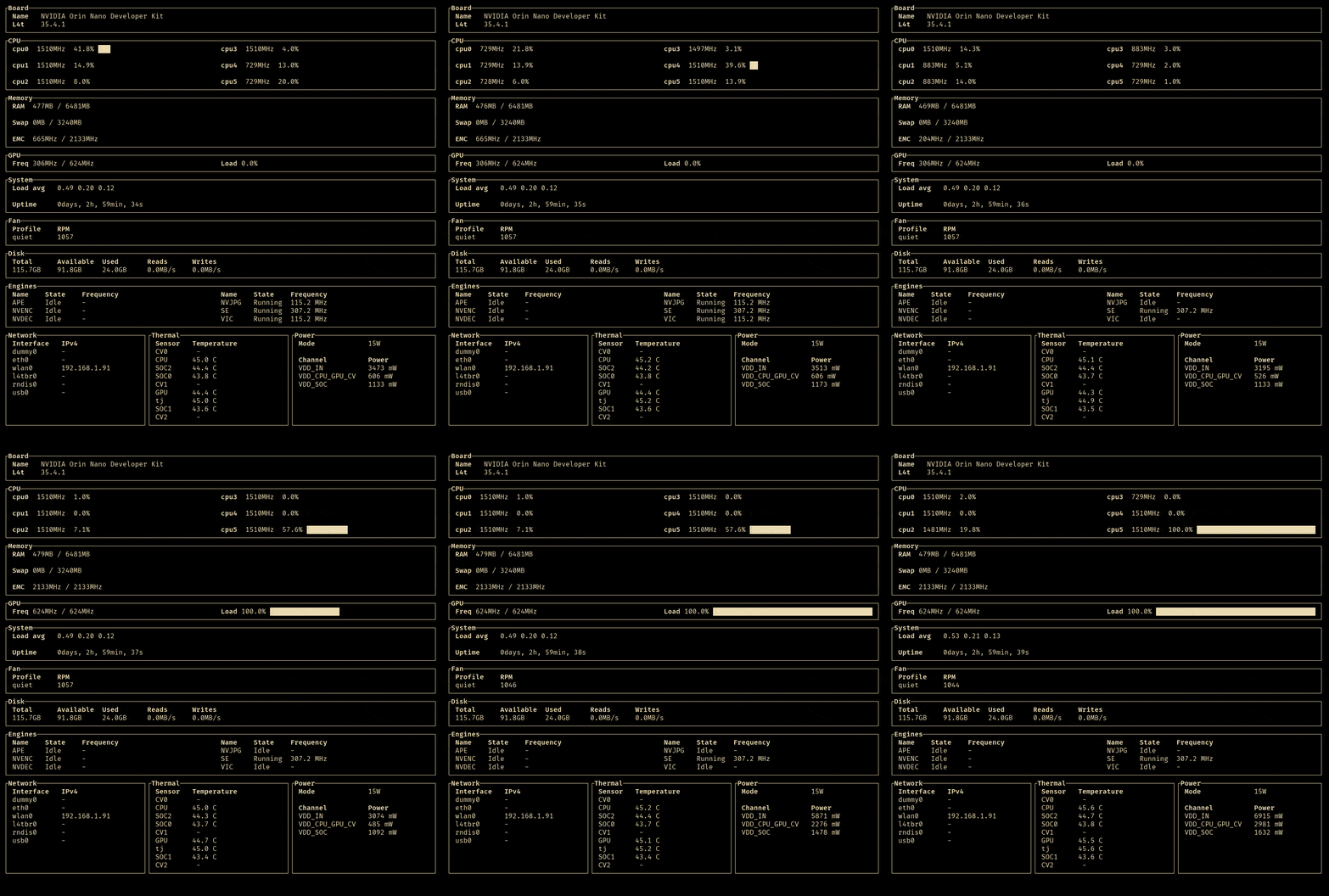
tegratop
A TUI monitoring tool for Nvidia jetson boards.
A TUI monitoring tool for Nvidia jetson boards.
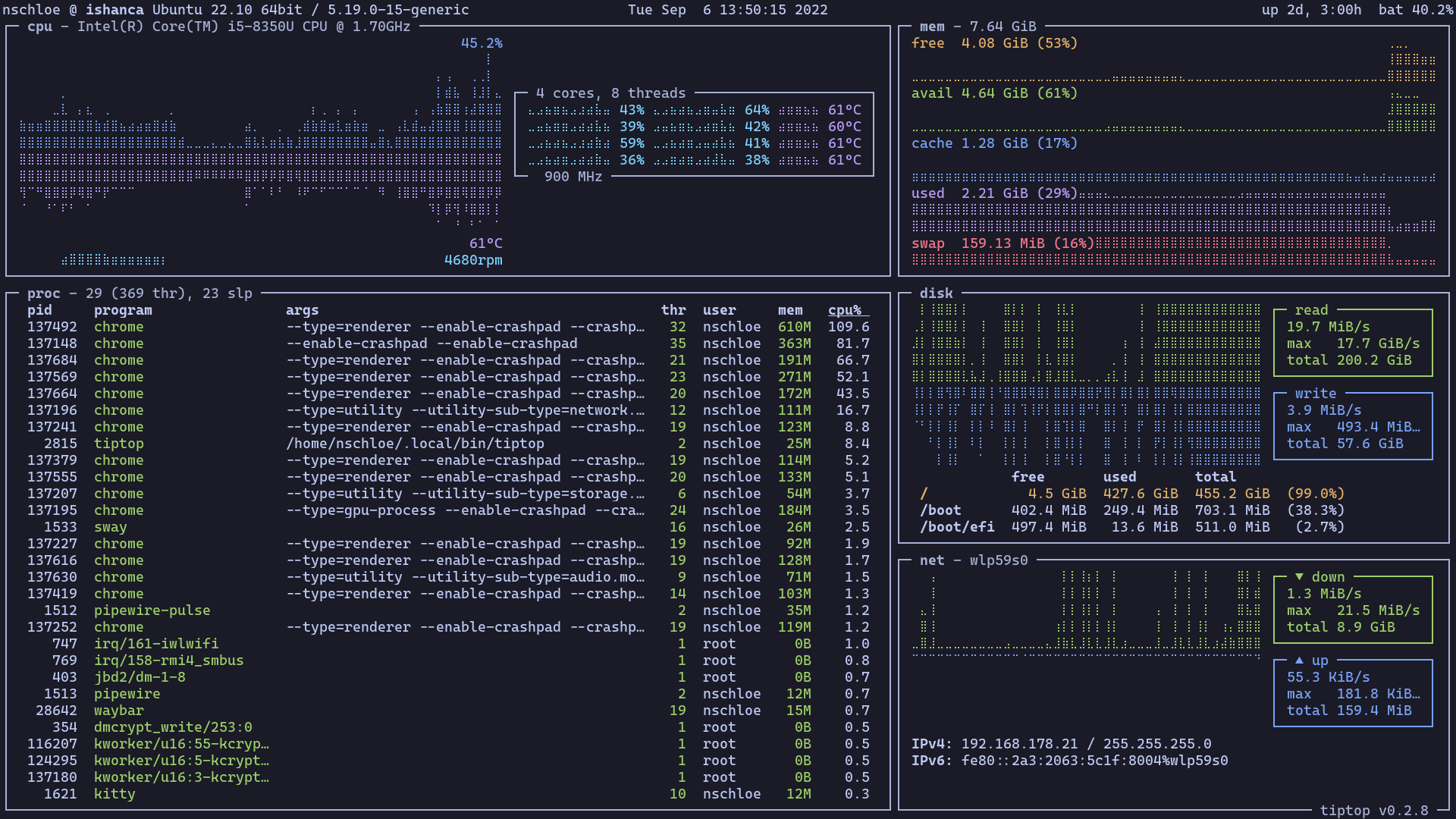
tiptop
Command-line system monitoring
Command-line system monitoring
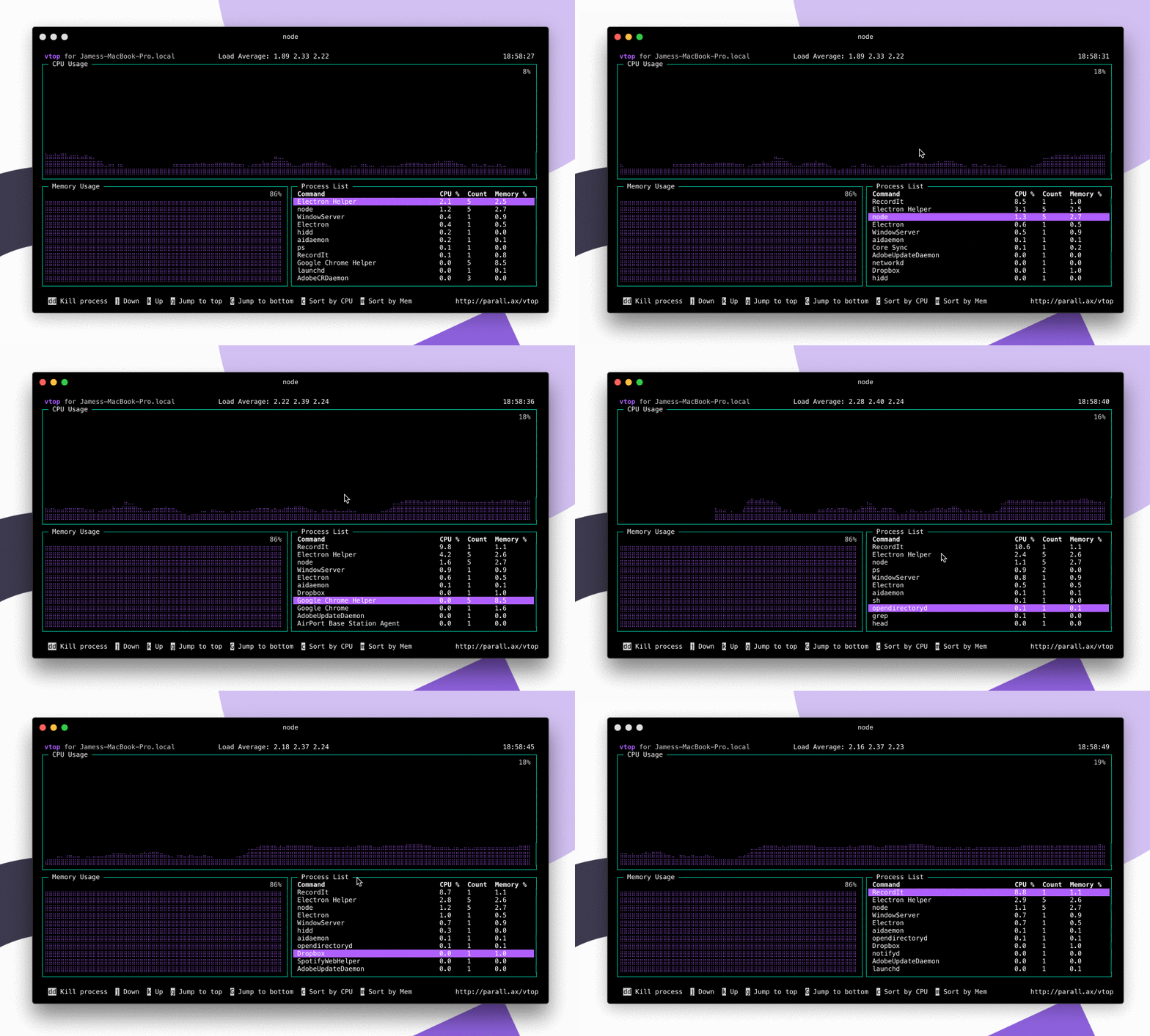
vtop
Wow such top. So stats. More better than regular top
Wow such top. So stats. More better than regular top
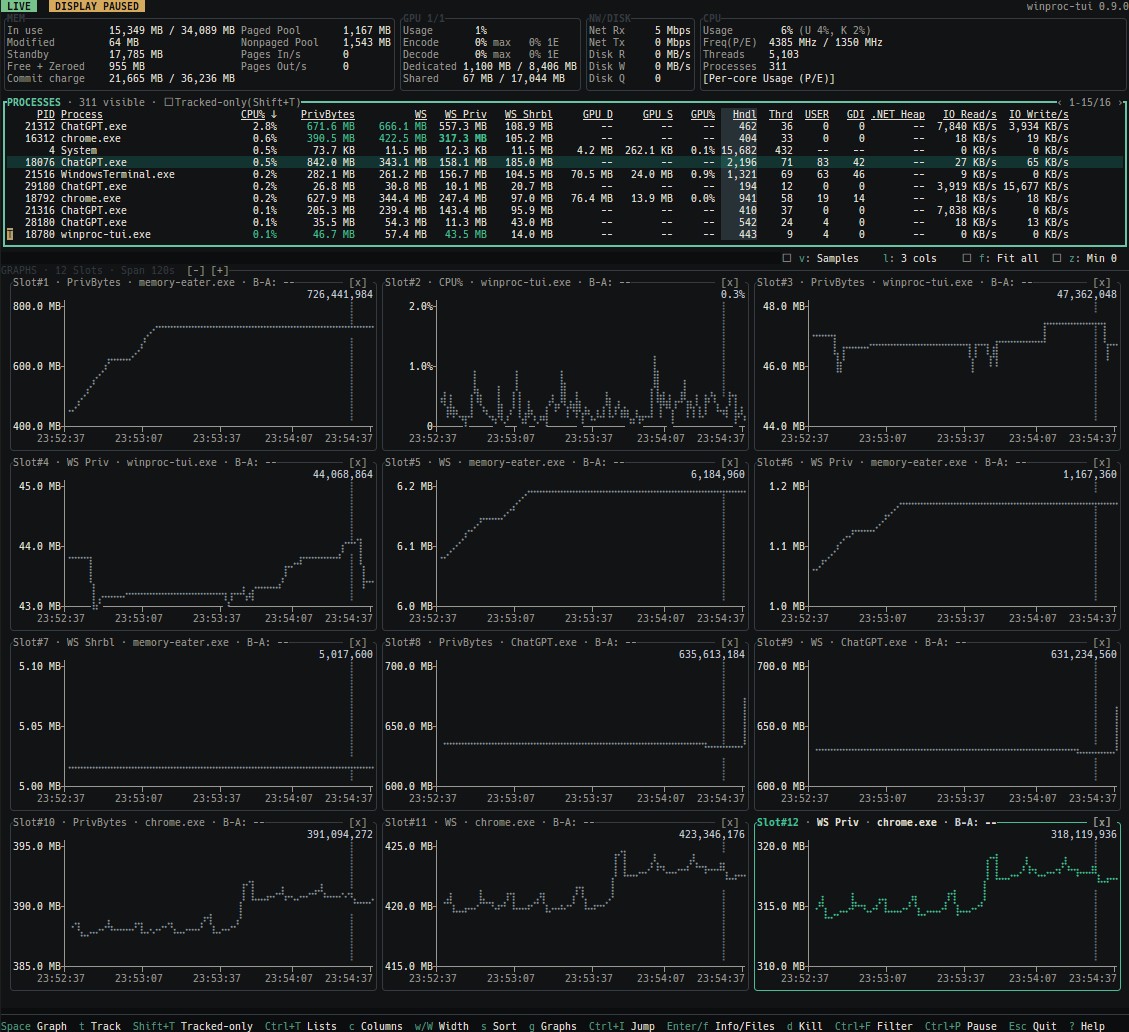
winproc-tui
A keyboard-first process monitor for Windows 11.
A keyboard-first process monitor for Windows 11.
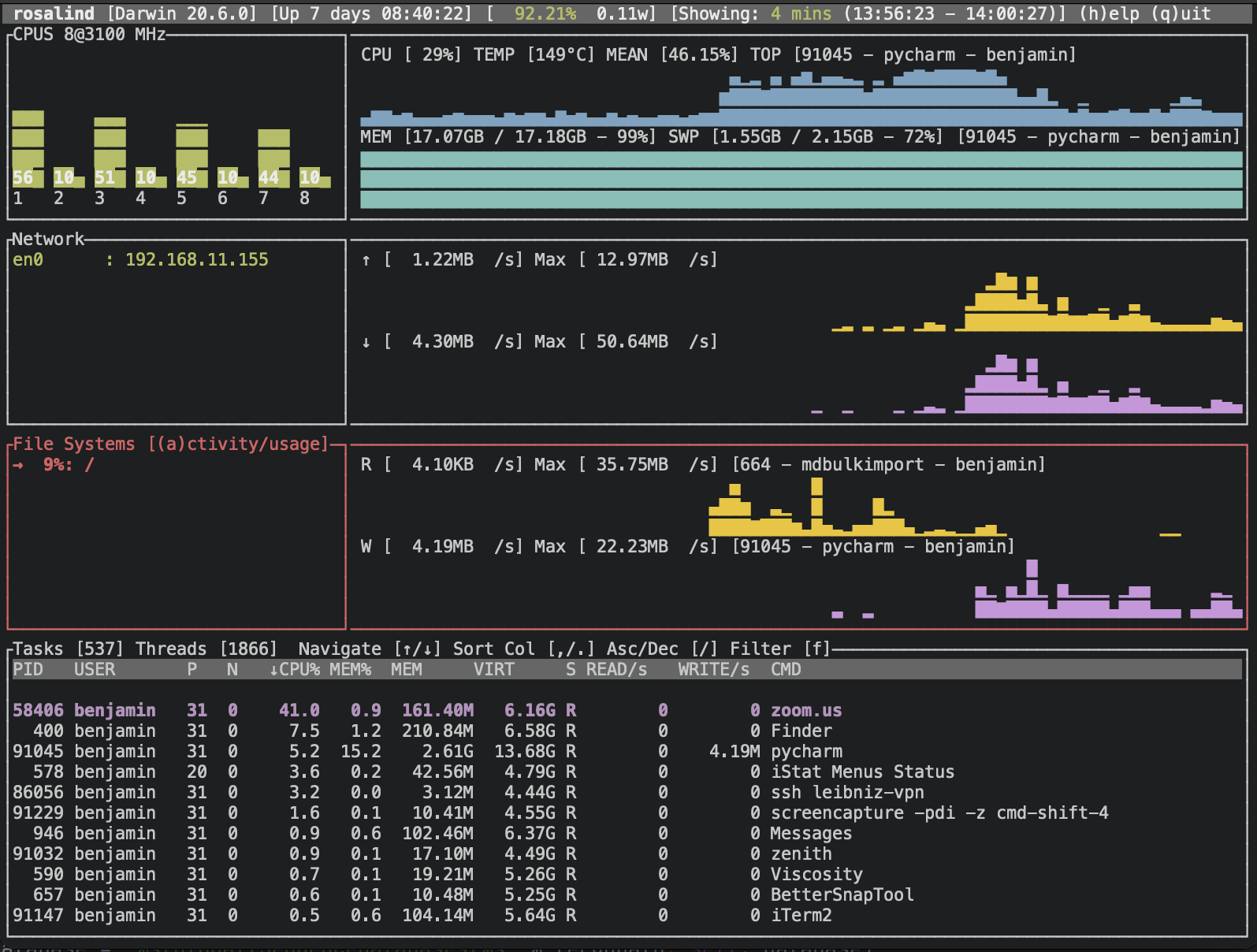
zenith
A terminal UI (TUI) for monitoring system resources
A terminal UI (TUI) for monitoring system resources
Know any terminal tools that would be good for this list? Submit a Tool here!
